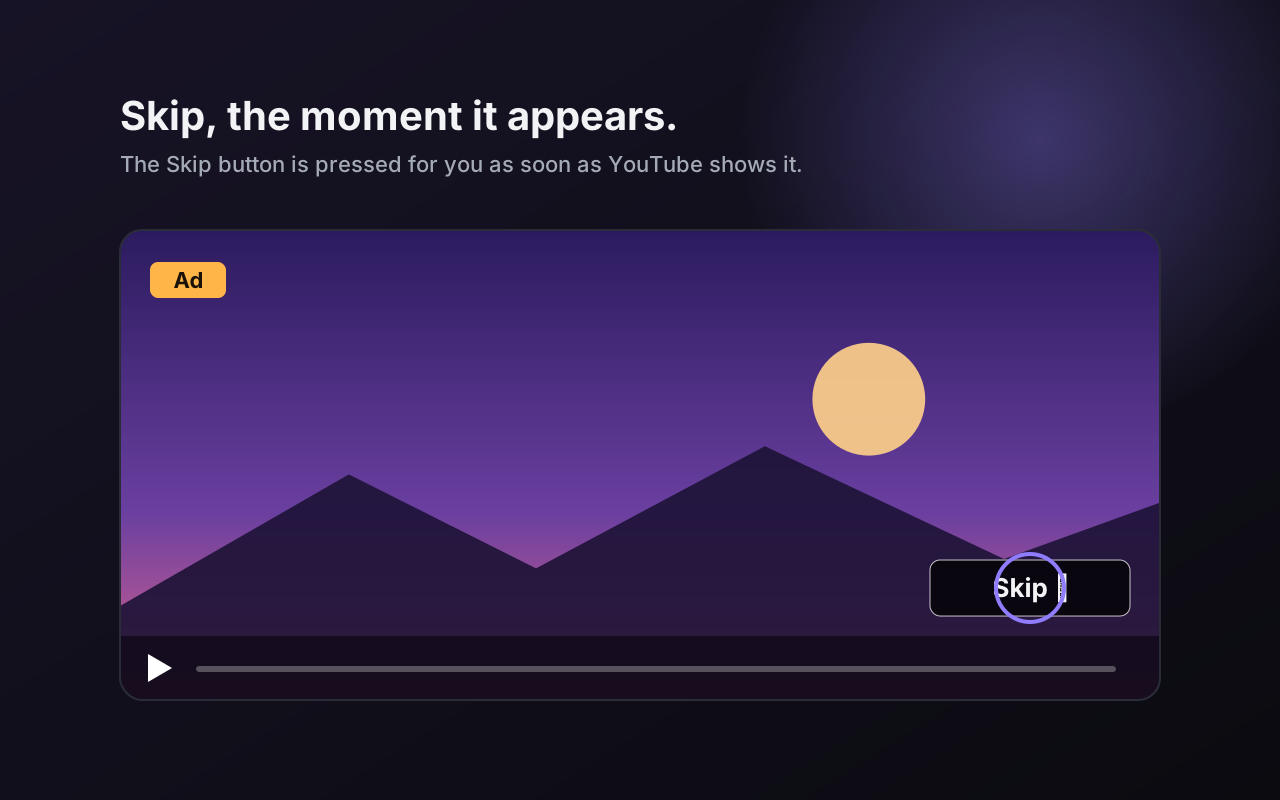
Dark theme On by default
Turns all of YouTube dark, including the page around the player.
 ytbud
Add to Chrome
ytbud
Add to Chrome
Chrome extension · 7 days free
Watch YouTube your way. Give the player a look you love with 30 skins, skip the sponsor segments, see the dislikes, go past 2× speed, read a transcript, stay focused. 49 tools, one install, and every one switches off when you’re done.
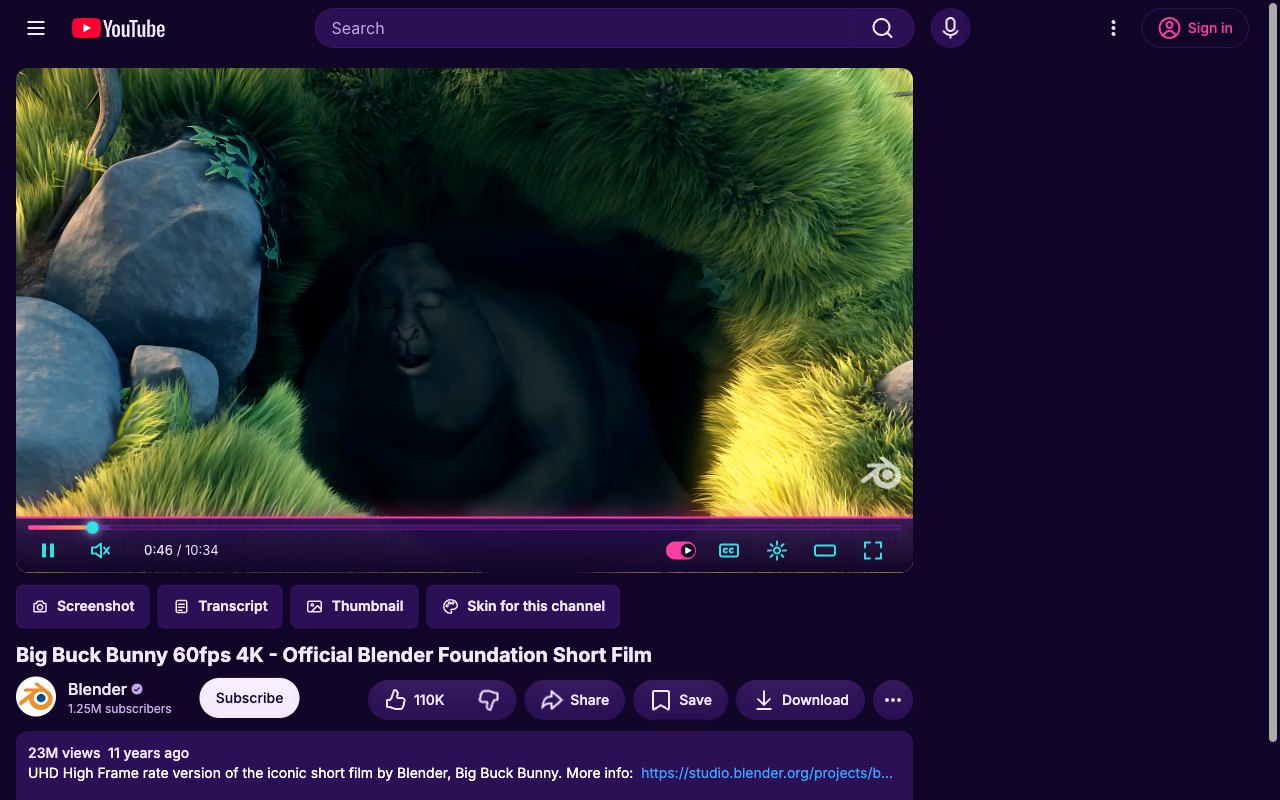
Real screenshots from YouTube with ytbud installed.
Free for 7 days from the Chrome Web Store, then $5 once for one browser or $10 for three. Works in Chrome on Windows, macOS, Linux and ChromeOS, and in Edge, Brave, Opera and Vivaldi.
Screenshots · skins
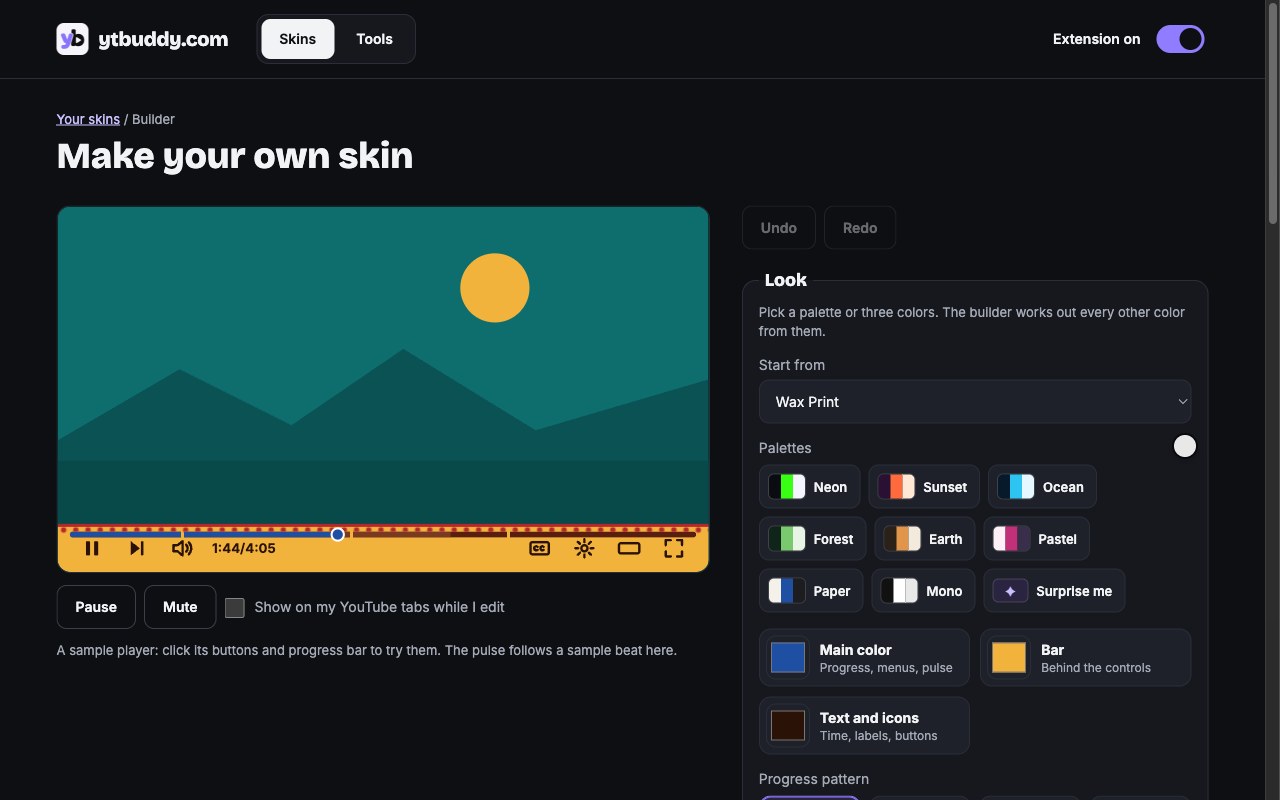
Pick one on the Skins page and every open YouTube tab changes at once. Star favorites, get a new skin on every video, give a channel its own, or build yours.
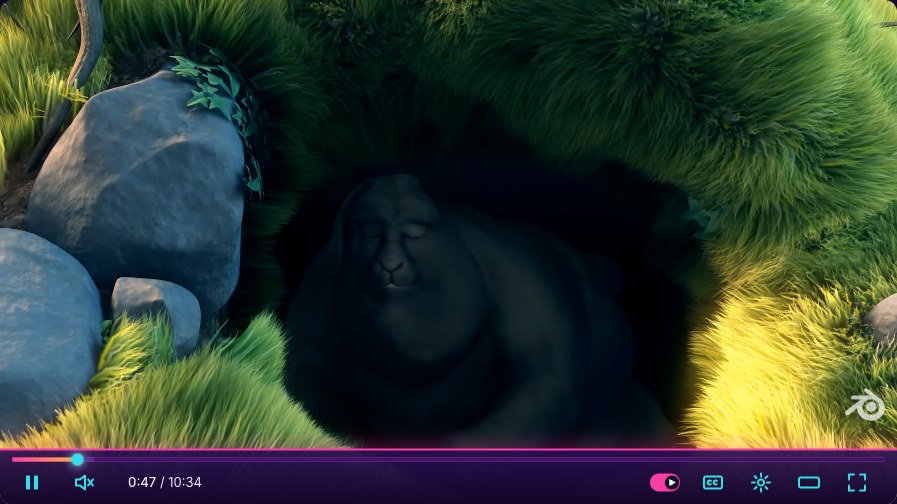
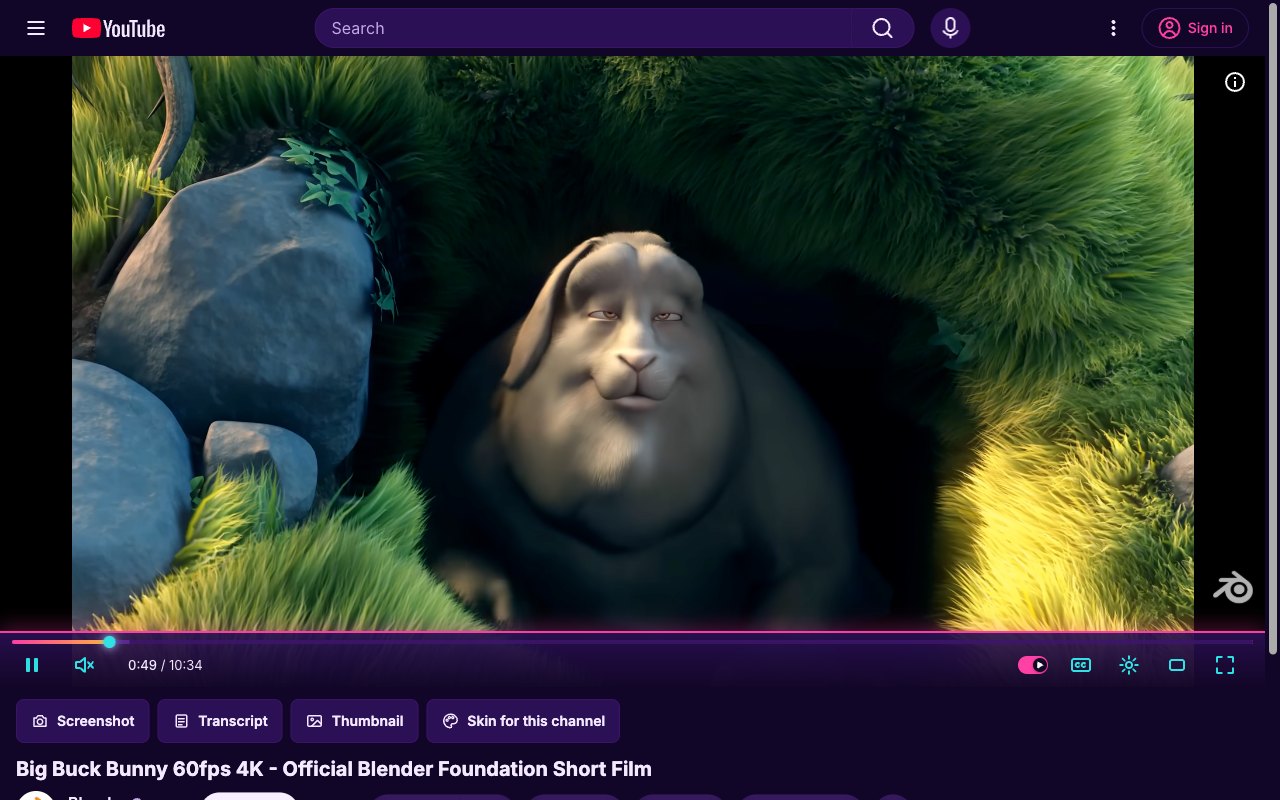
Synthwave. Neon sunset bar, chrome-pink glow, and a page that turns to dusk.
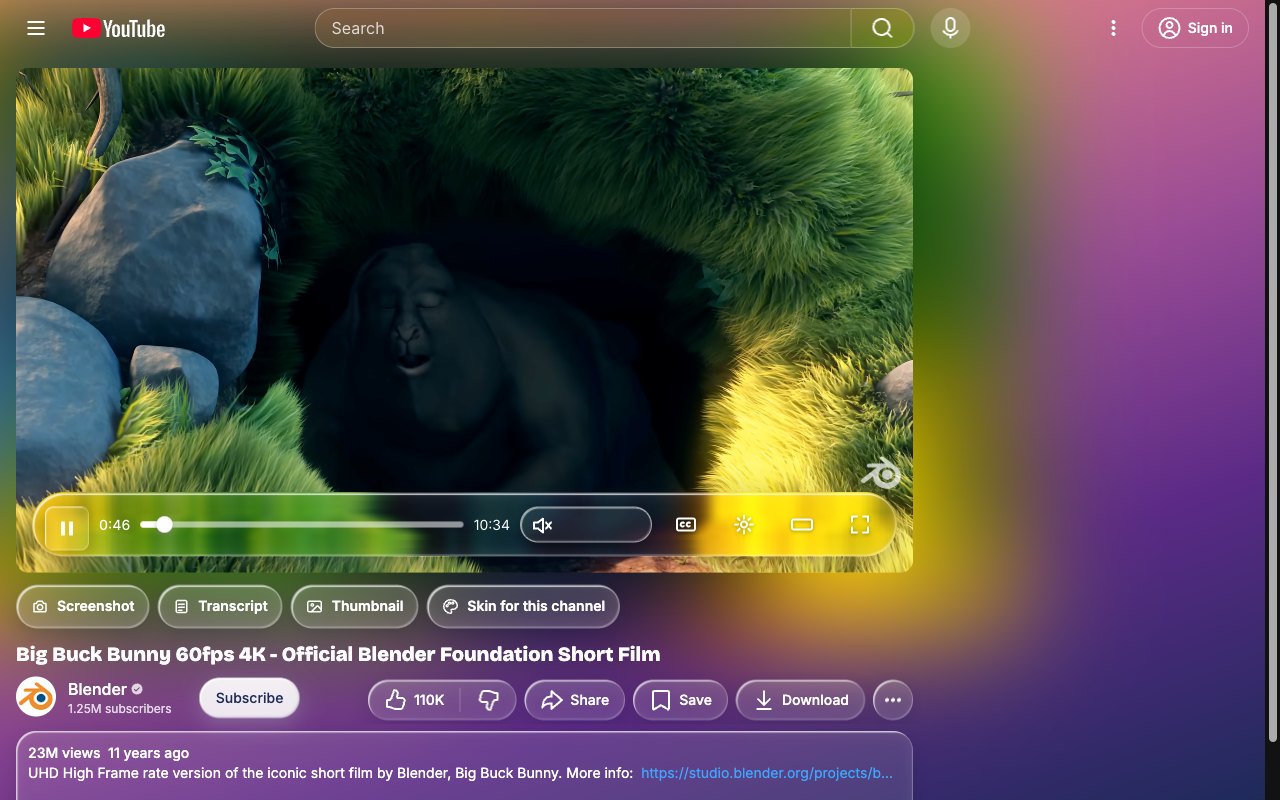
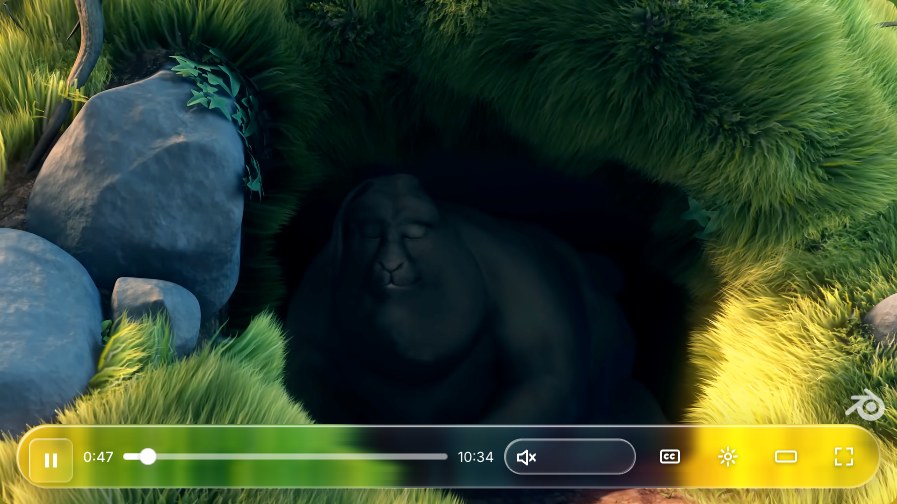
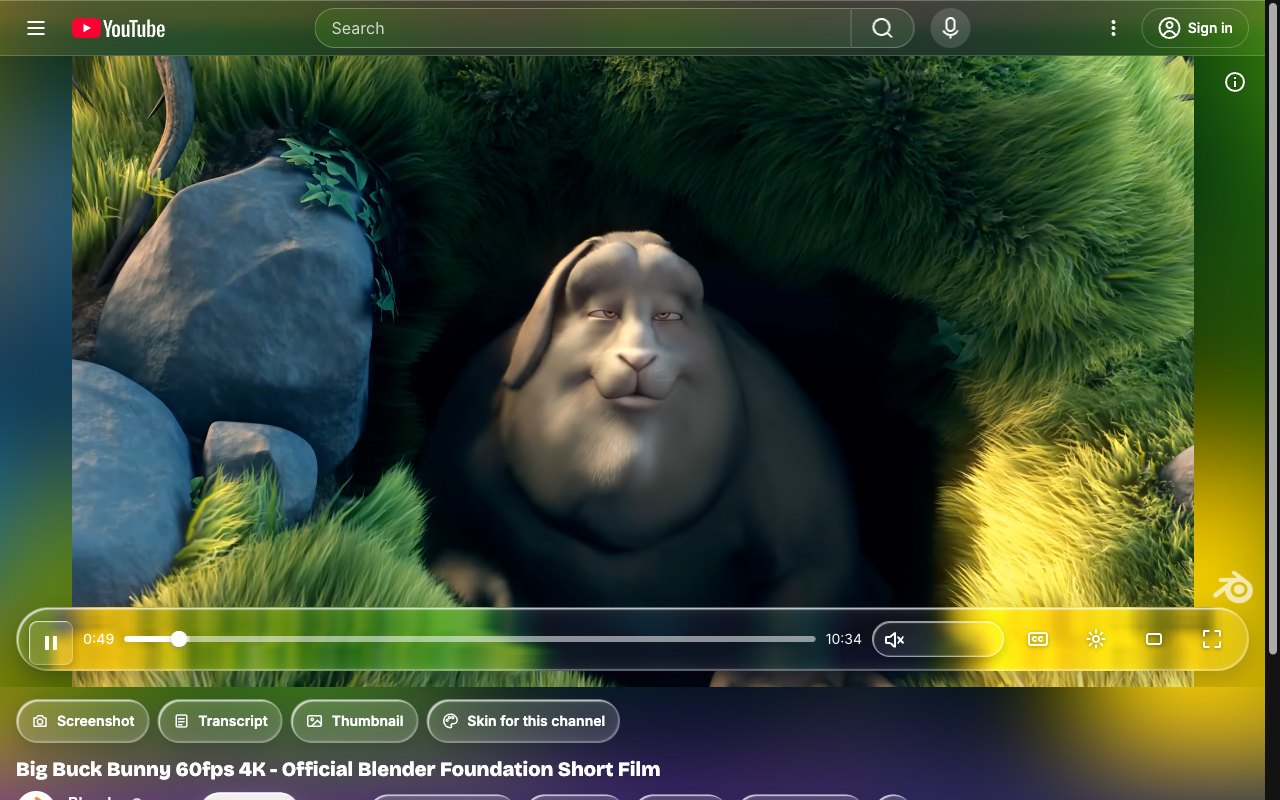
Liquid Glass. A floating frosted pill of controls that picks up the colors of the video.
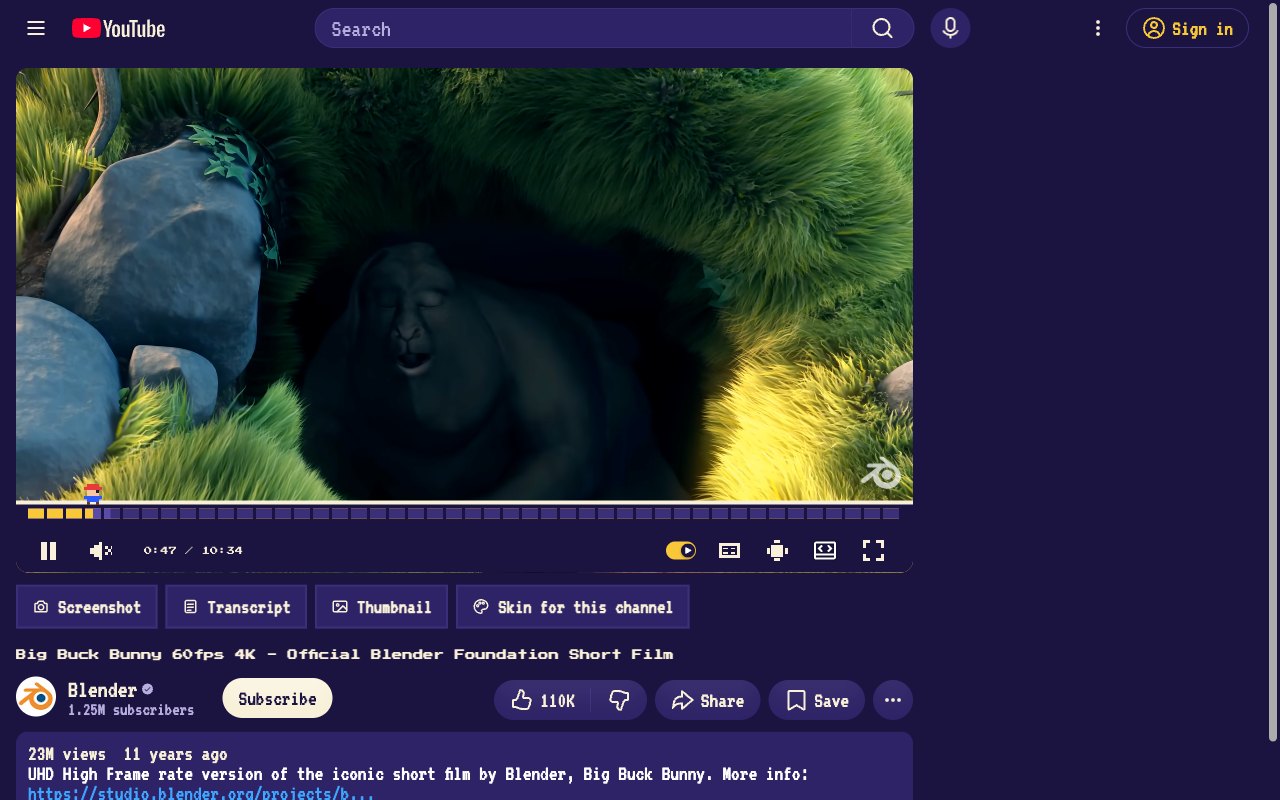
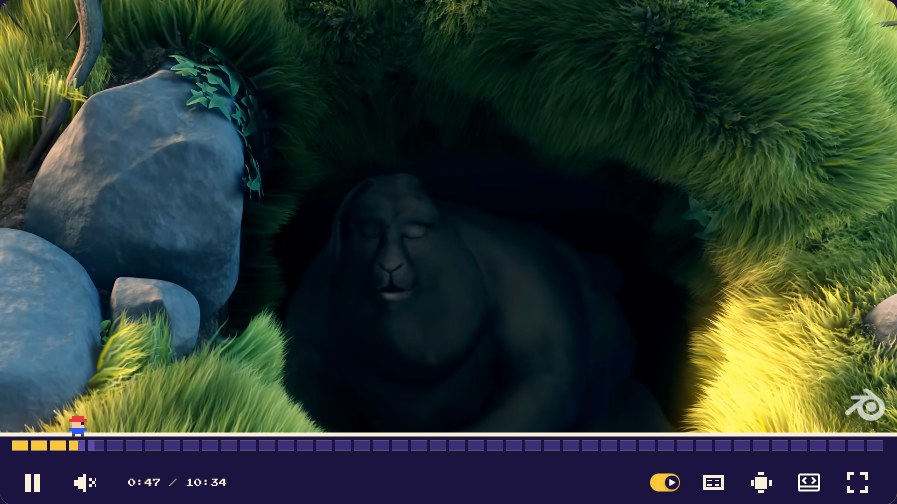
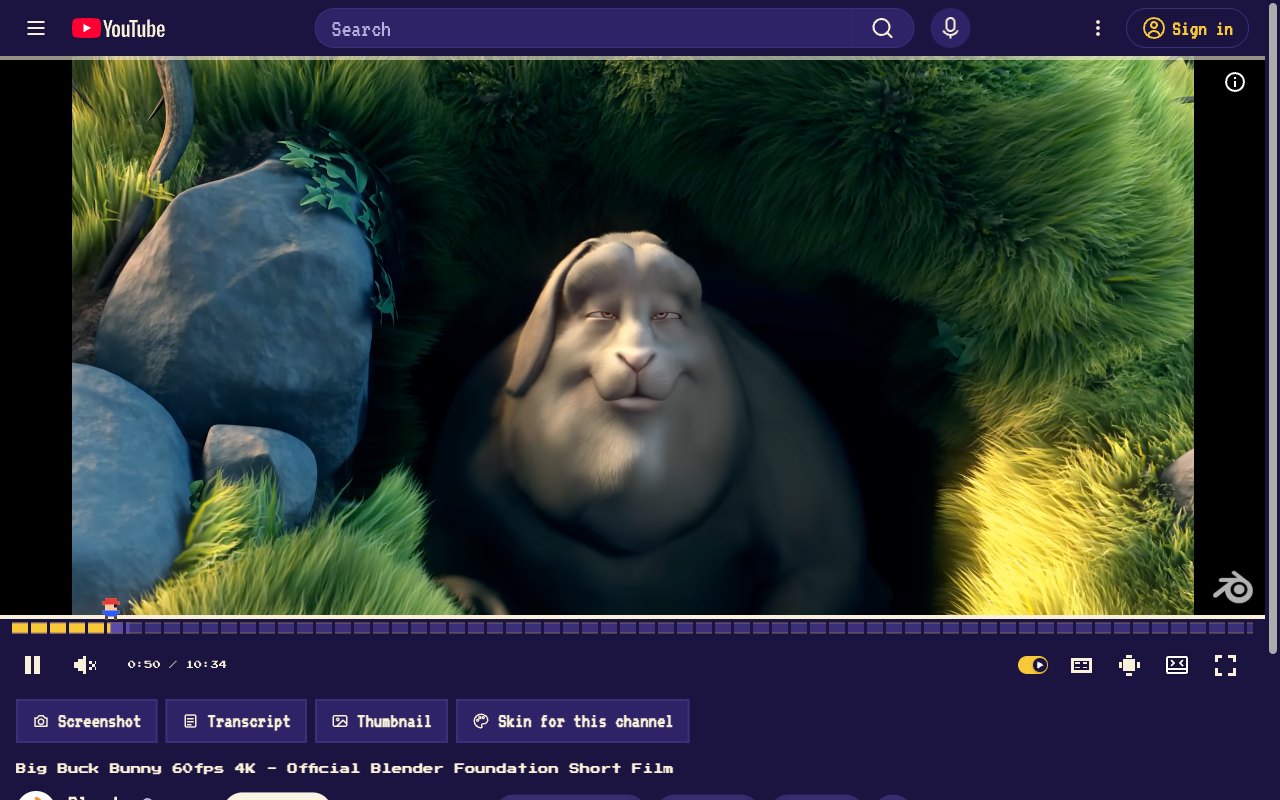
16-bit Quest. Coin-block progress, a pixel hero for a playhead, chiptune click sounds.
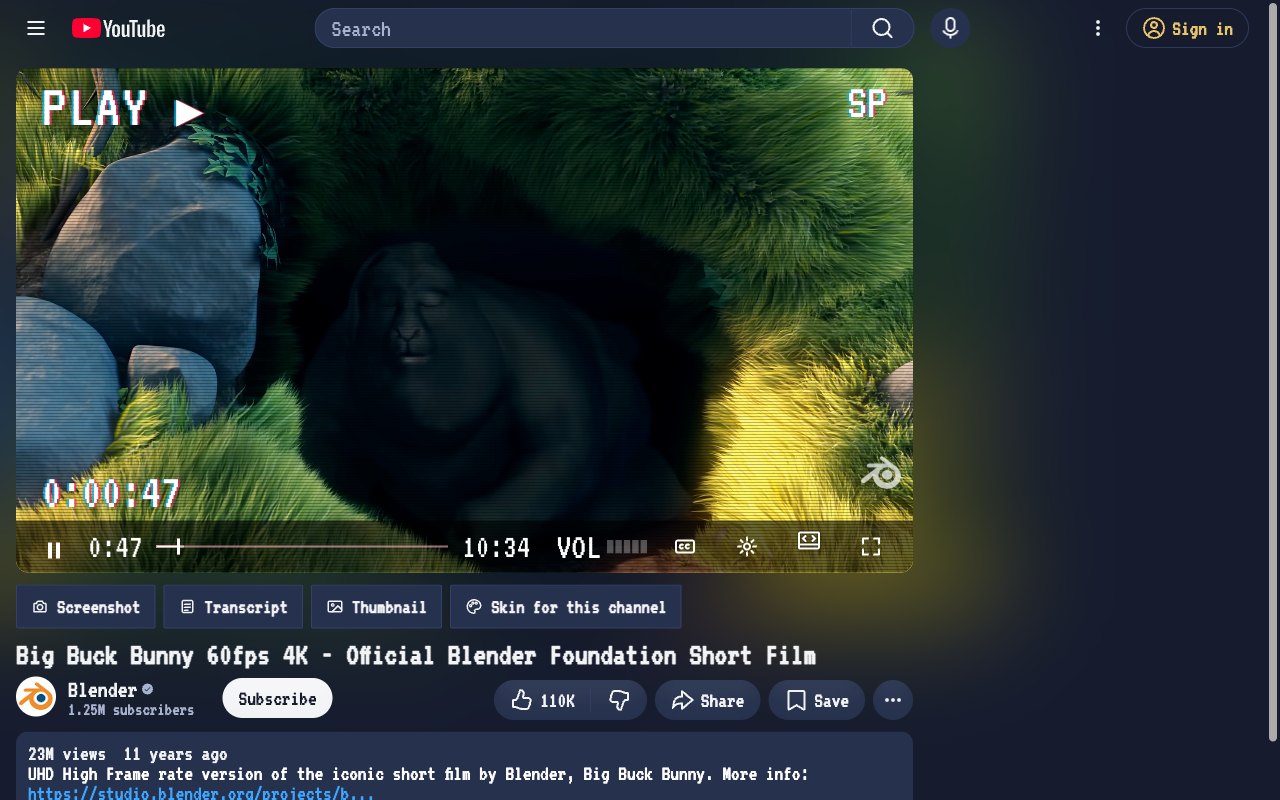
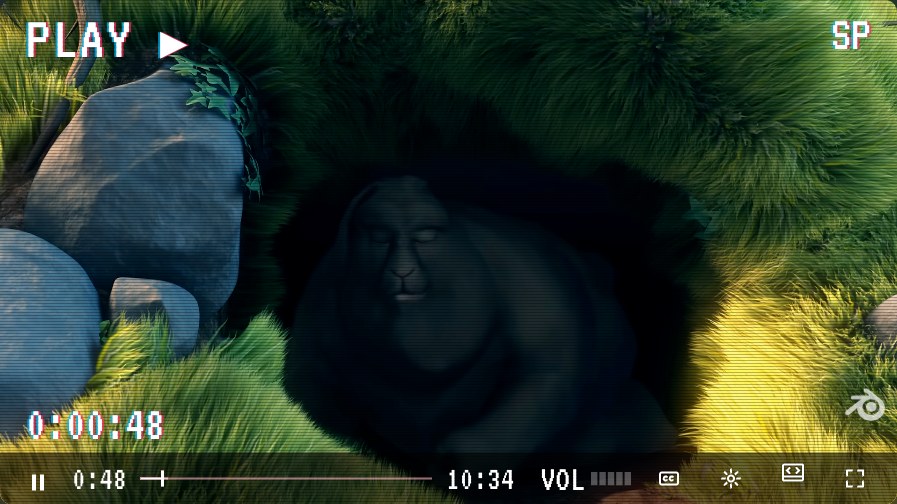
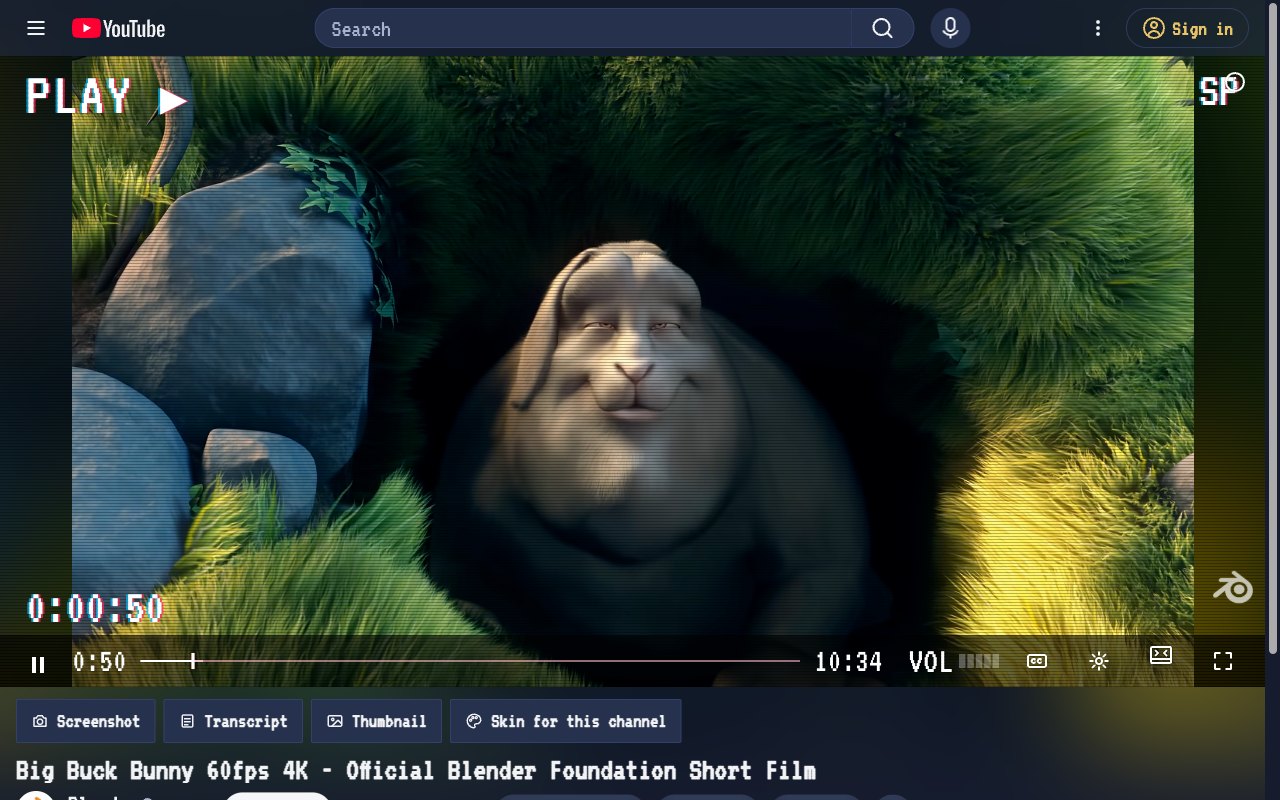
VHS Tape. On-screen-display type, tracking lines, and PLAY ▶ in the corner.
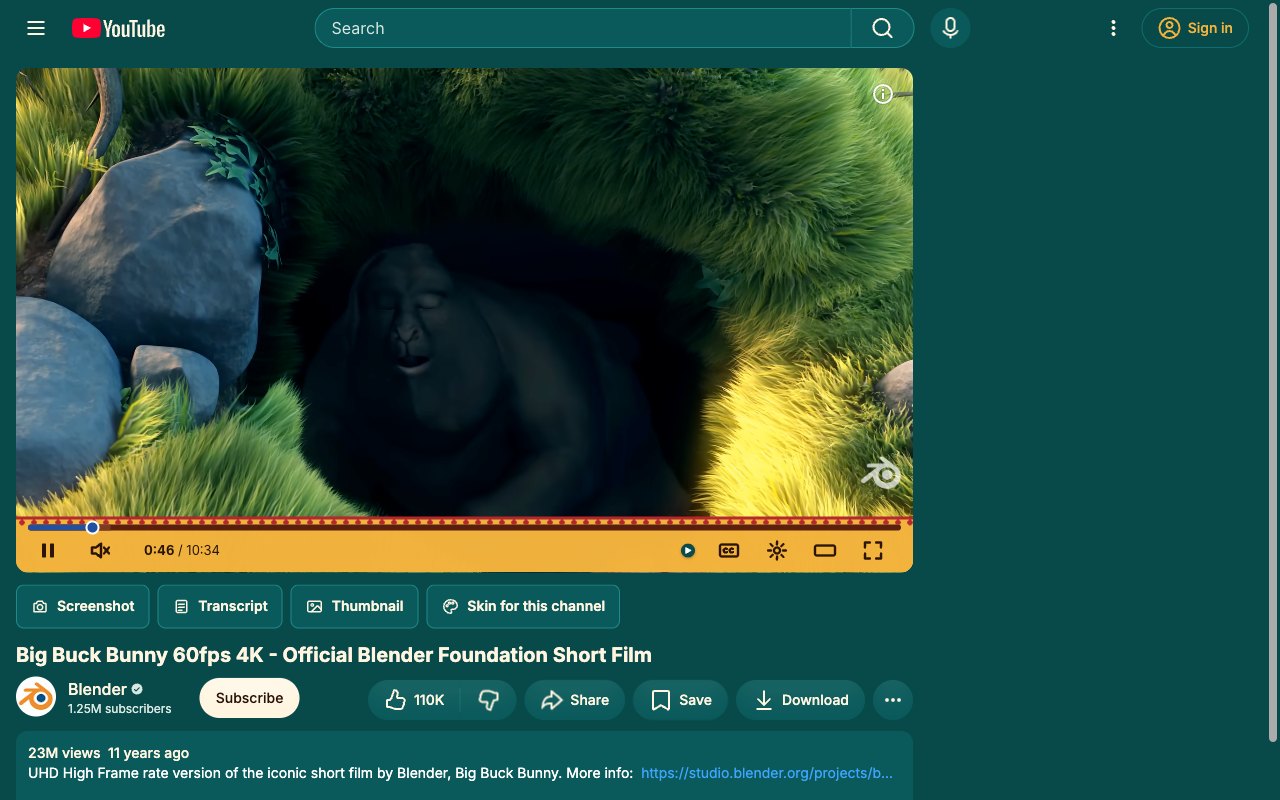
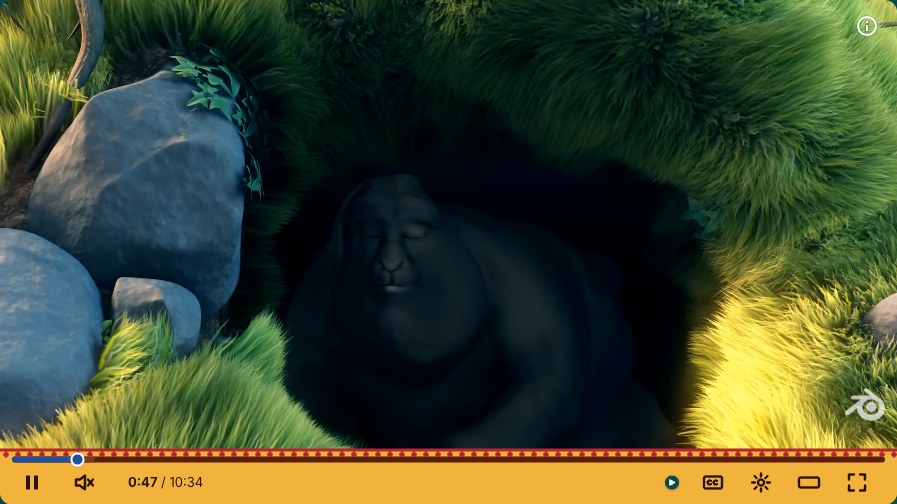
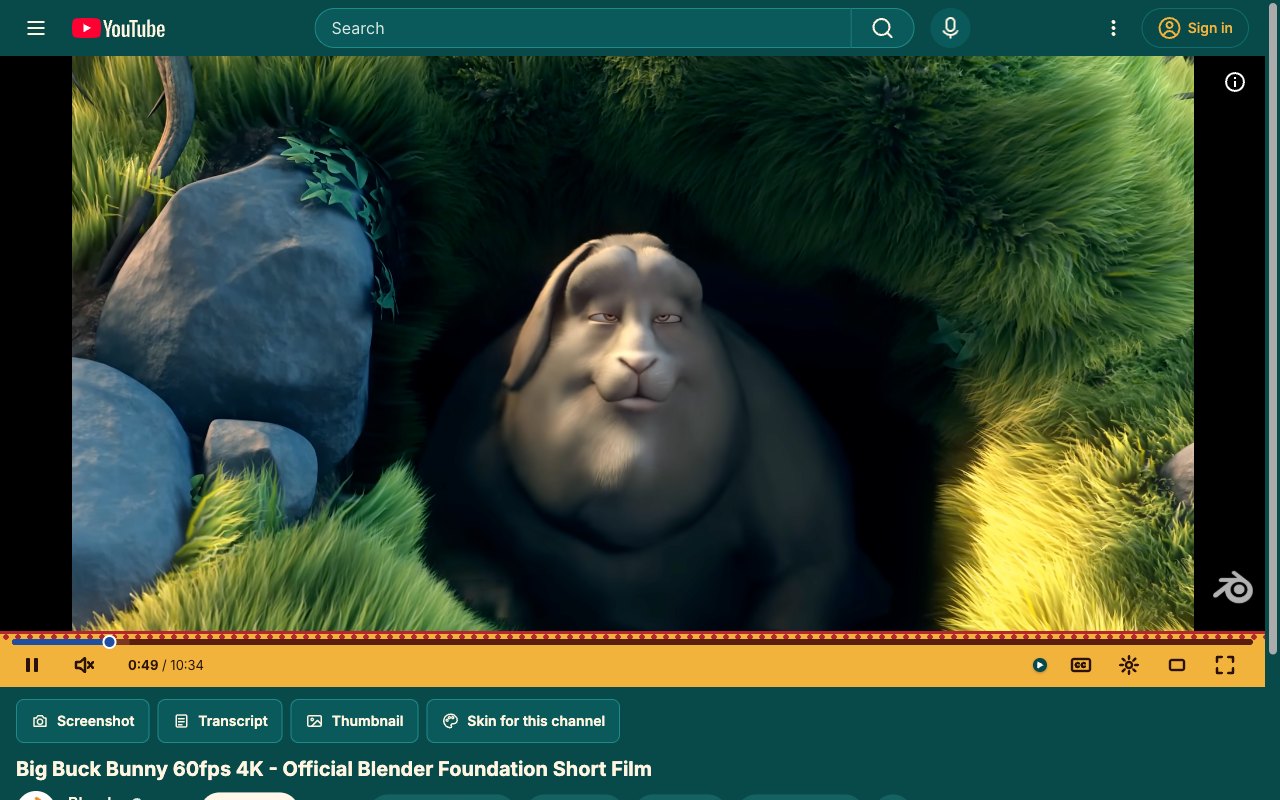
Wax Print. Ankara-inspired dots and warm gold, bold enough to wear.
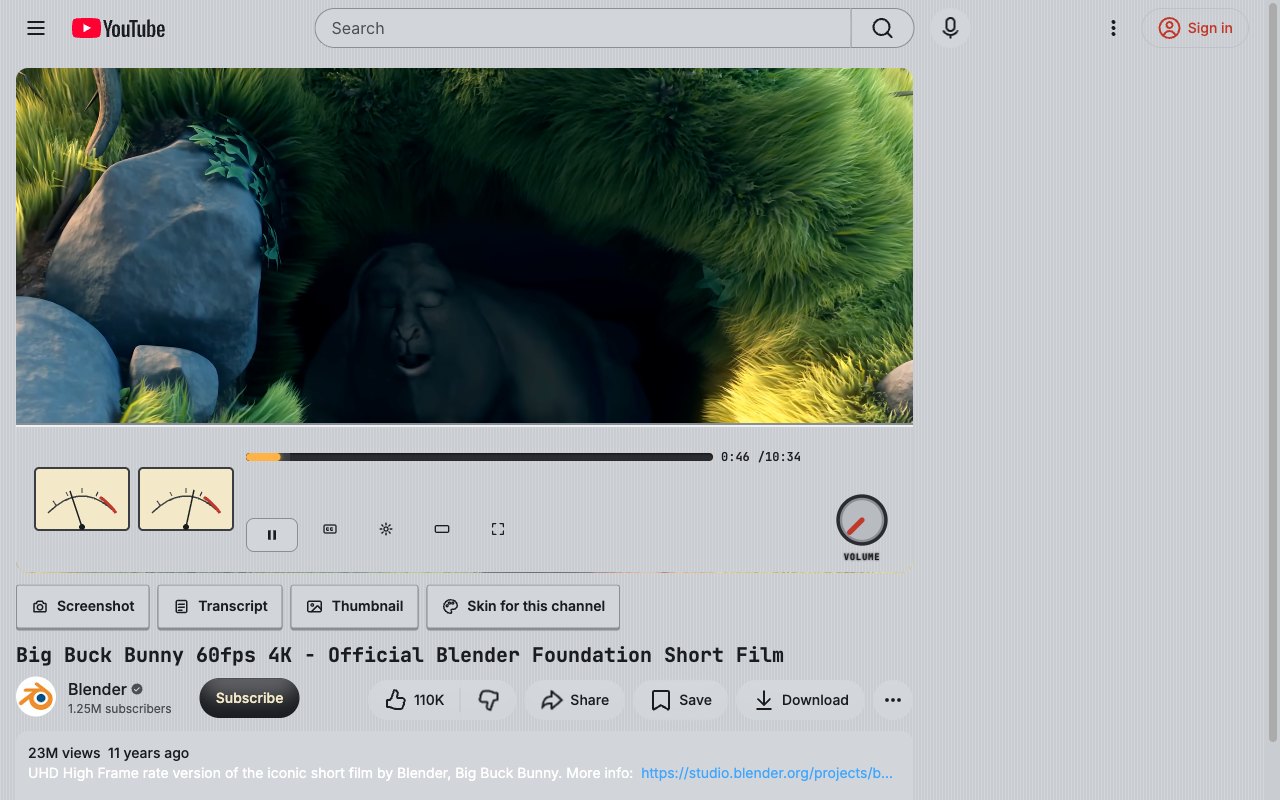
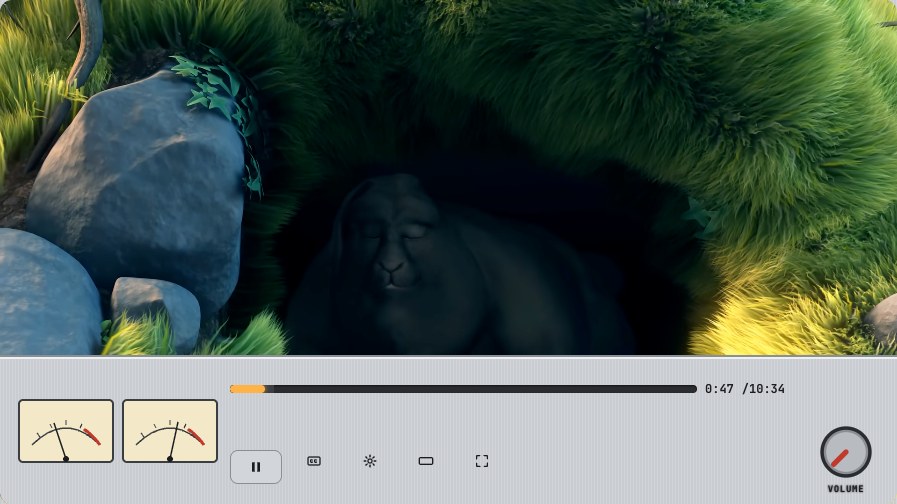
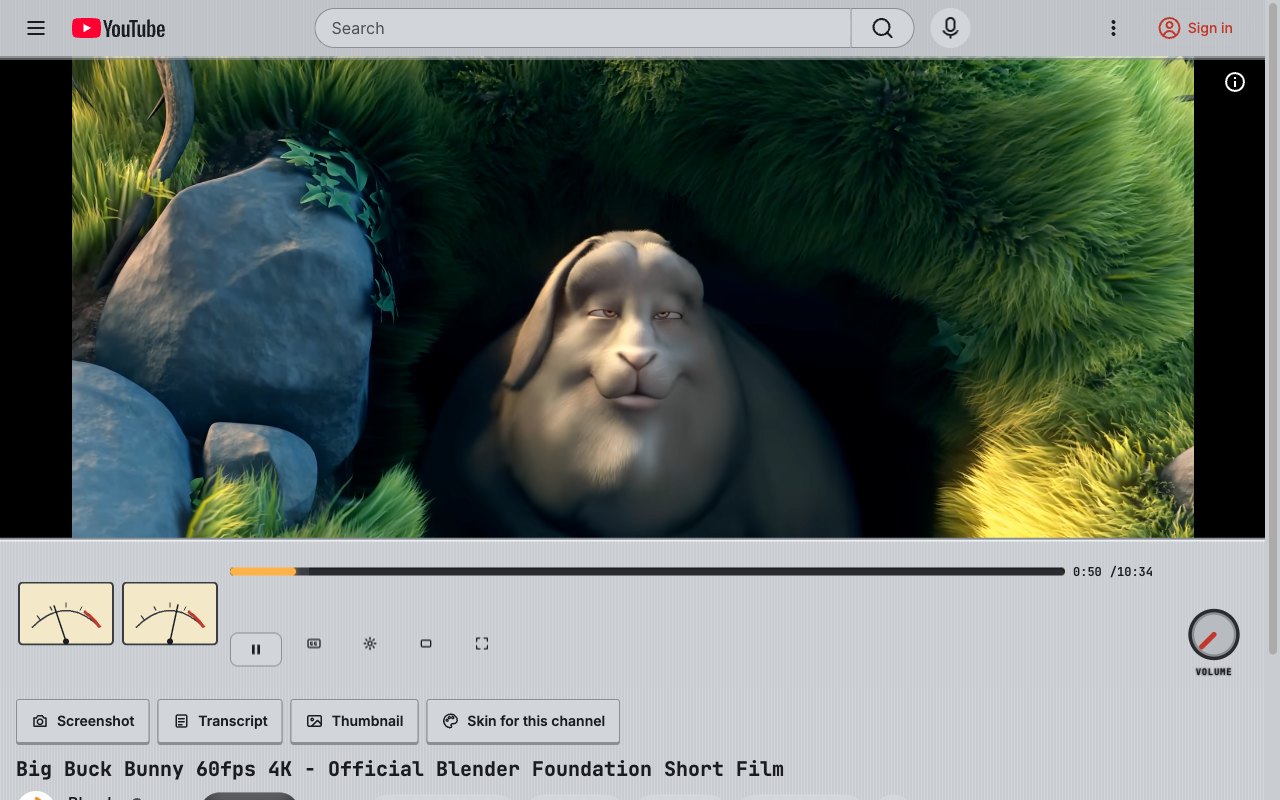
Hi-Fi Amp. Brushed aluminium, a glowing VU-amber bar, knobs you want to turn.
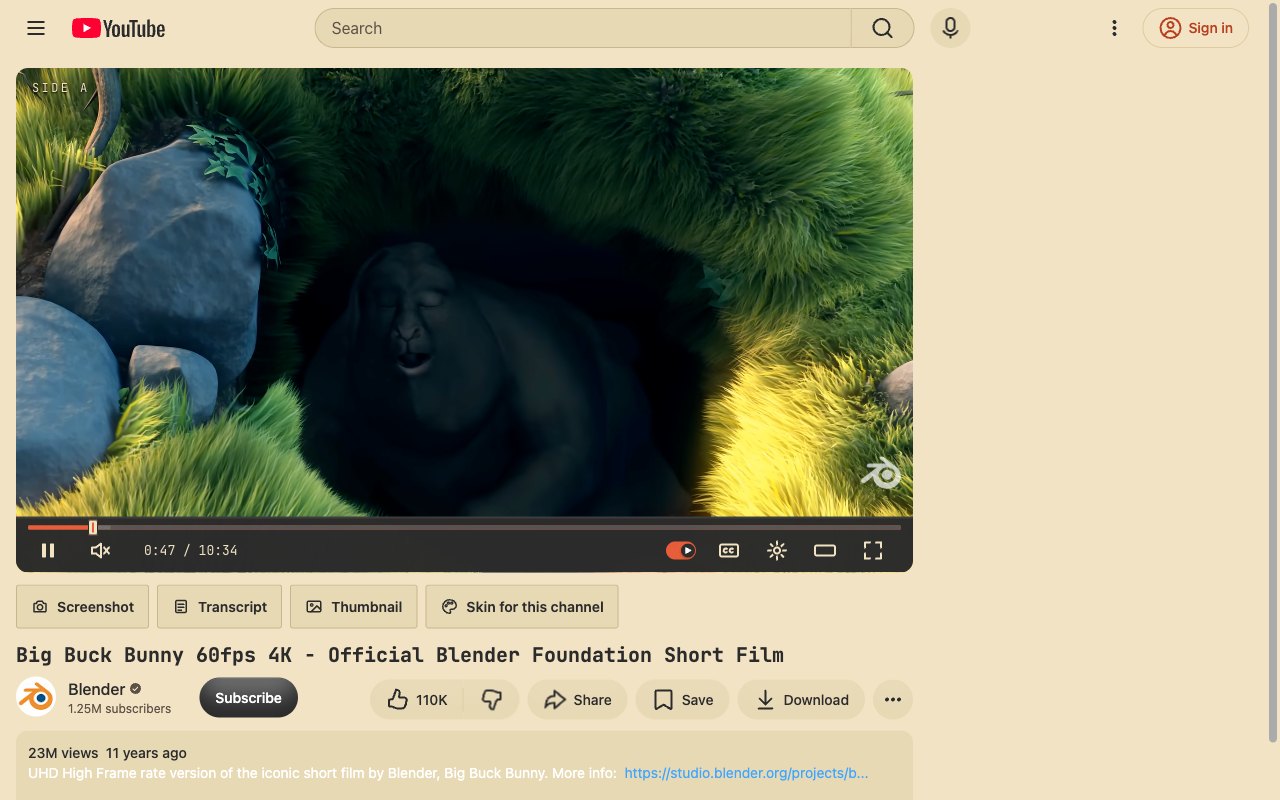
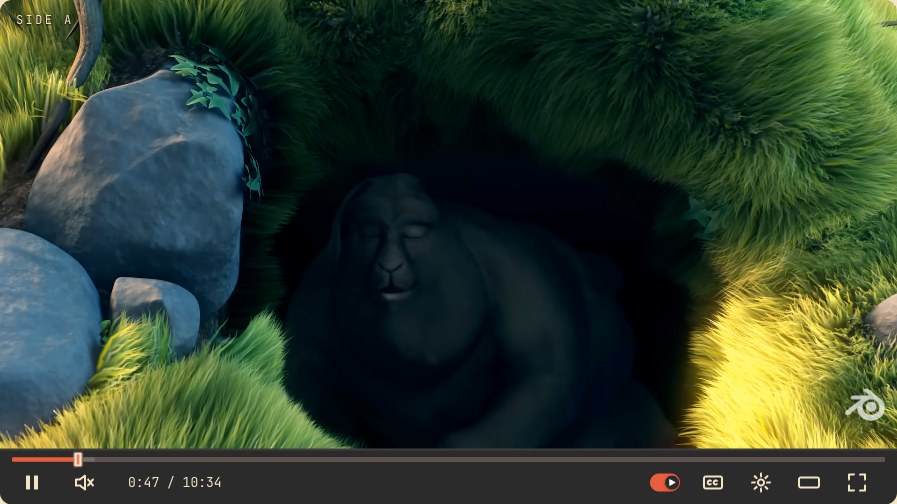
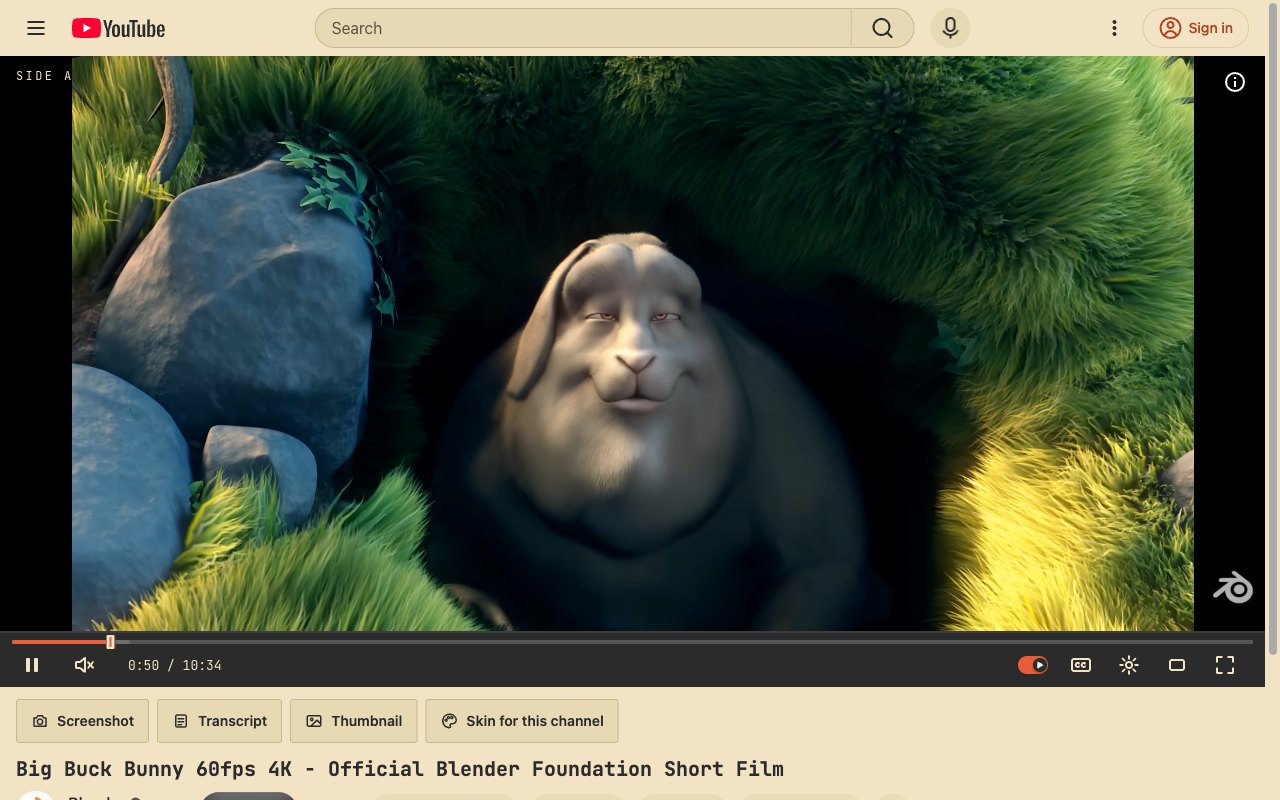
Cassette. Mixtape label, tape-deck buttons, a red record stripe.
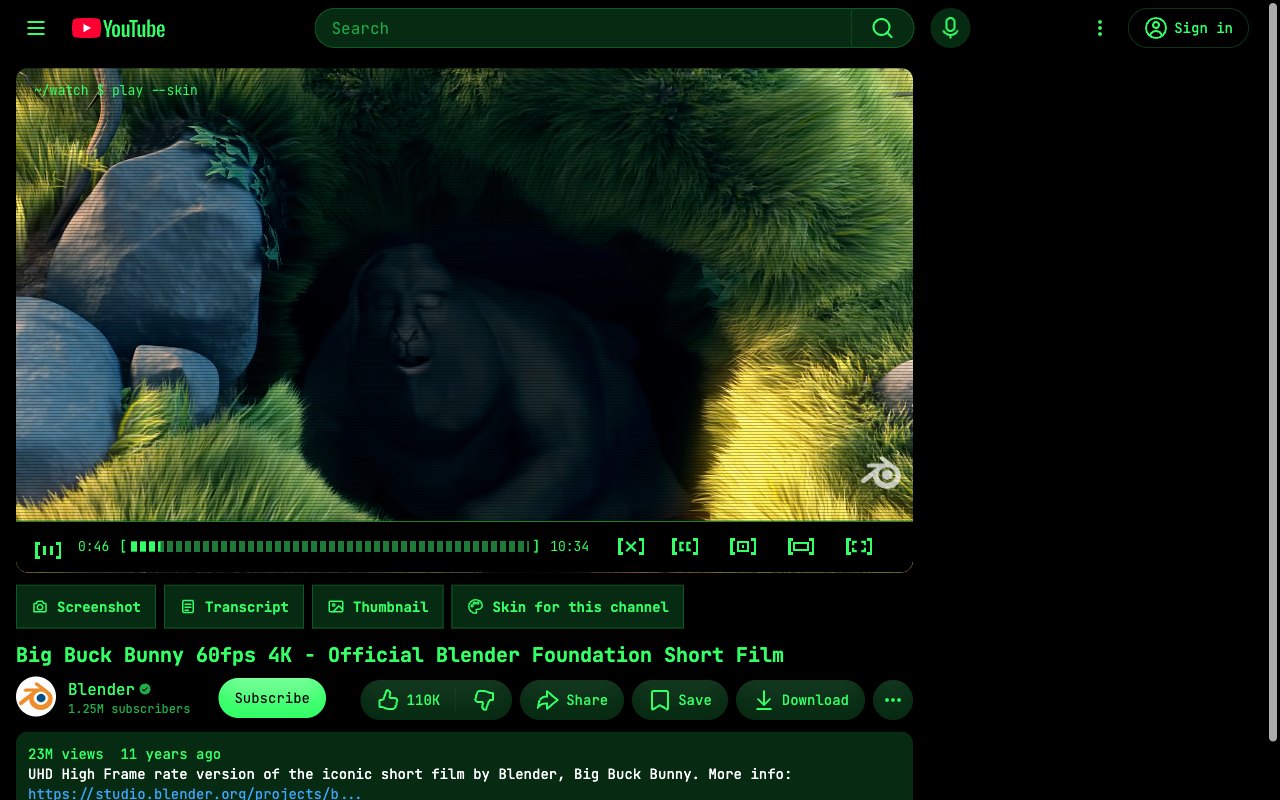
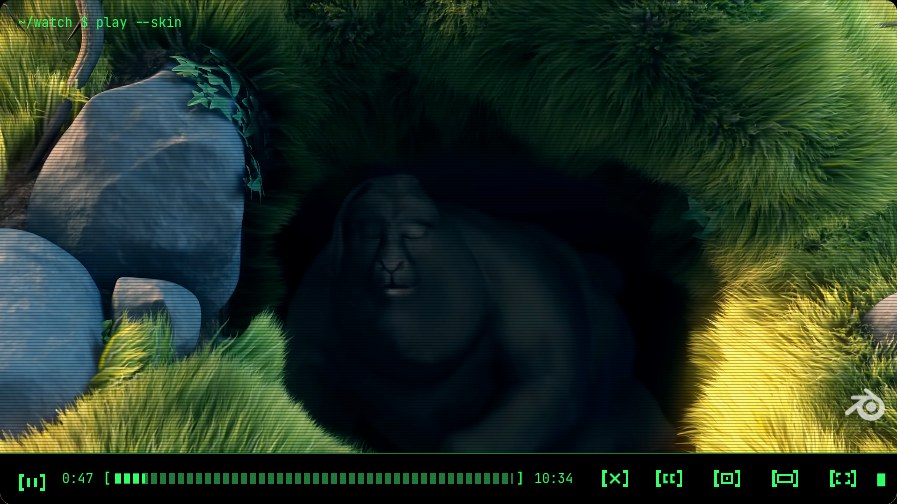
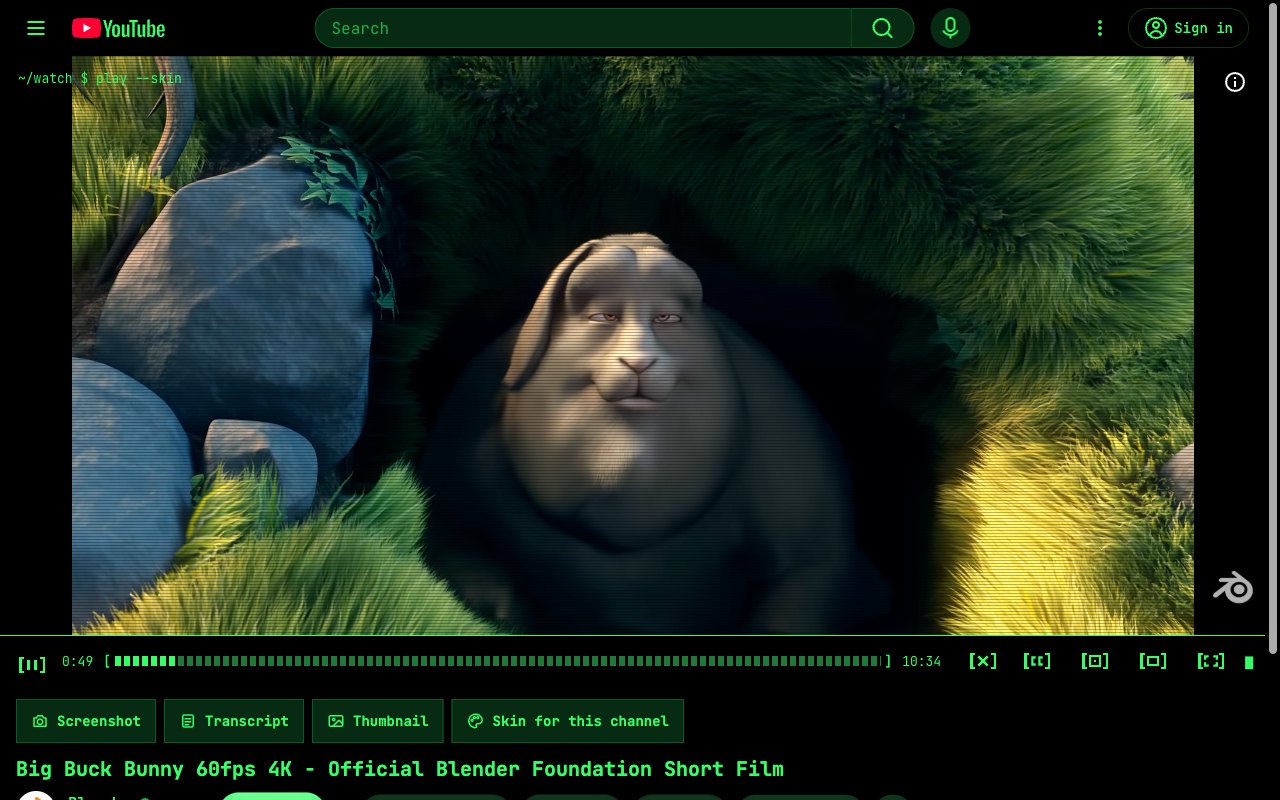
Terminal. Phosphor green on black, monospace everything, a blinking block cursor.
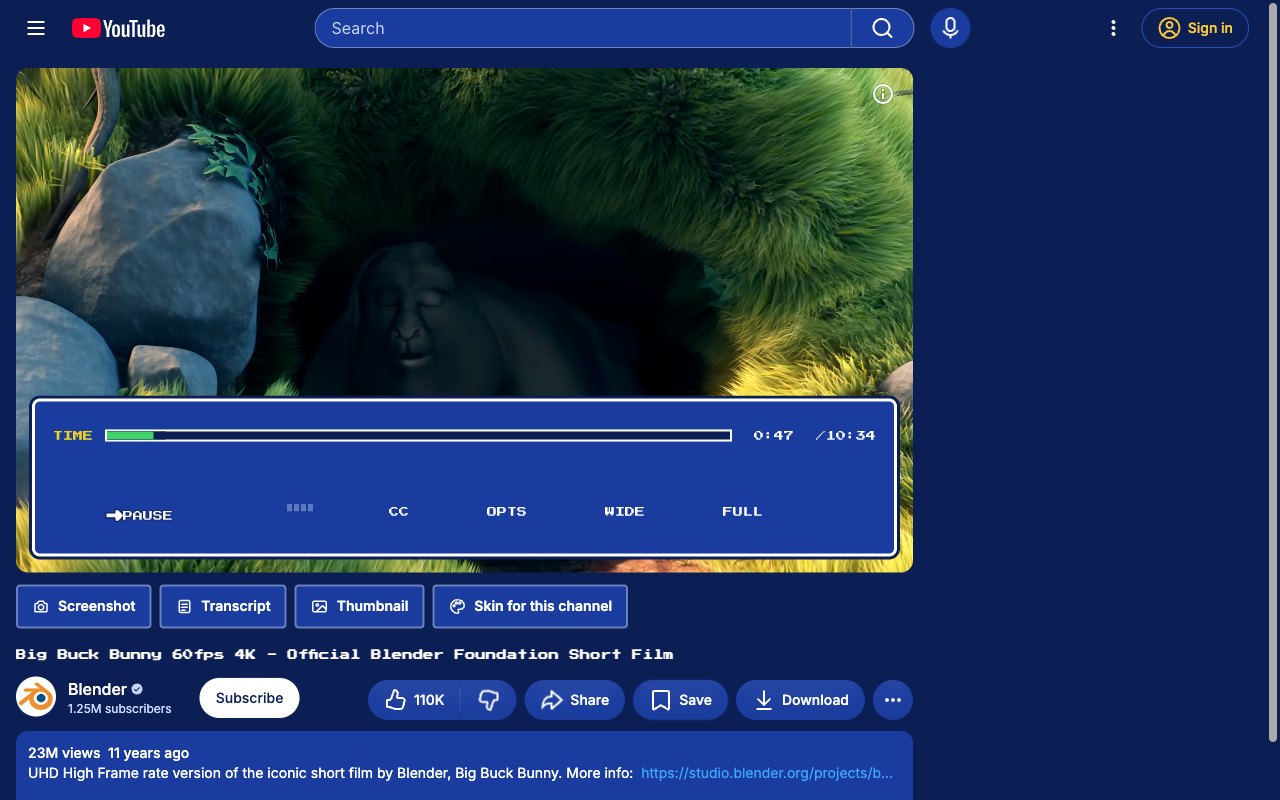
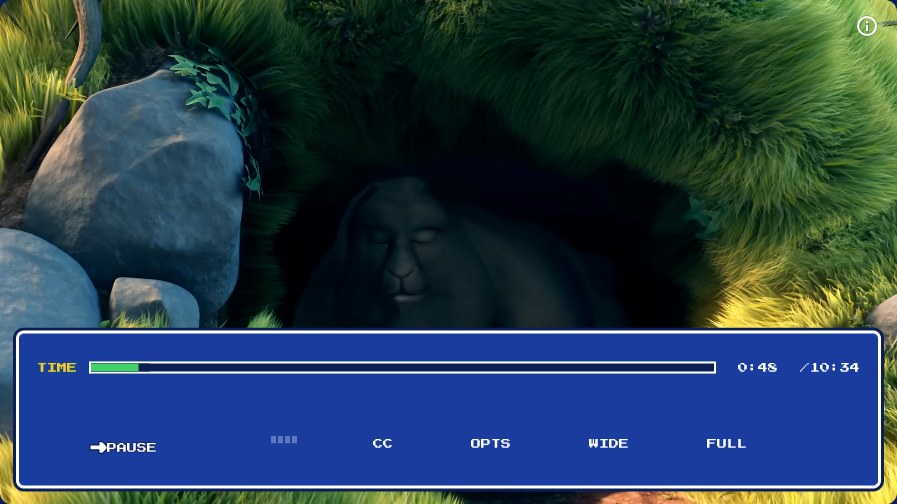
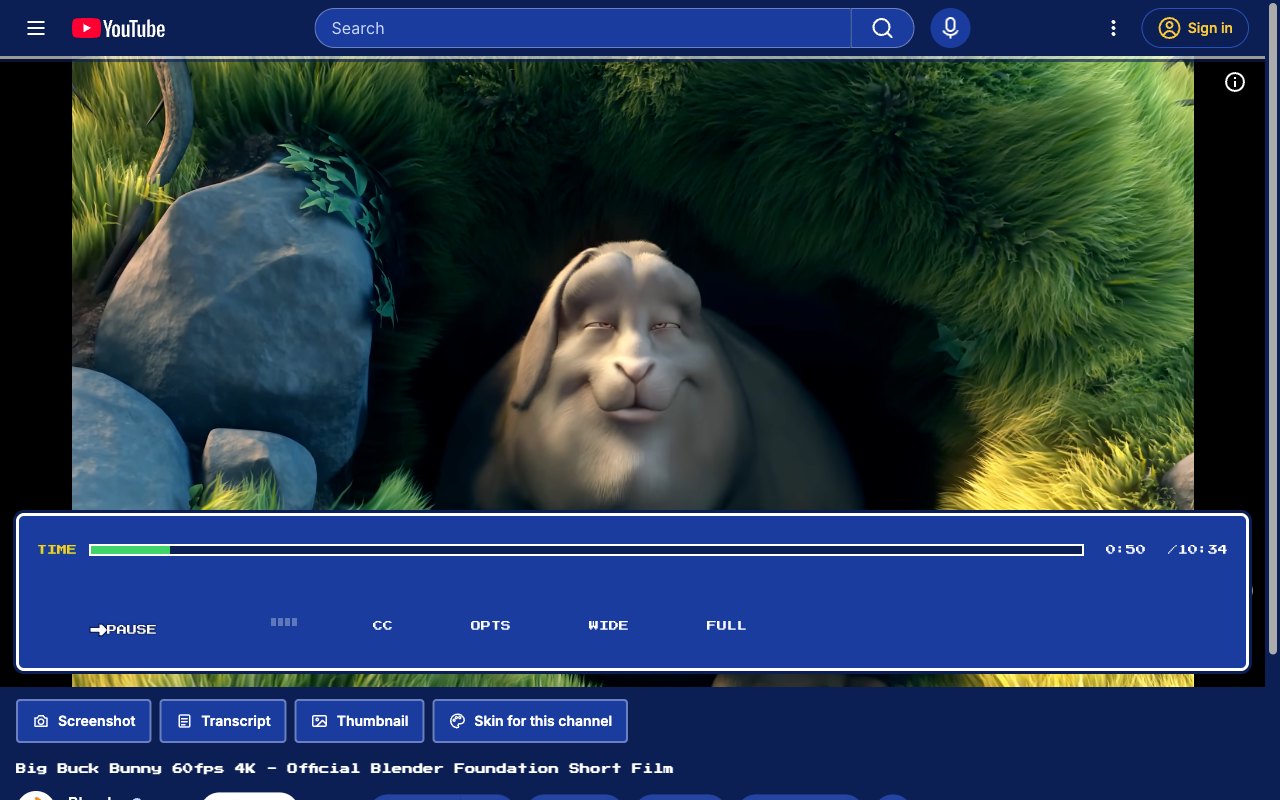
RPG Menu. A JRPG dialog box for controls. Your HP bar is the video.
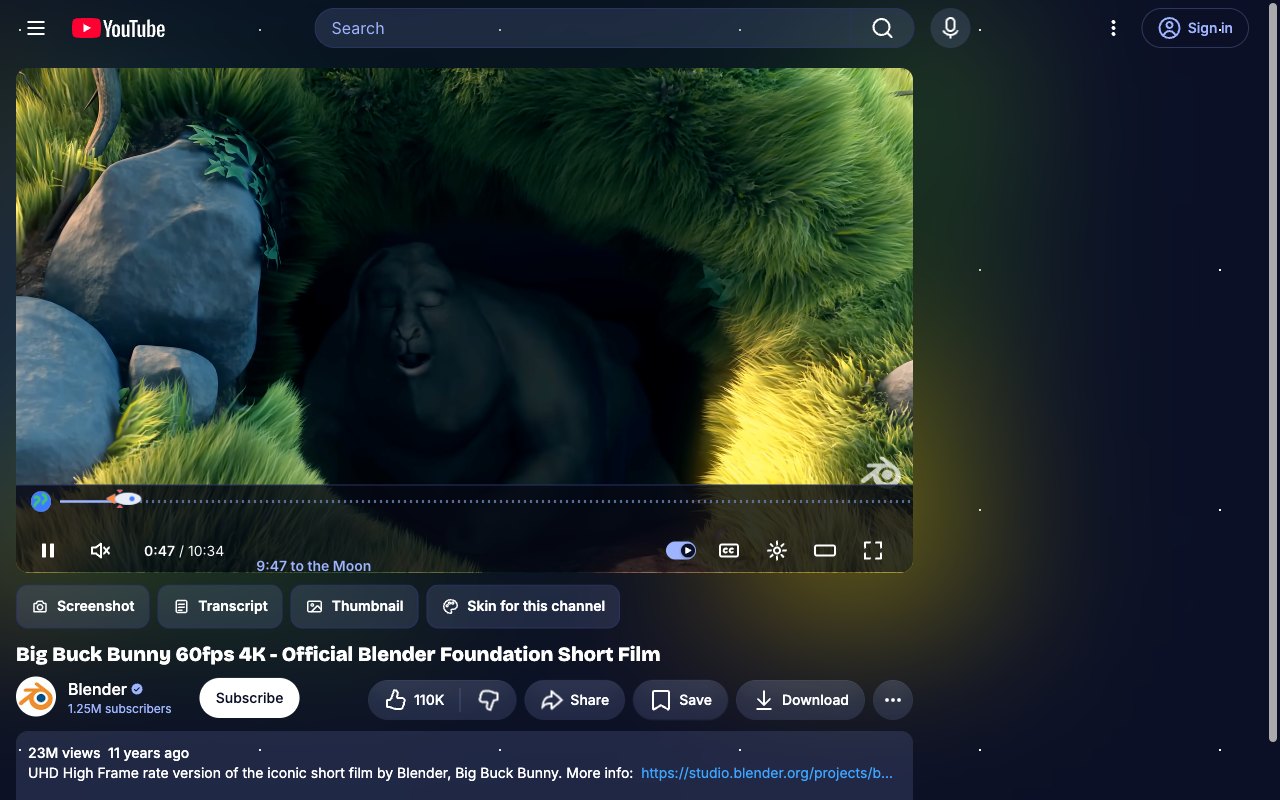
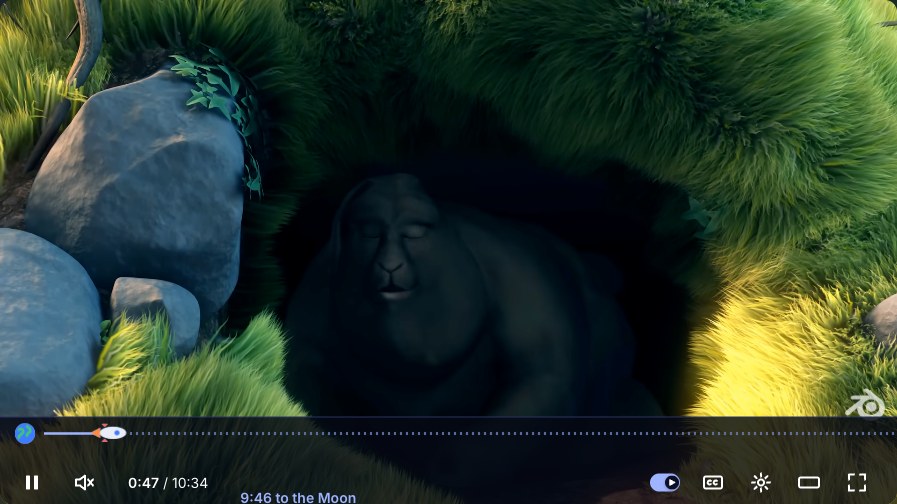
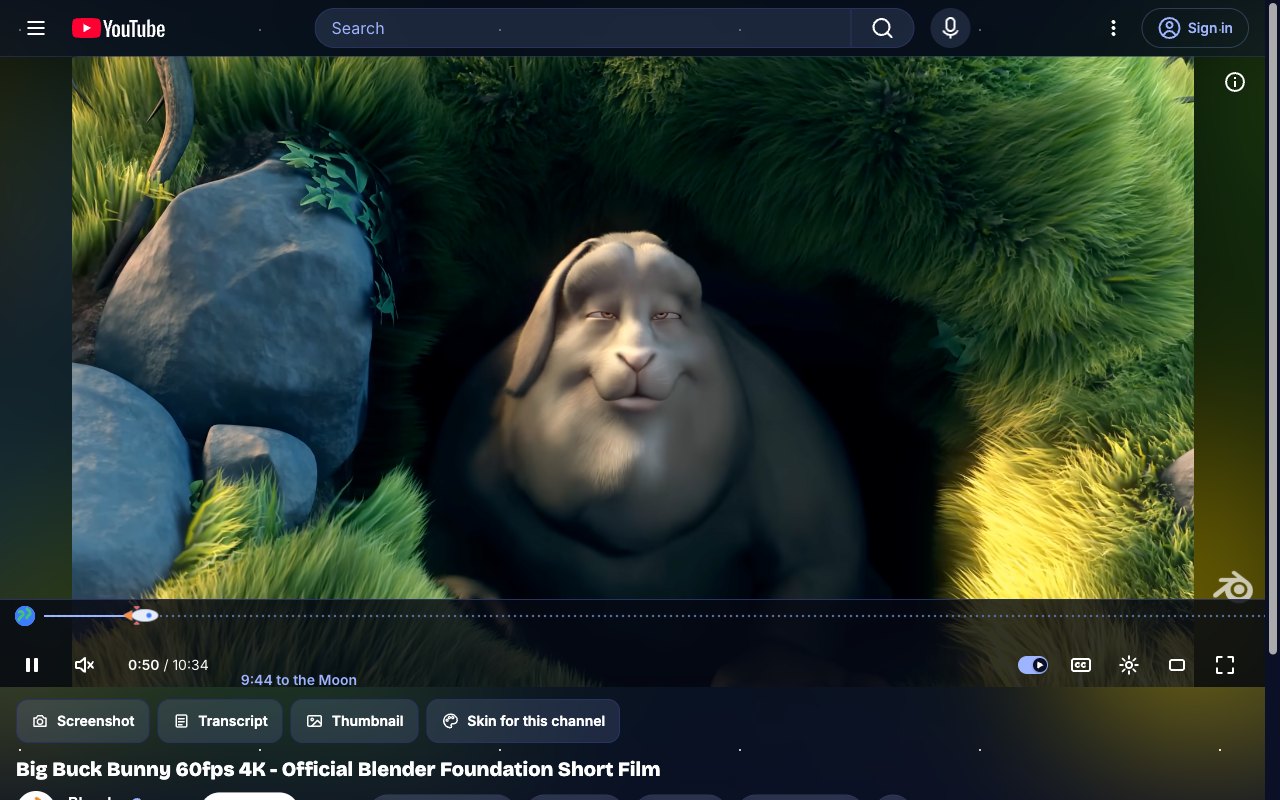
Space Run. A rocket flies from Earth to the Moon as the video plays.
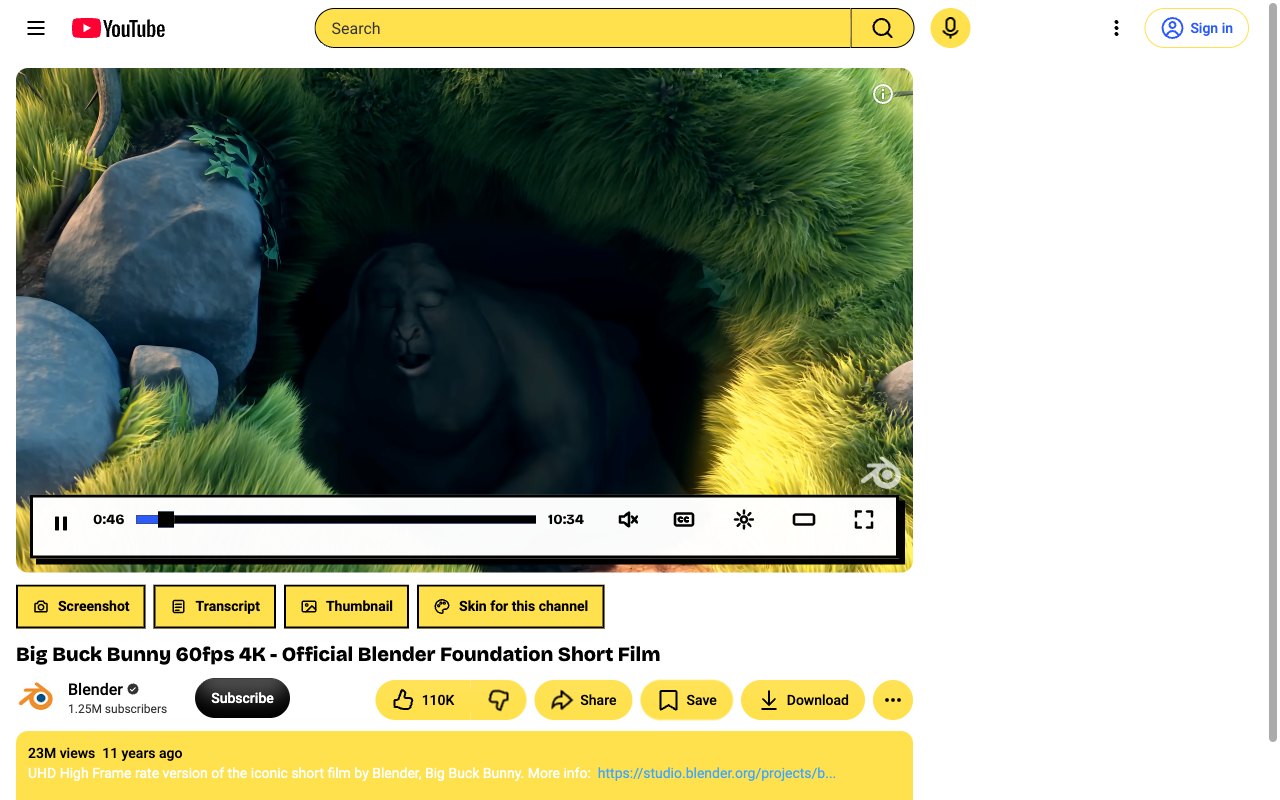
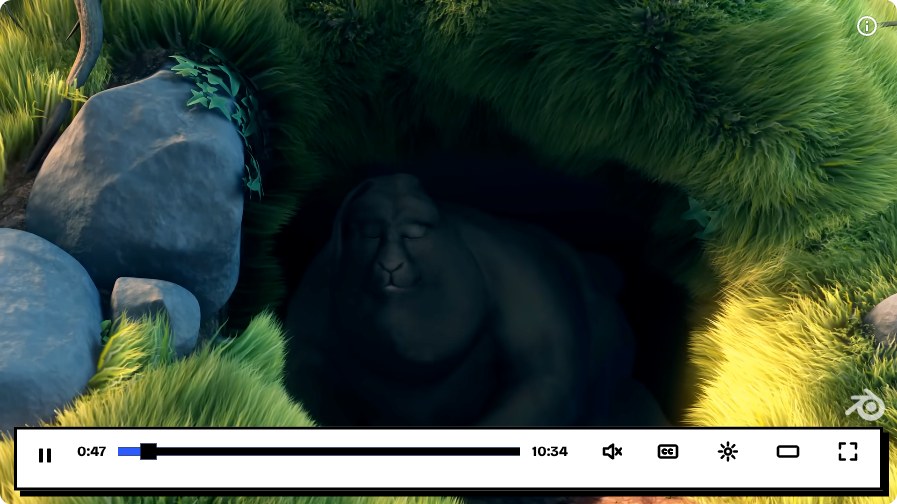
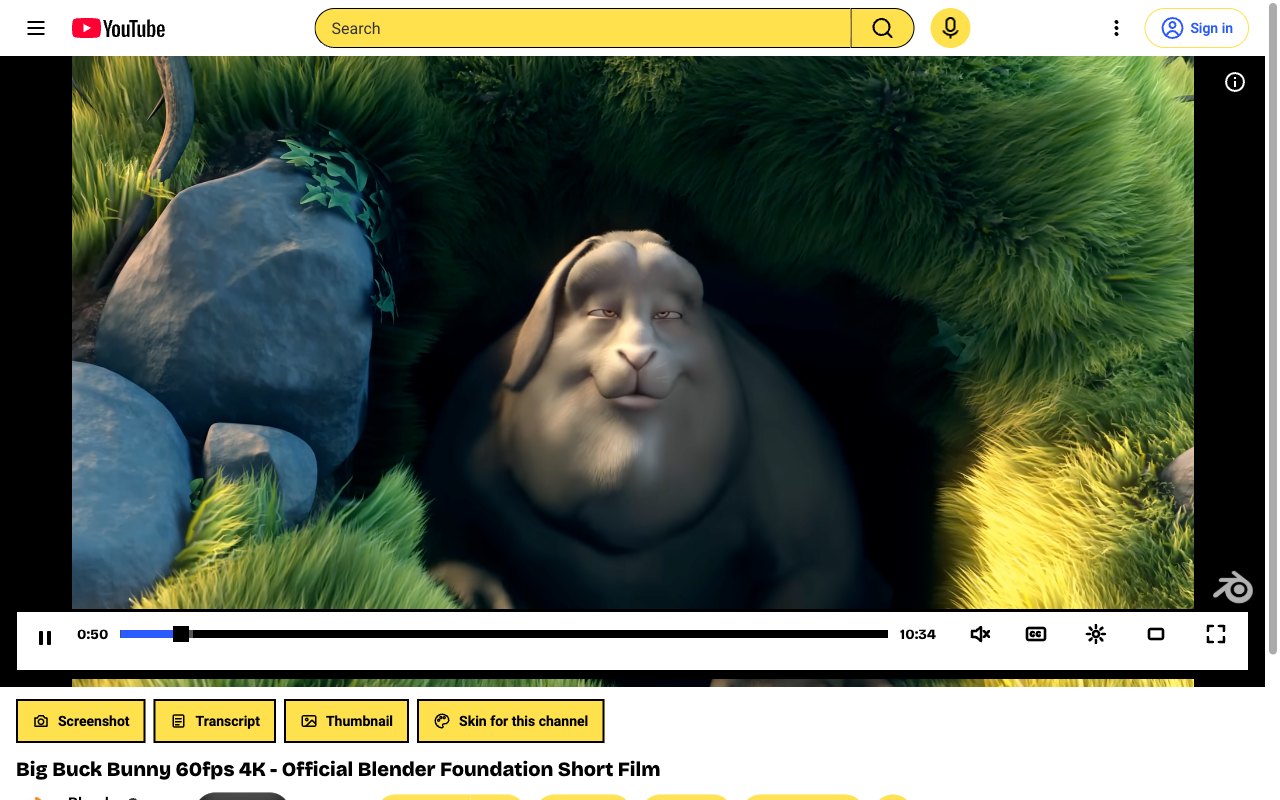
Brutalist. Hard shadows, thick borders, electric blue. Loud on purpose.
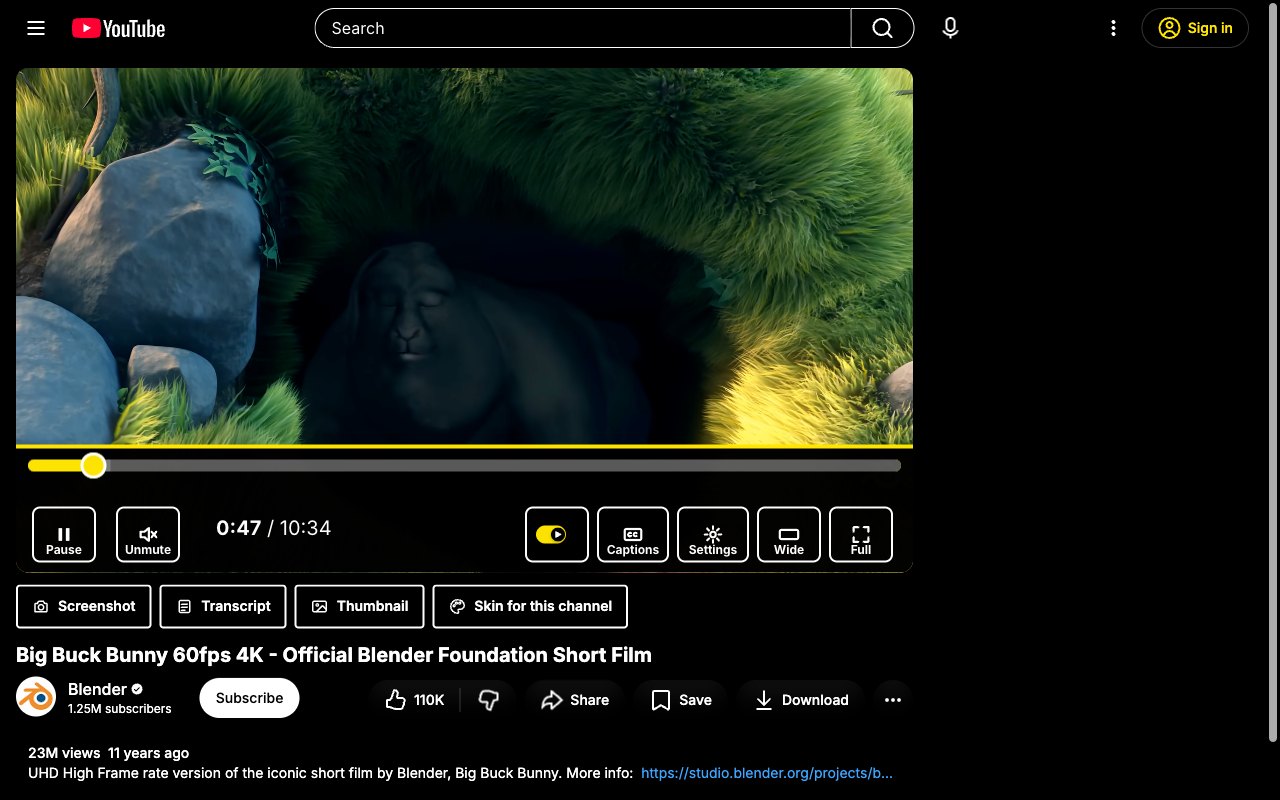
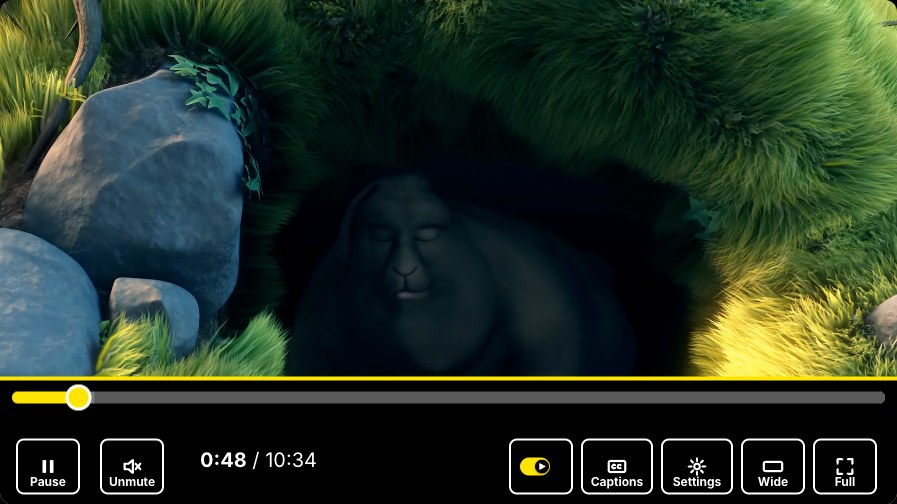
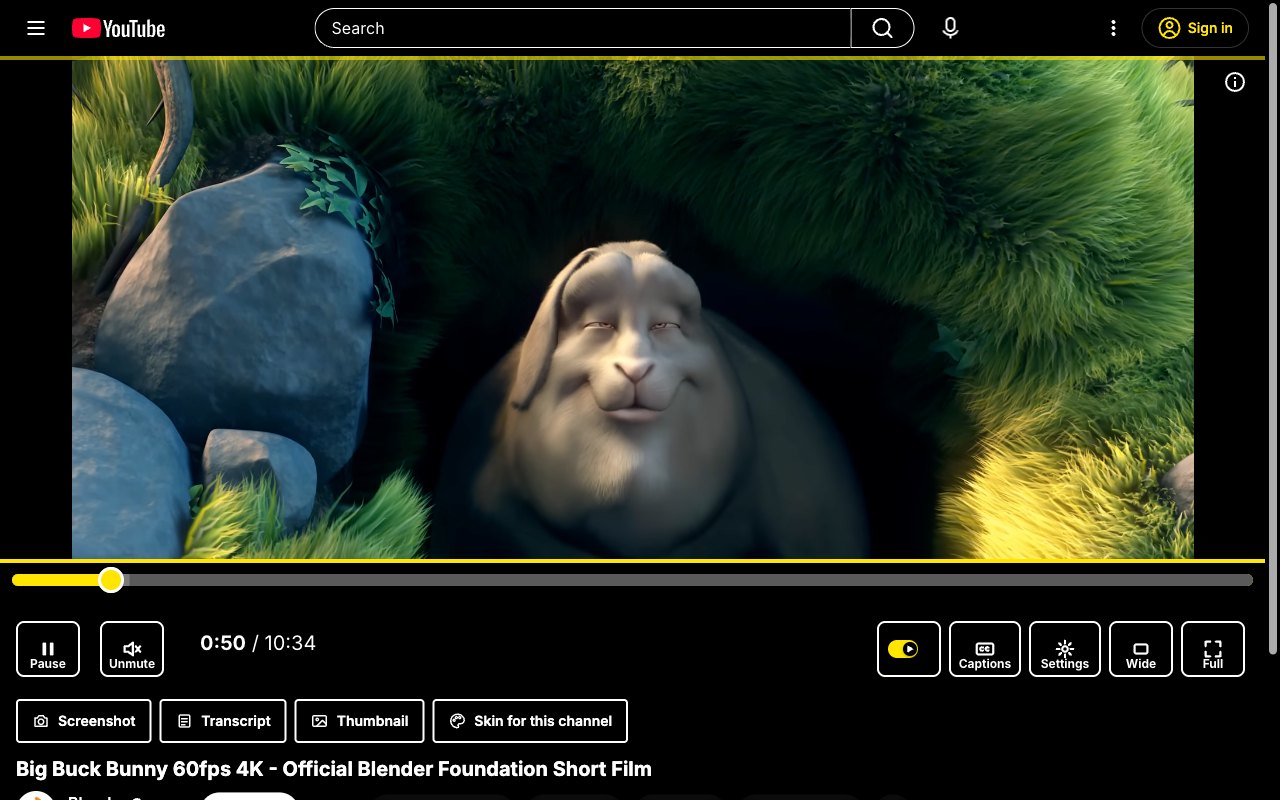
High Contrast. Large labelled controls in yellow on black, for low vision and bright rooms.
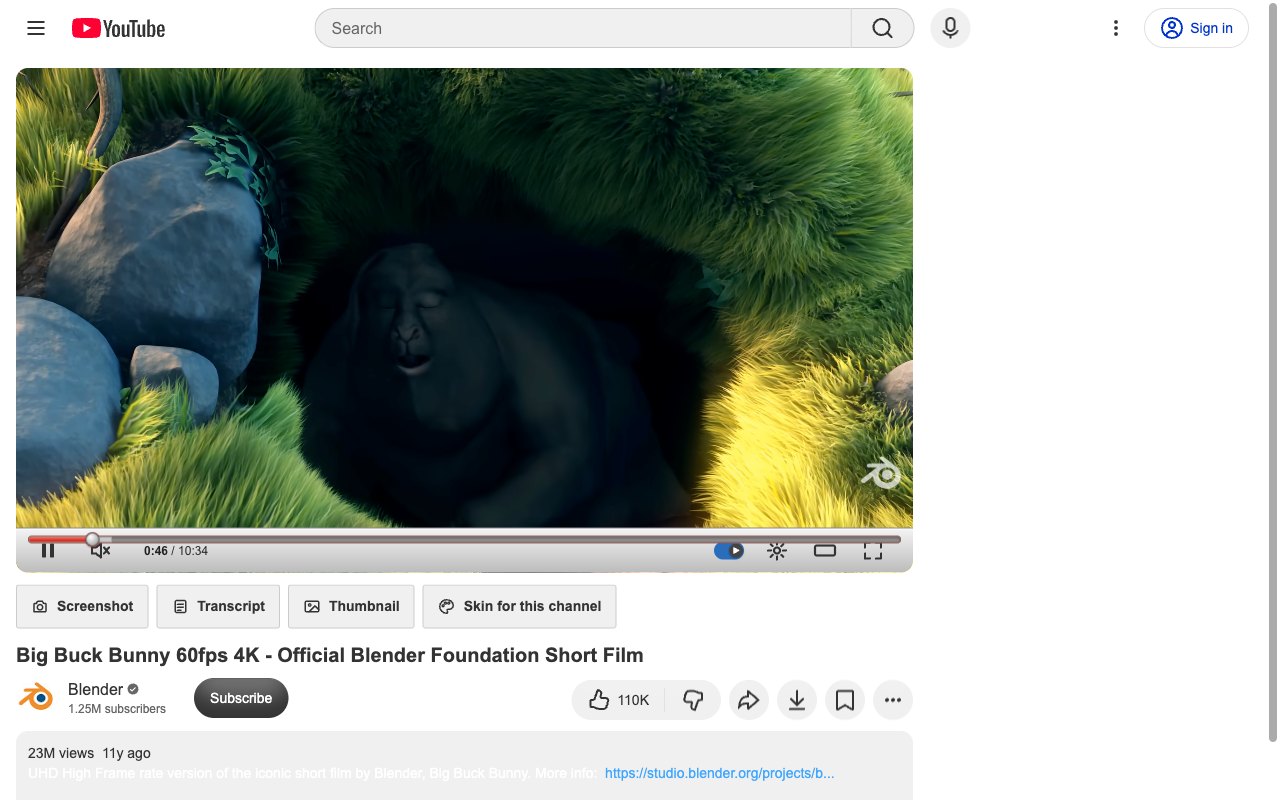
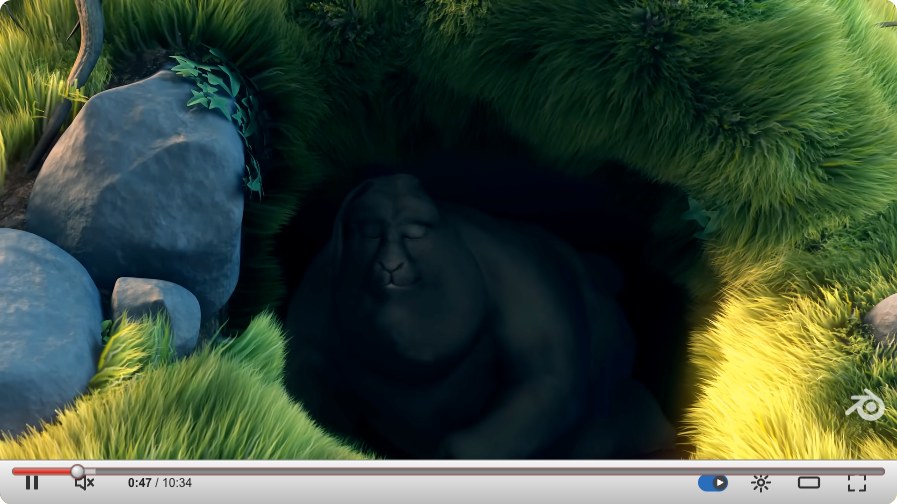
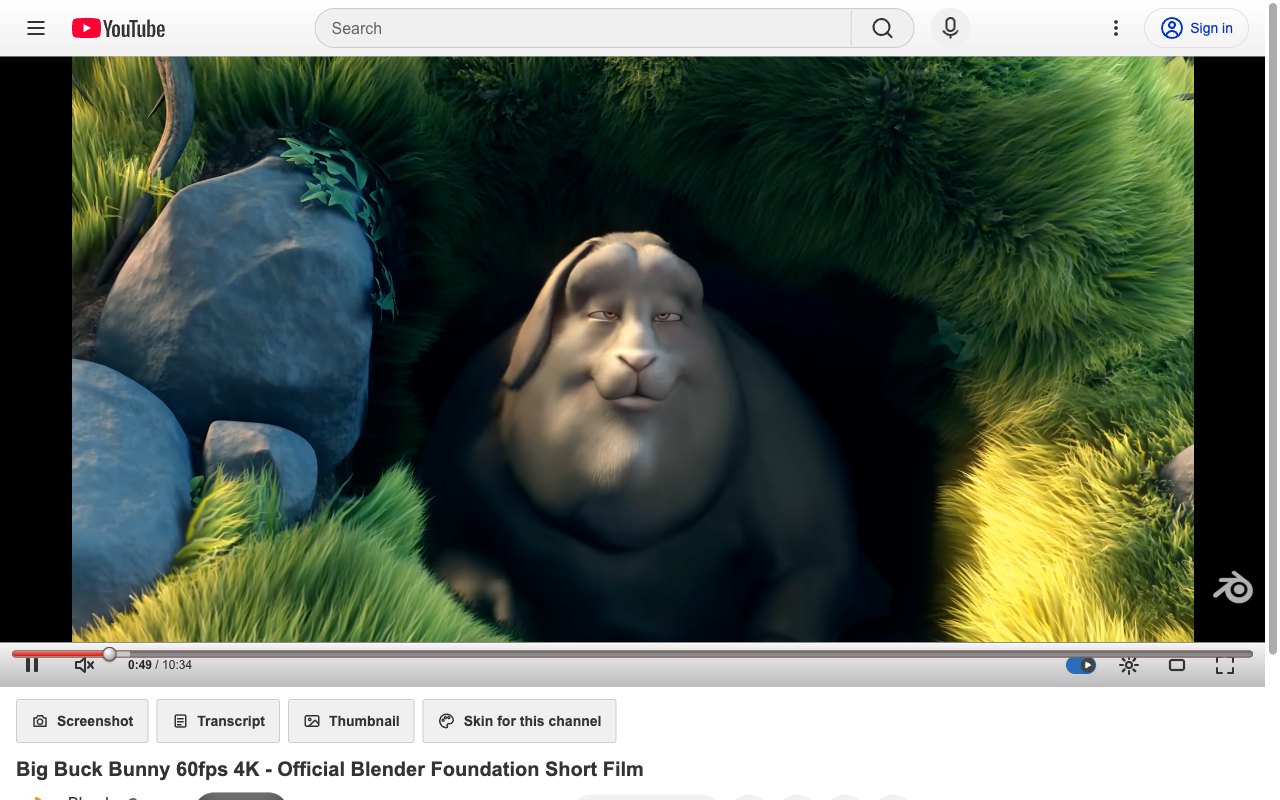
Classic '08. The white page and silver player of the late 2000s, glossy buttons and all.
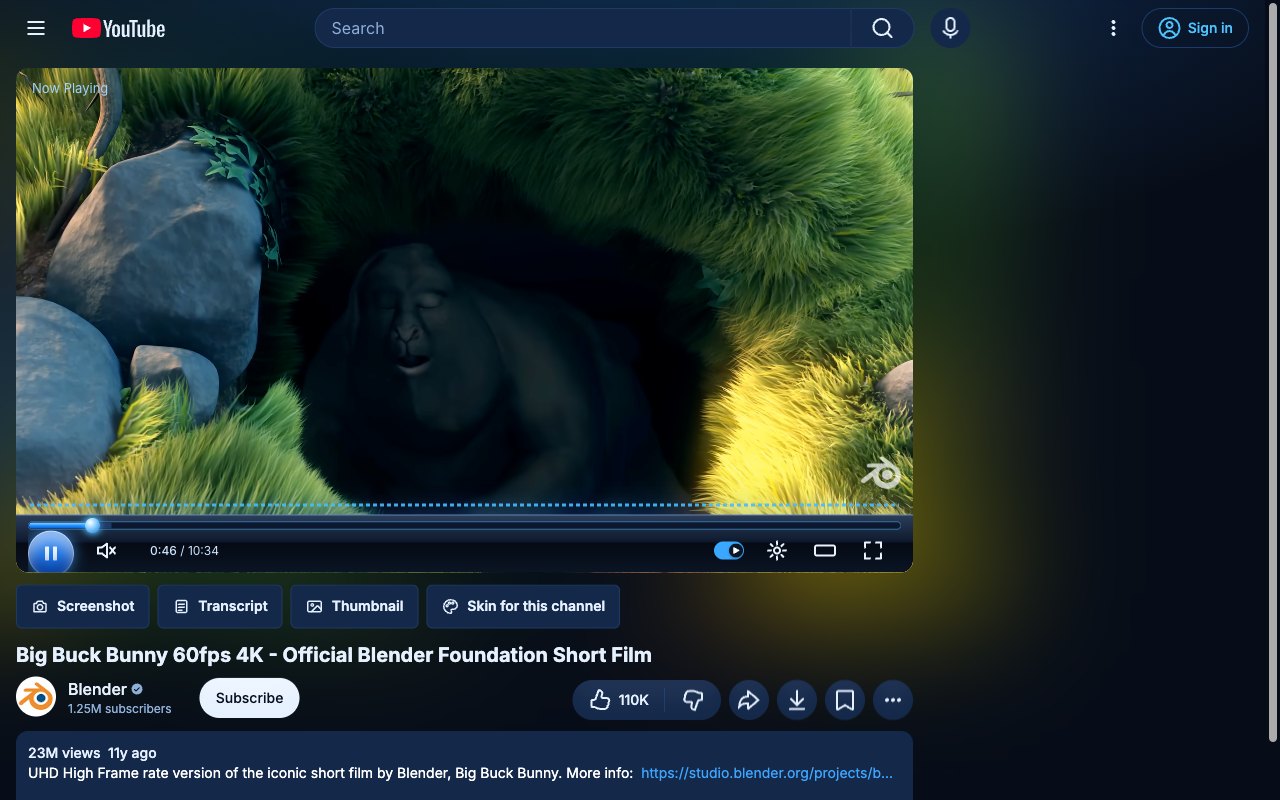
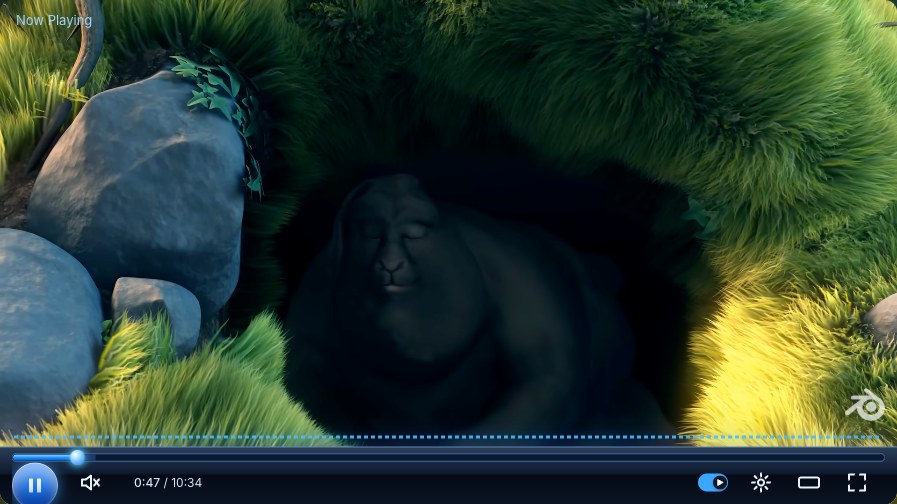
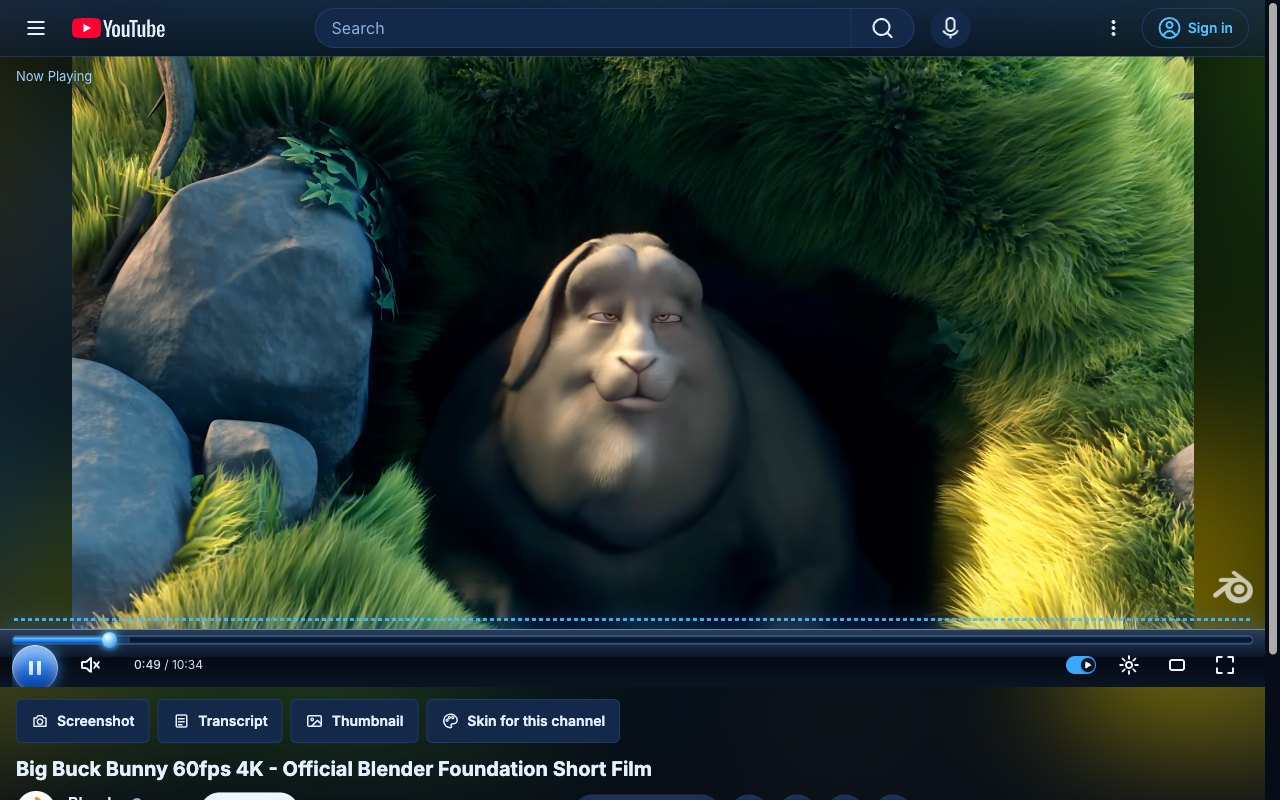
Media Player. A black glass bar, a glowing blue play button and a spectrum that moves with the sound.
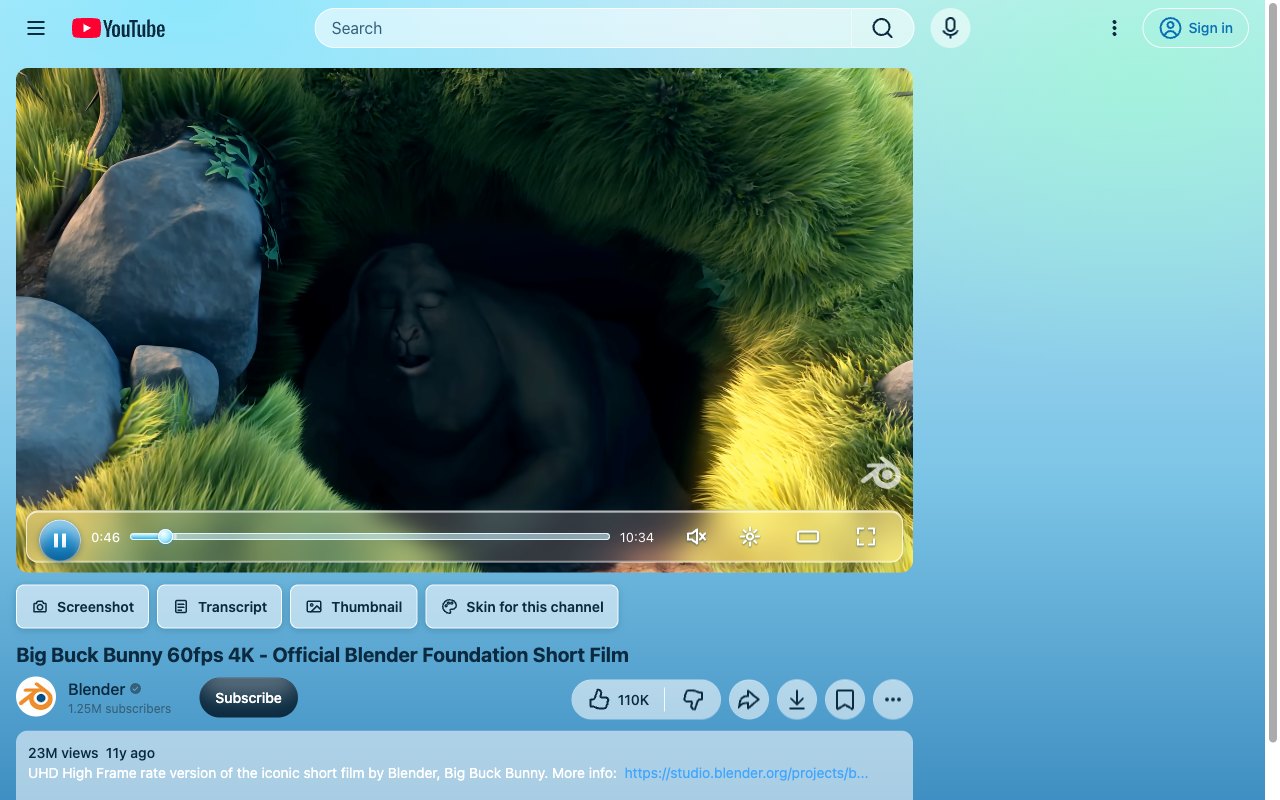
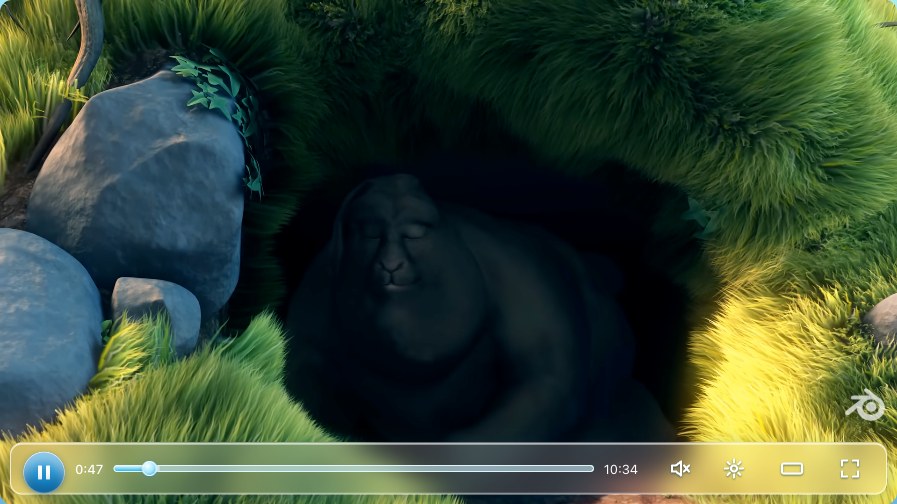
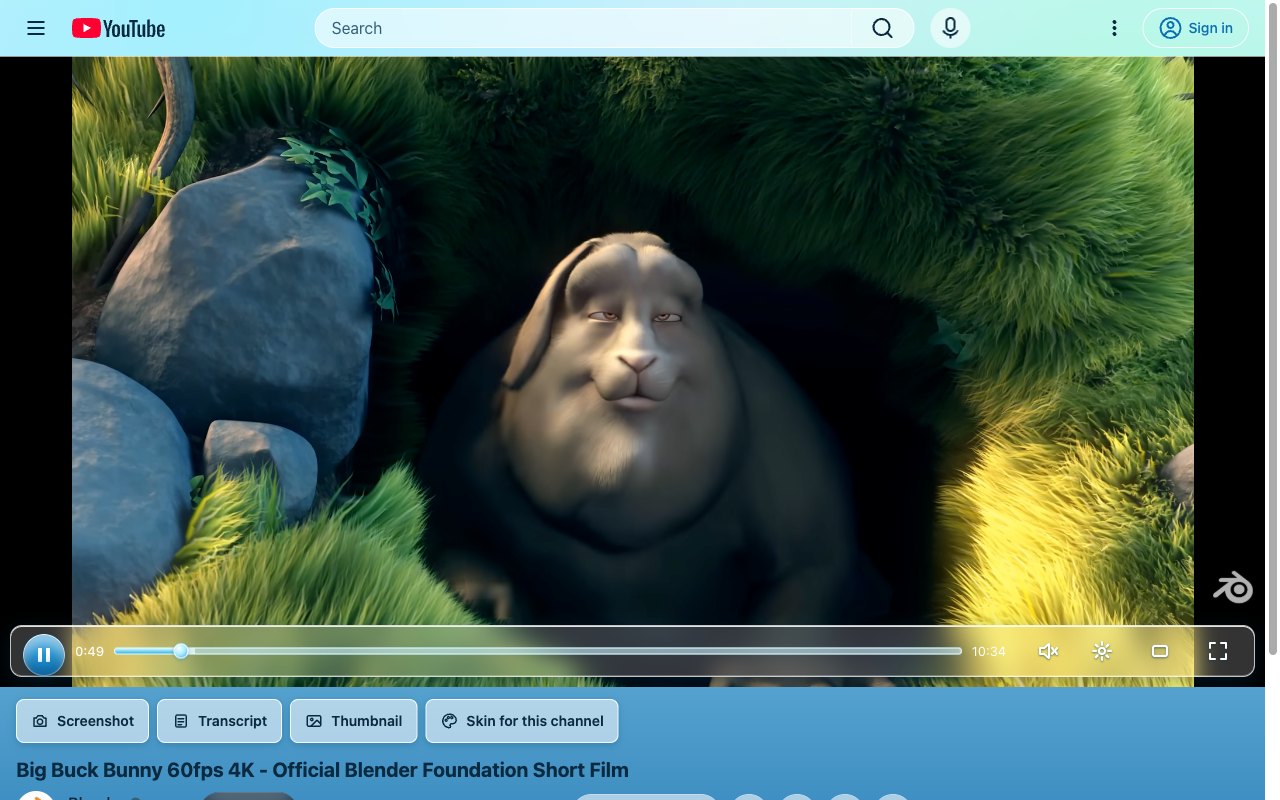
Aero Glass. Frosted glass over a bright sky, with glossy round buttons.
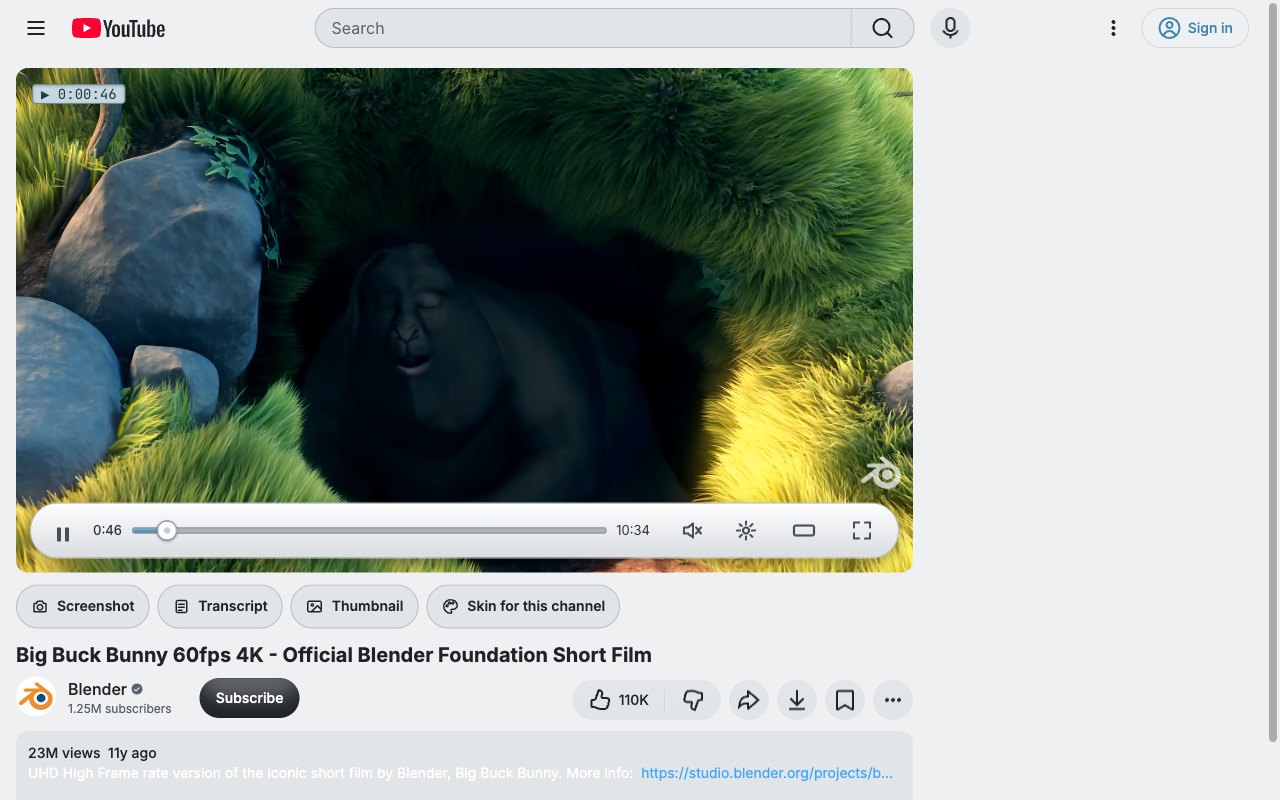
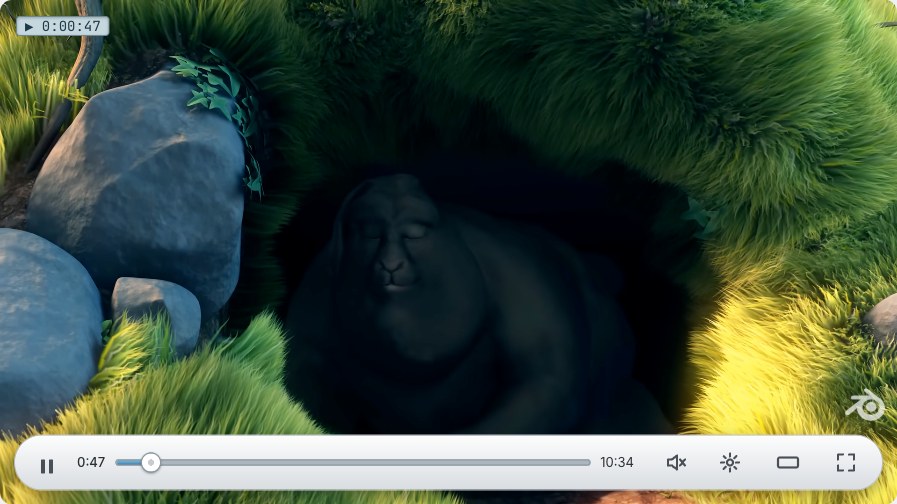
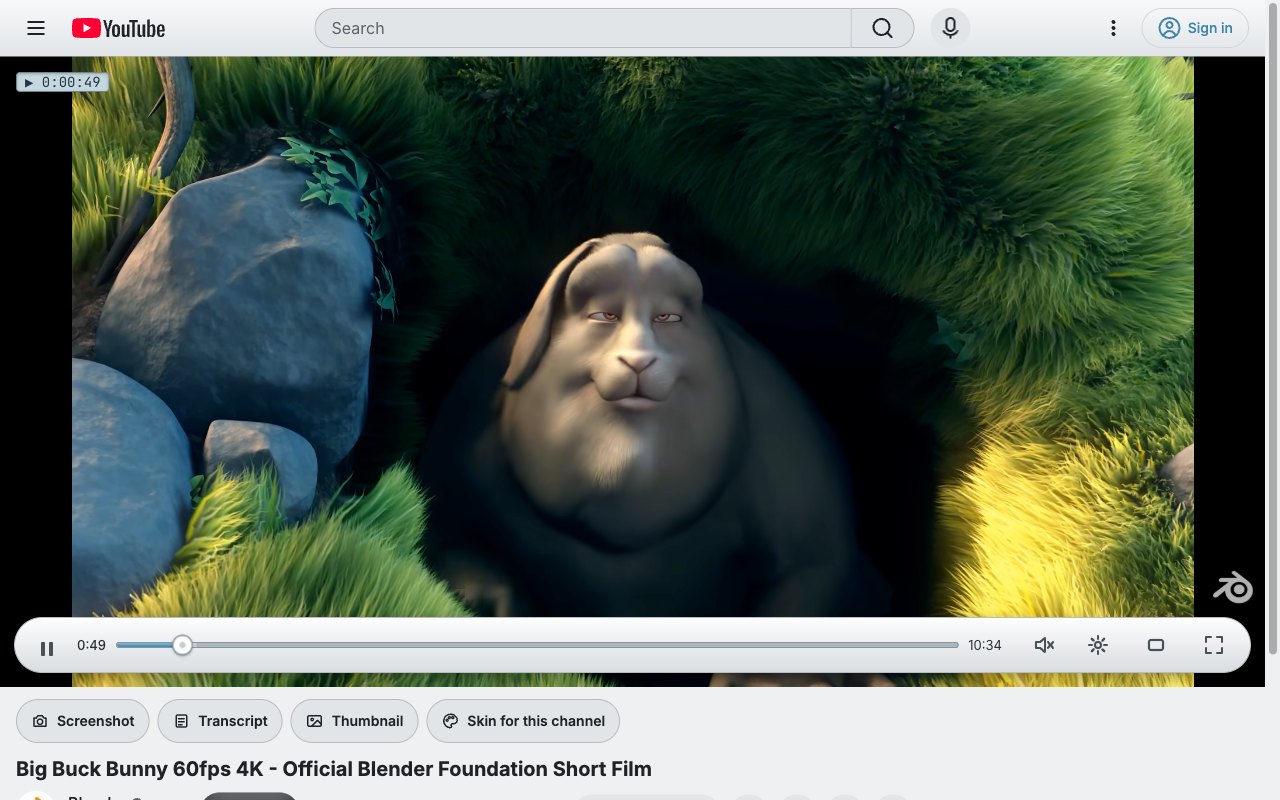
Click Wheel. Silver and white, an LCD time readout, and a click wheel for a thumb.
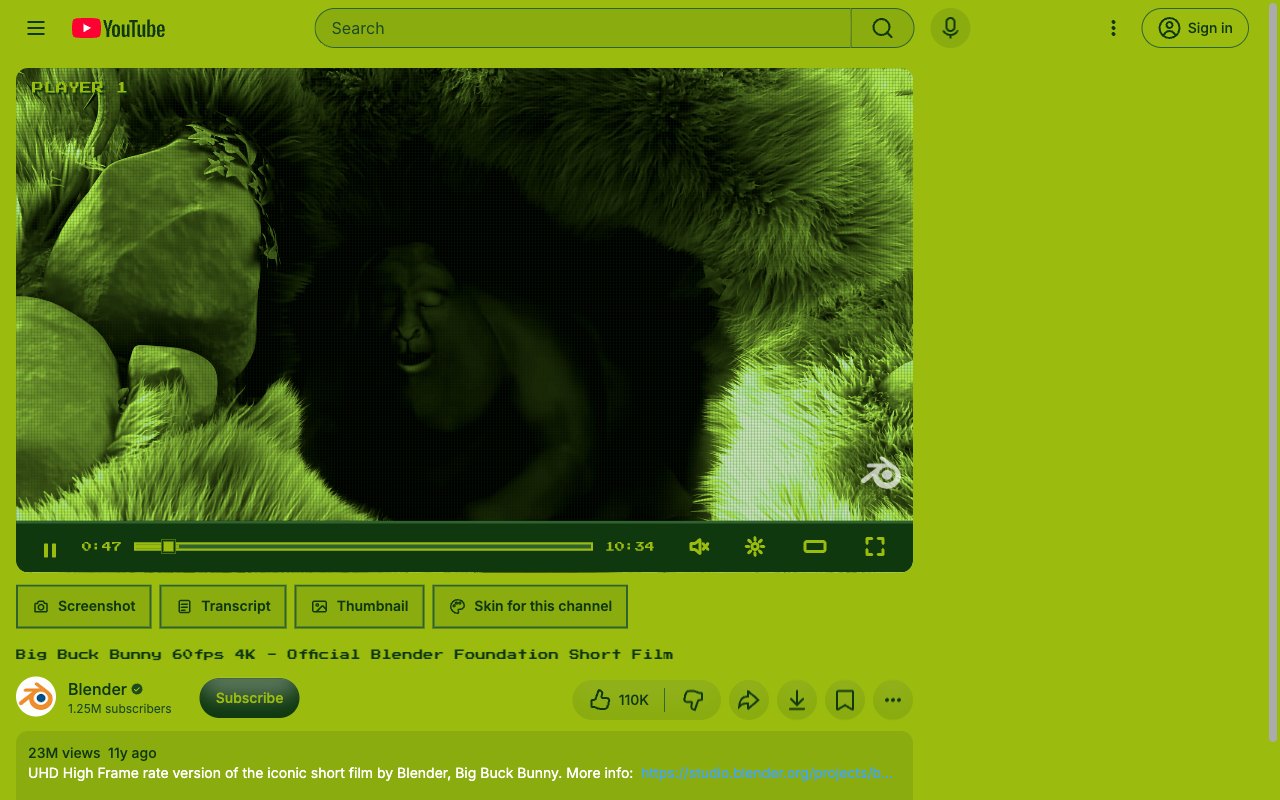
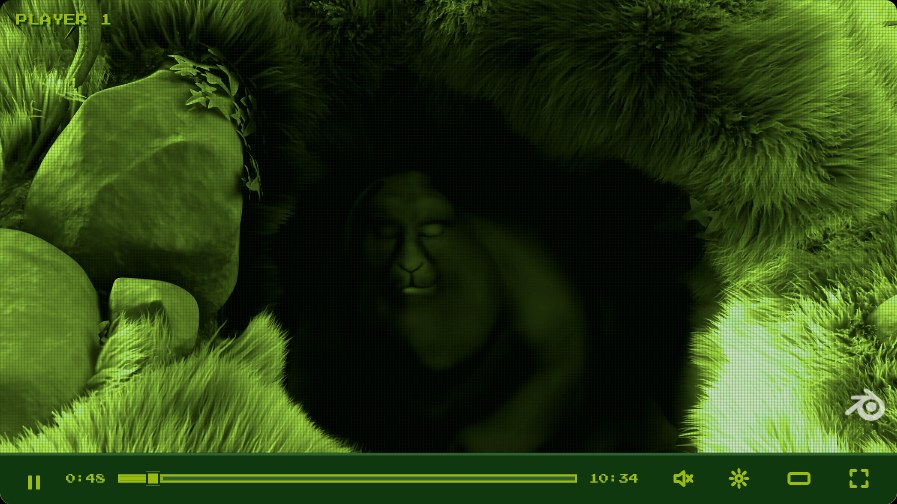
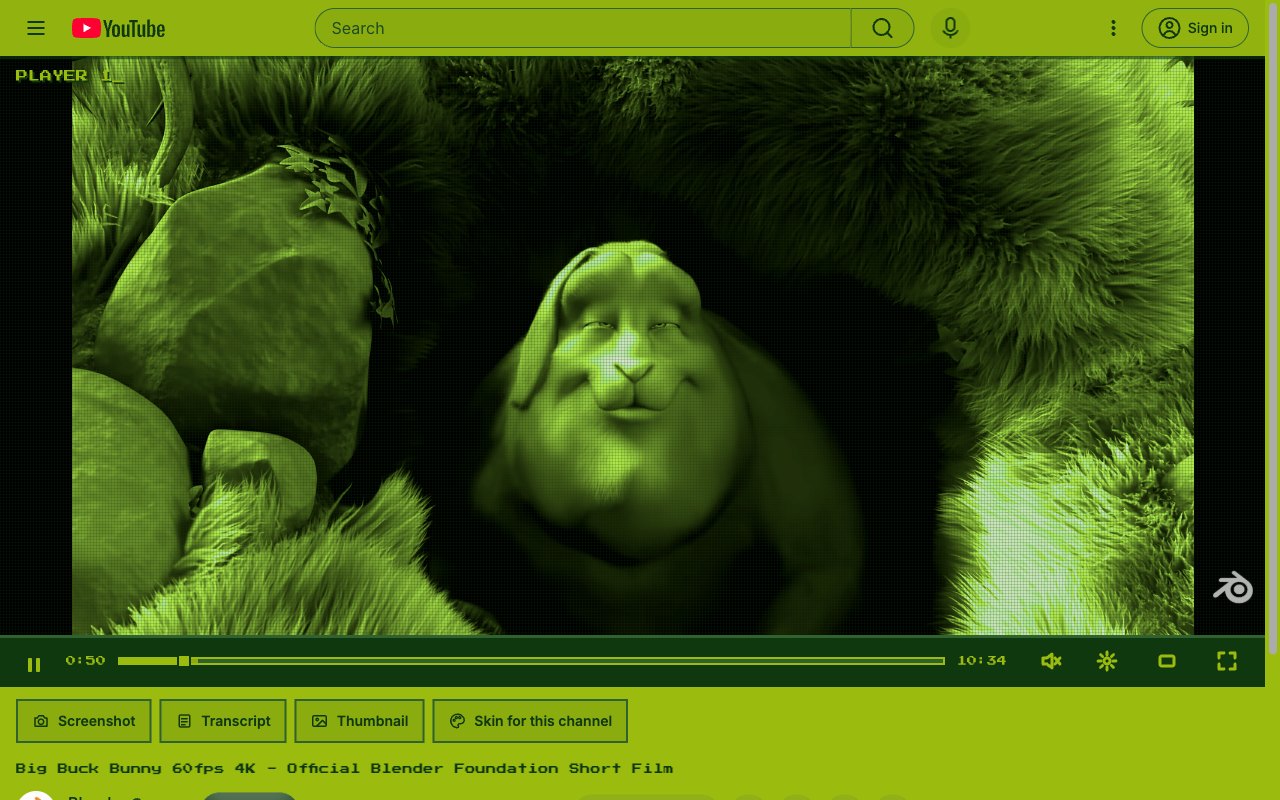
Handheld. Four shades of green, big pixels and a game-console grid over the video.
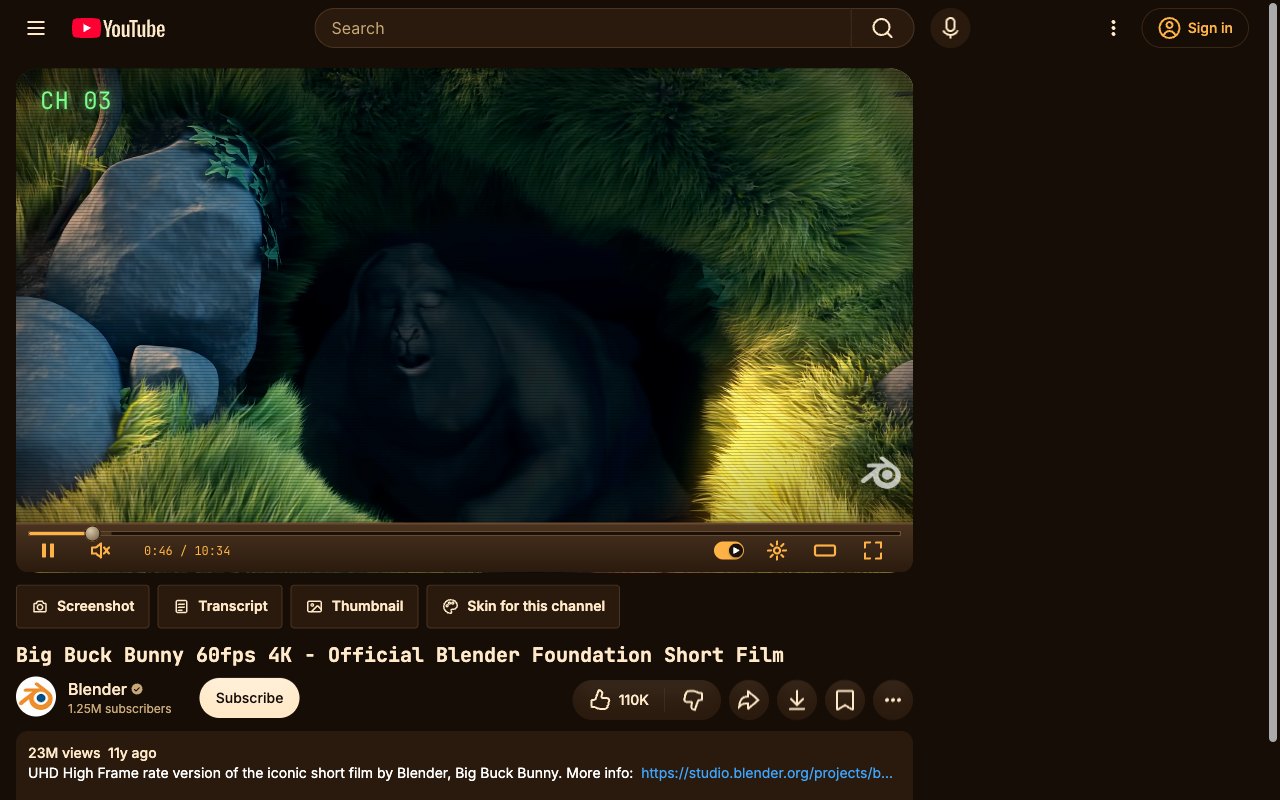
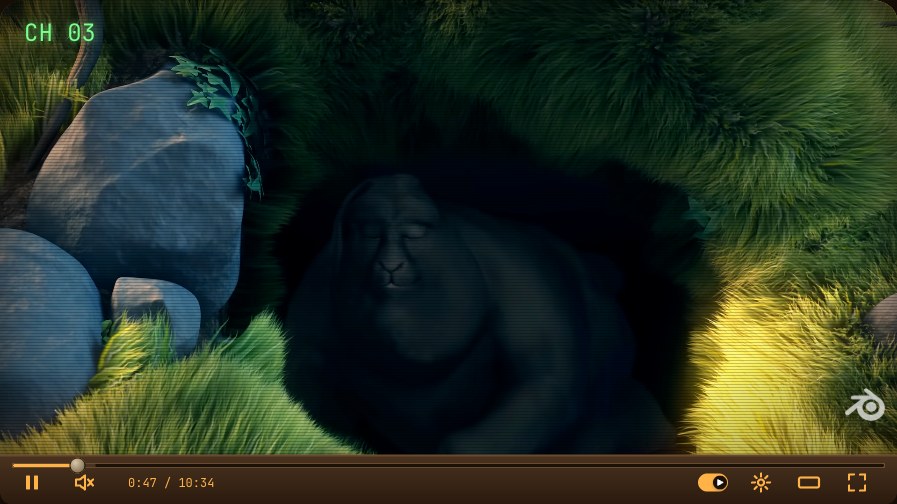
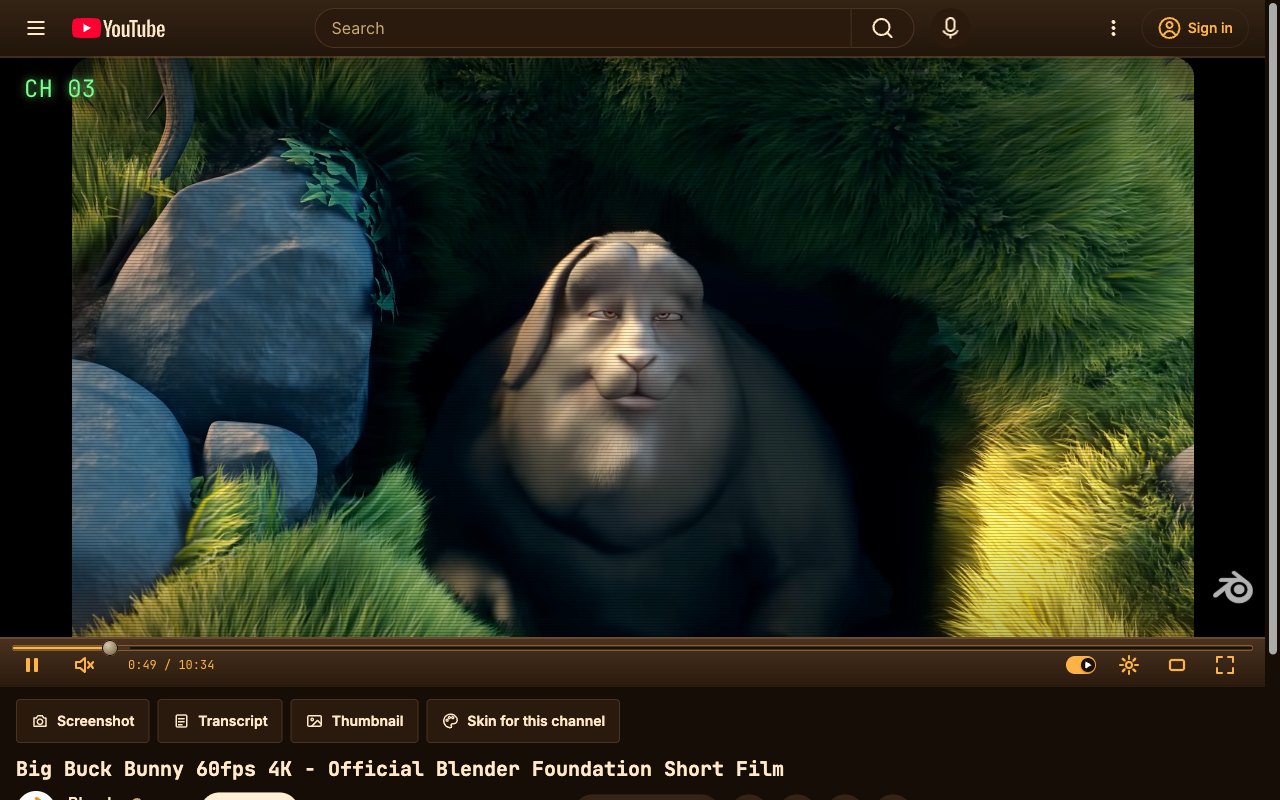
CRT TV. A wooden set with a curved screen, scanlines and a channel number.
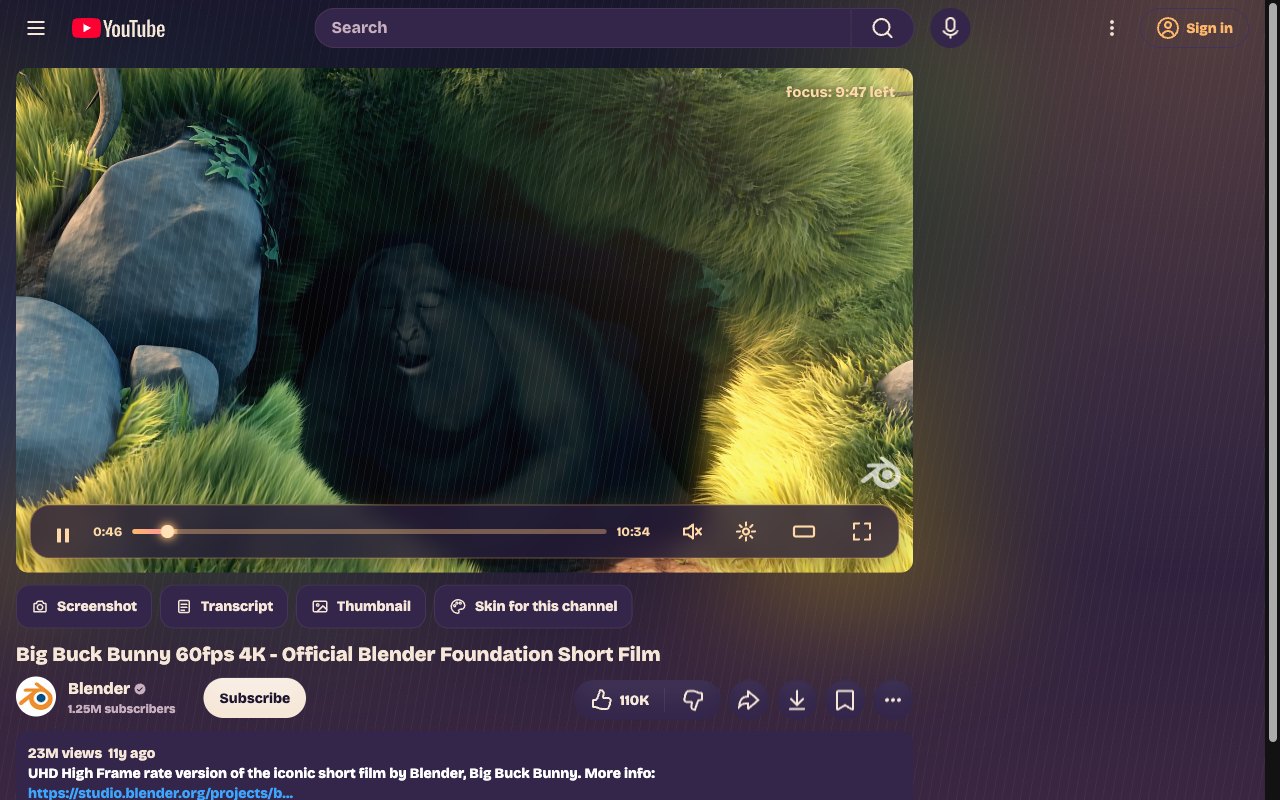
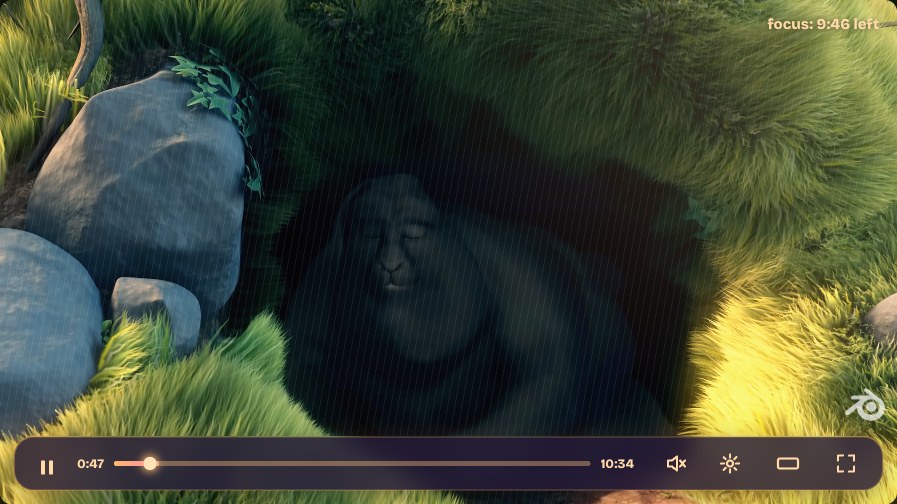
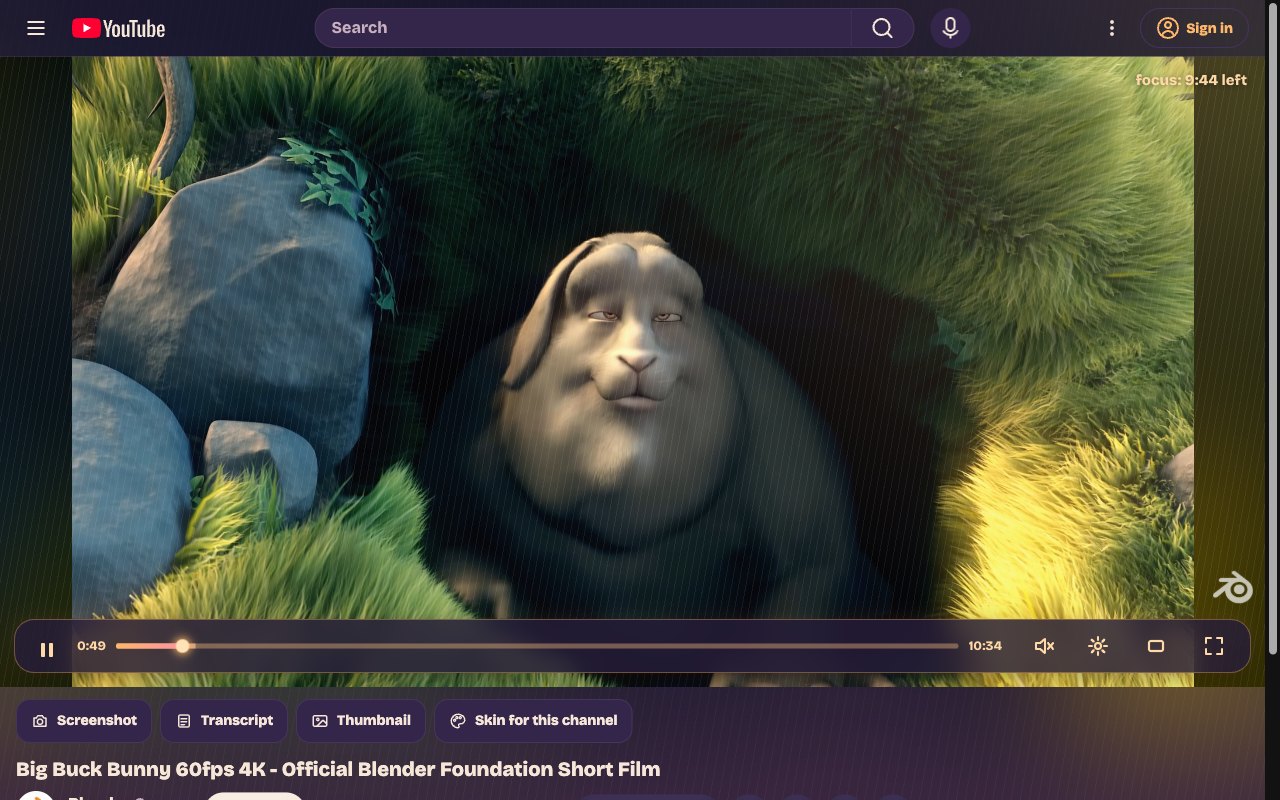
Lo-fi Study. A warm lamp, rain on the window and a focus timer counting down the video.
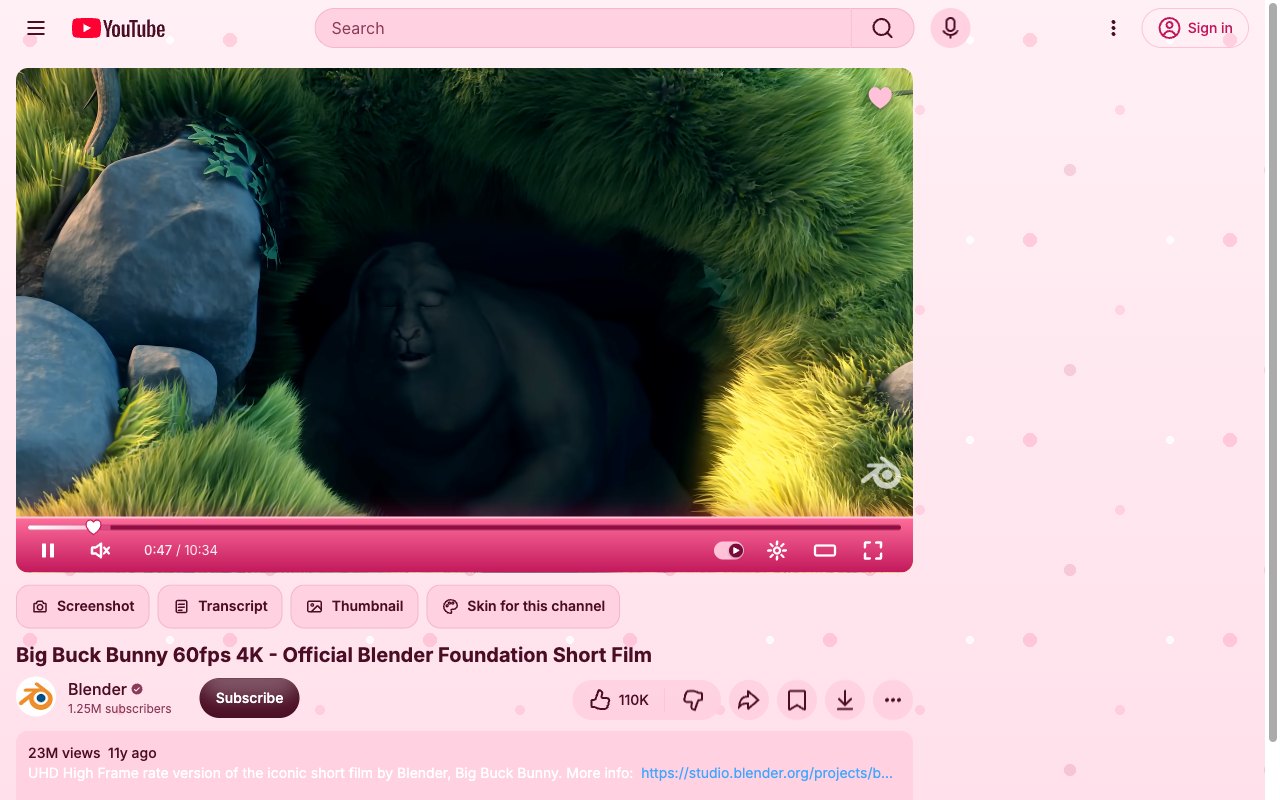
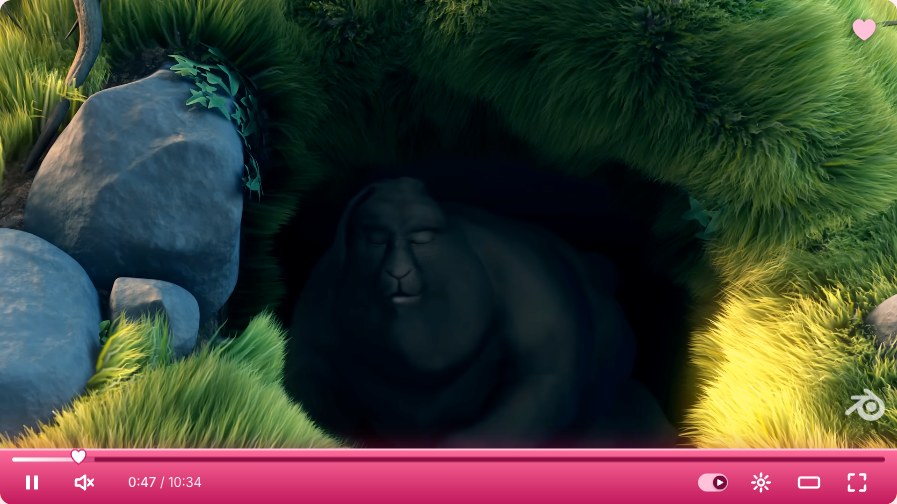
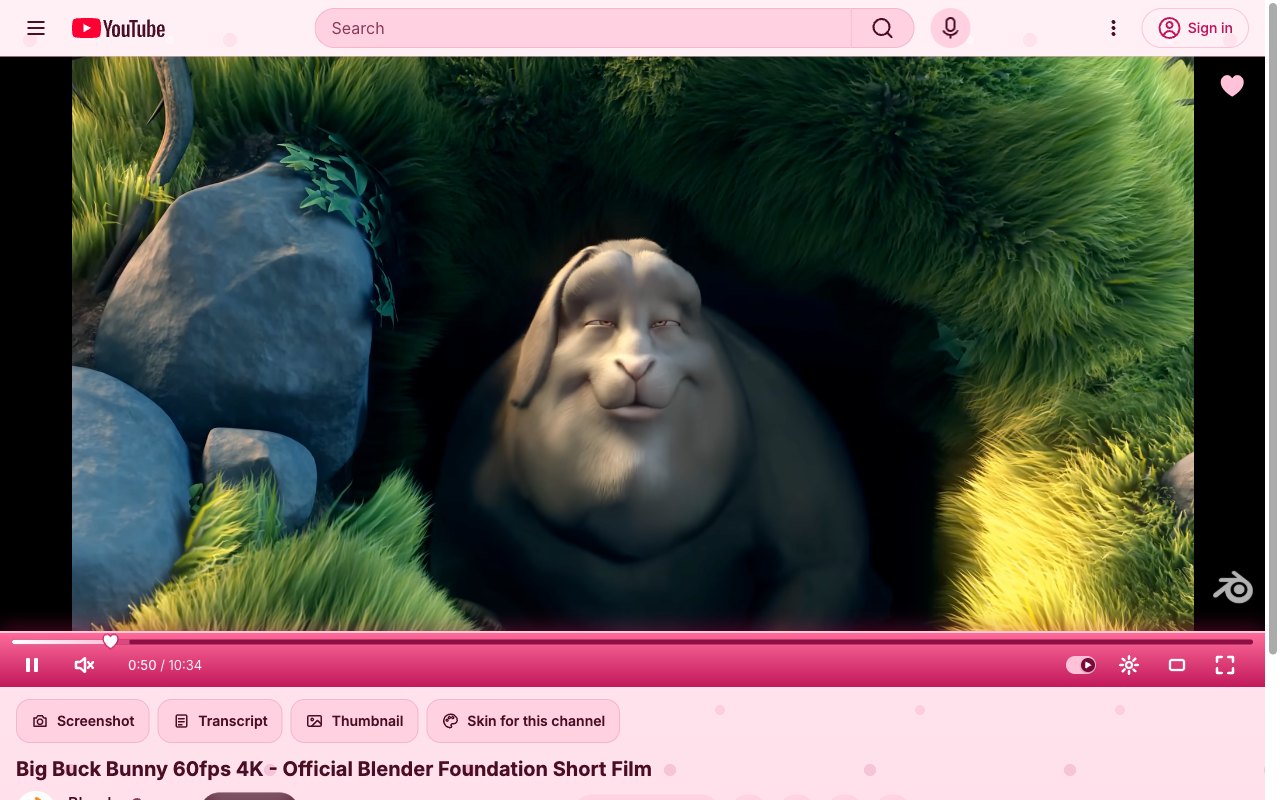
Valentine's. Pink gradient bar, a heart for a playhead and soft pink pages. Feb 7 to 15.
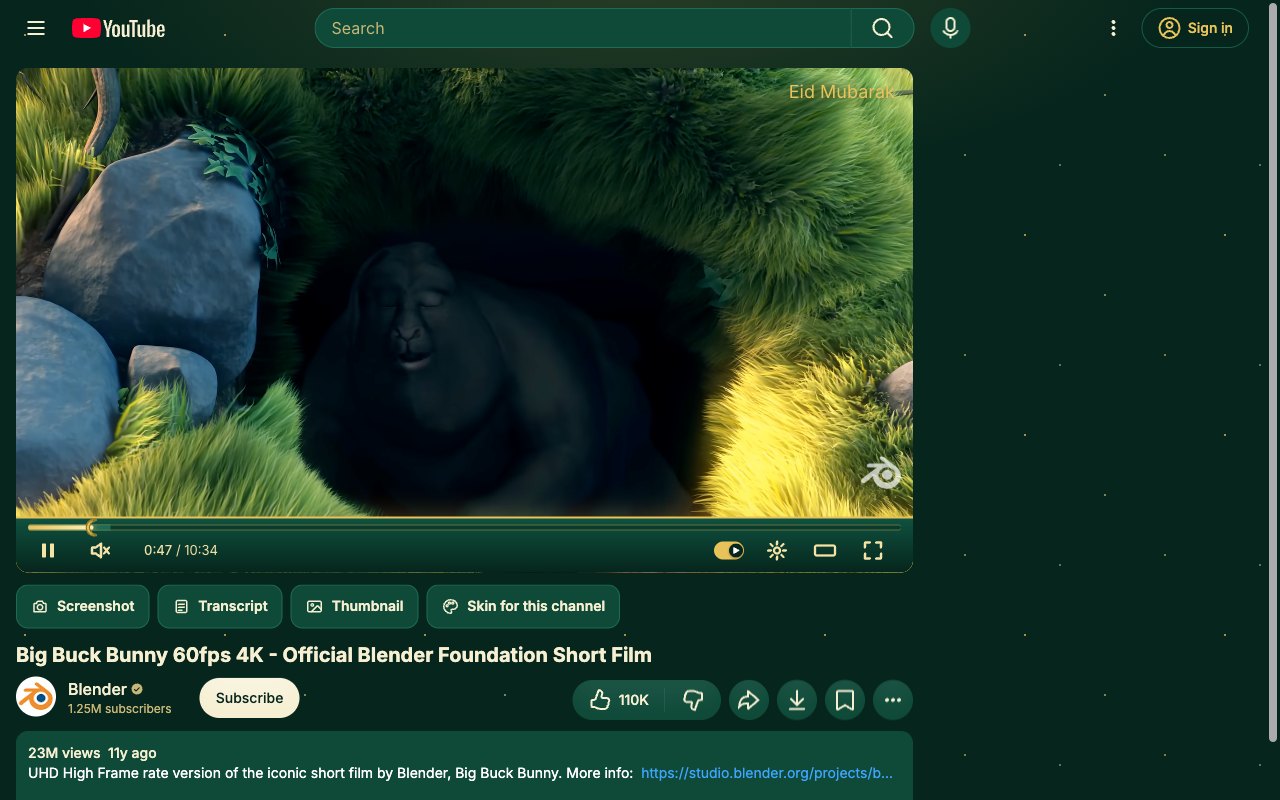
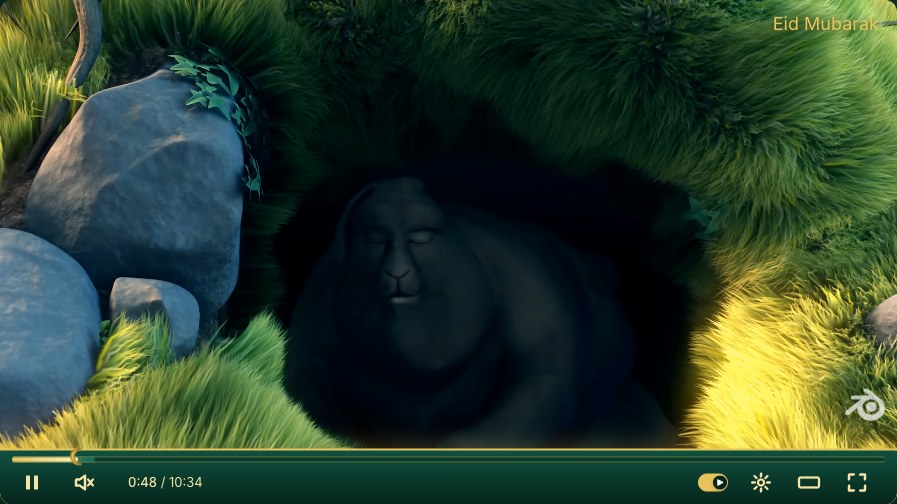
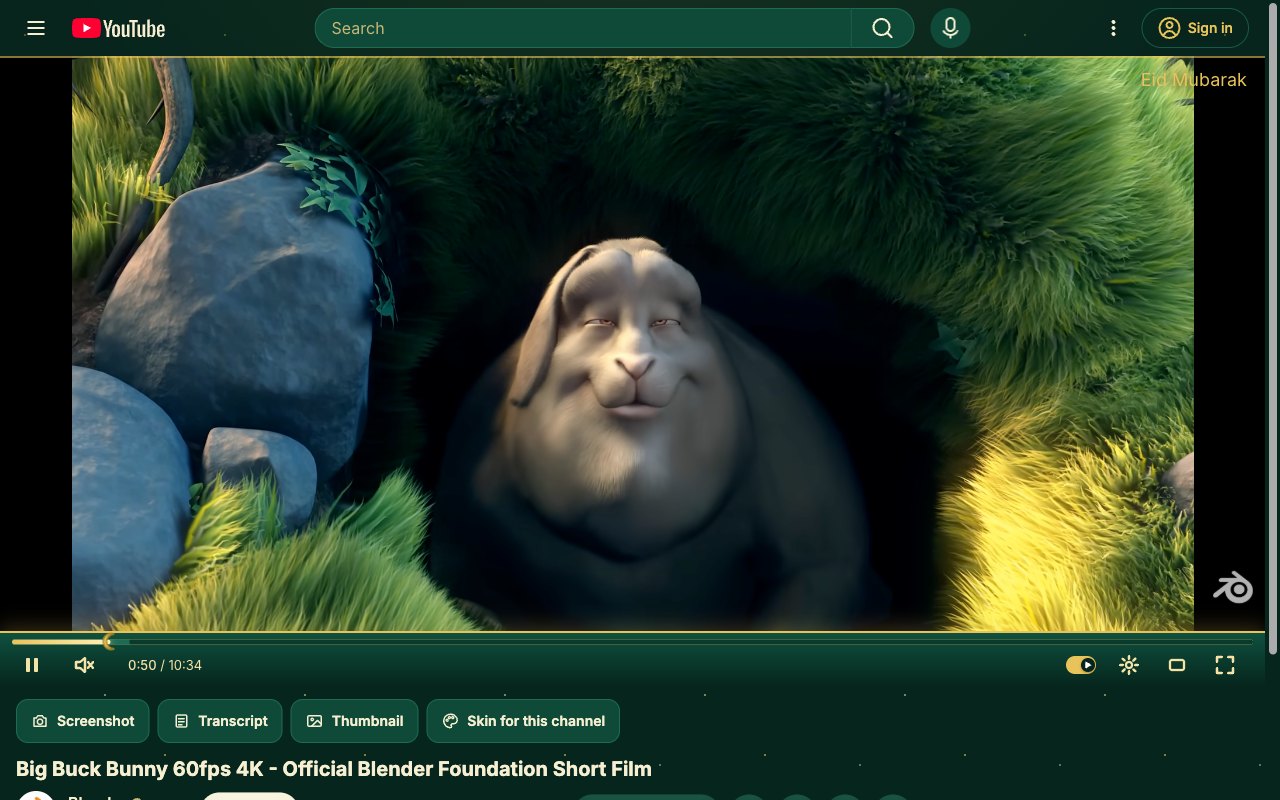
Eid Mubarak. Deep green and gold with a crescent playhead and a star-dotted page. In season around Eid.
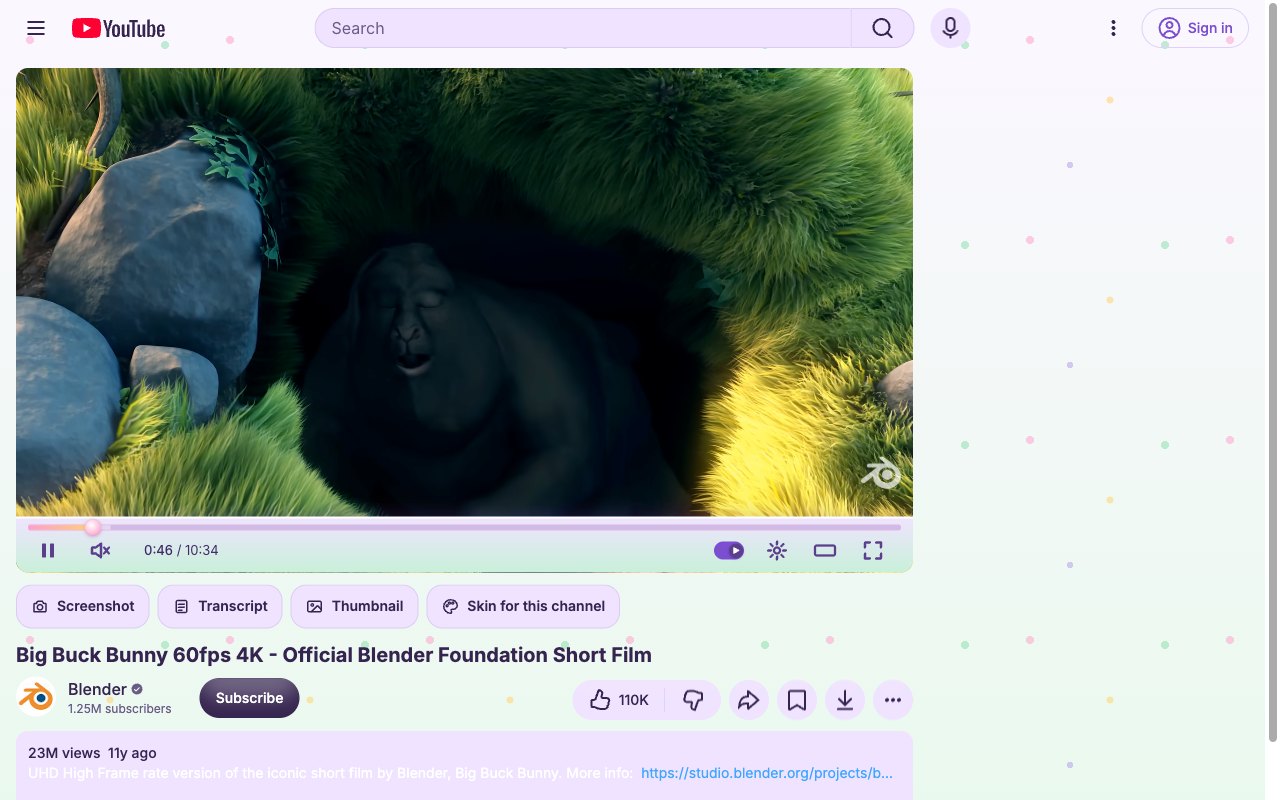
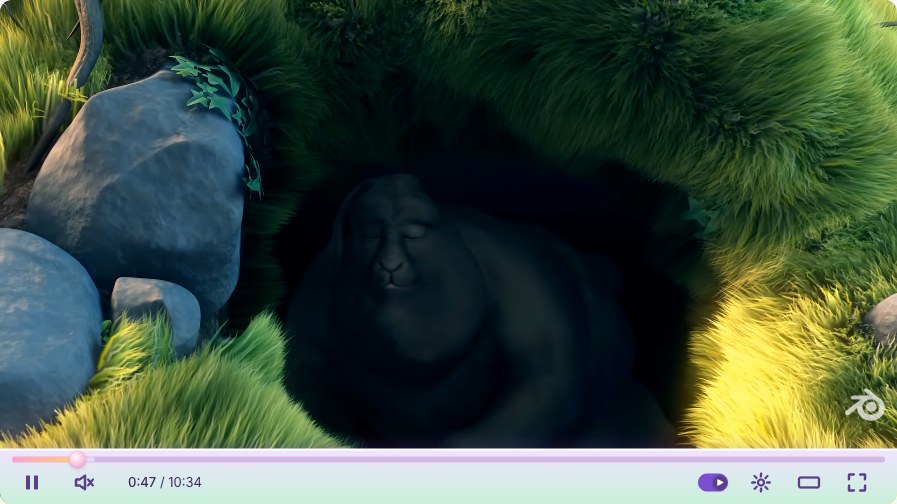
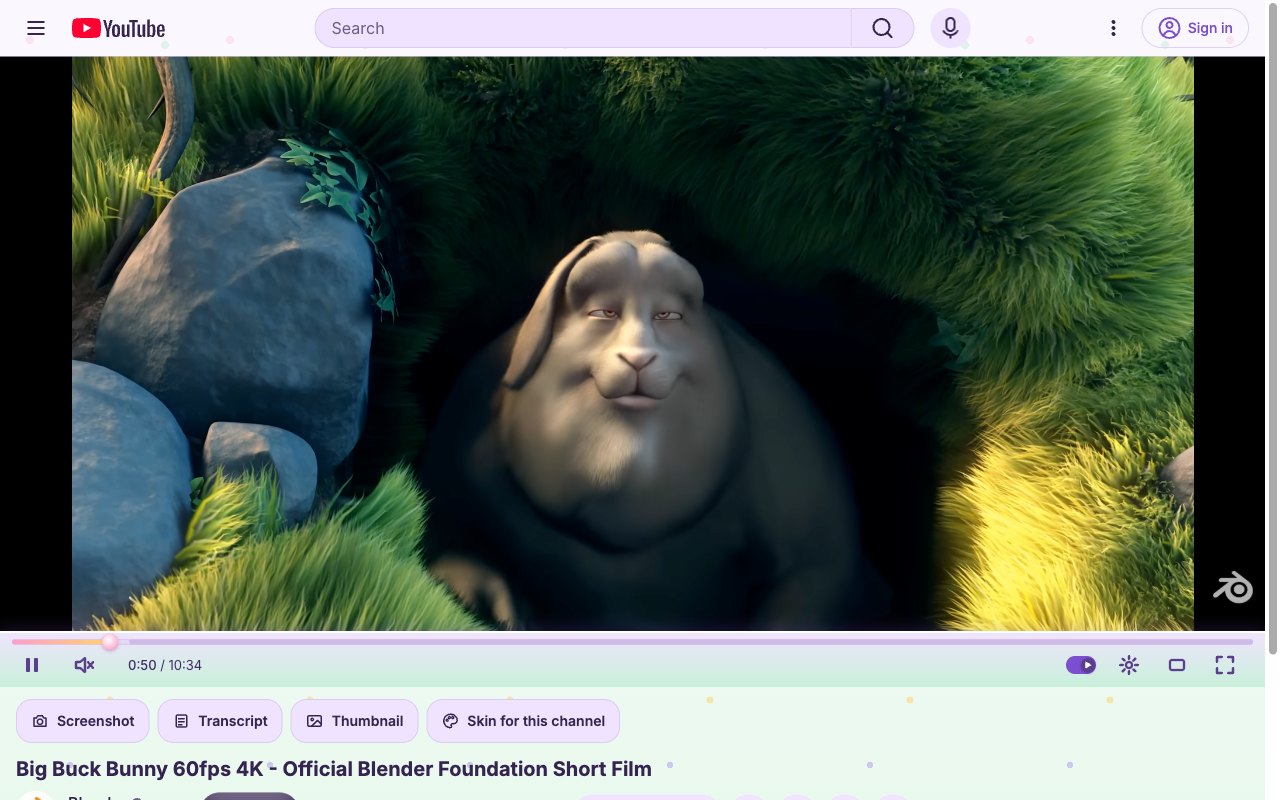
Spring Bloom. Pastel lilac and mint with painted-egg dots. Mar 20 to Apr 25.
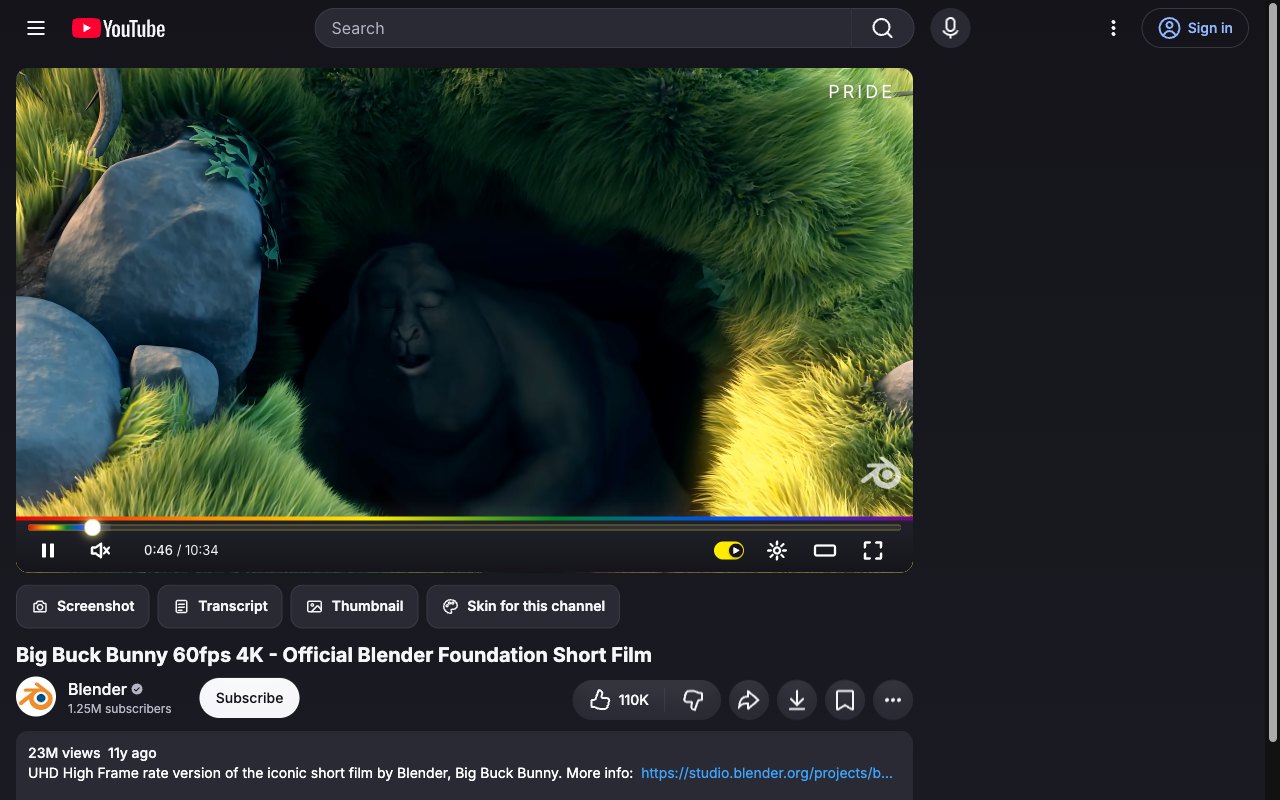
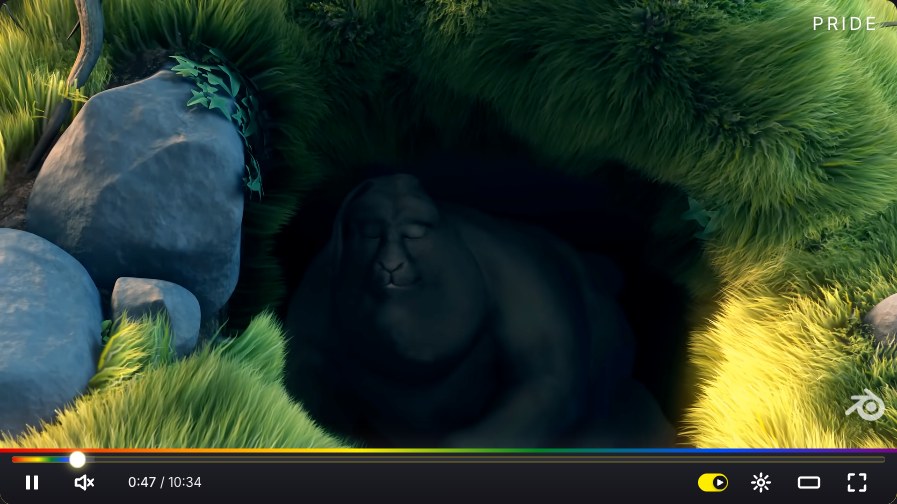
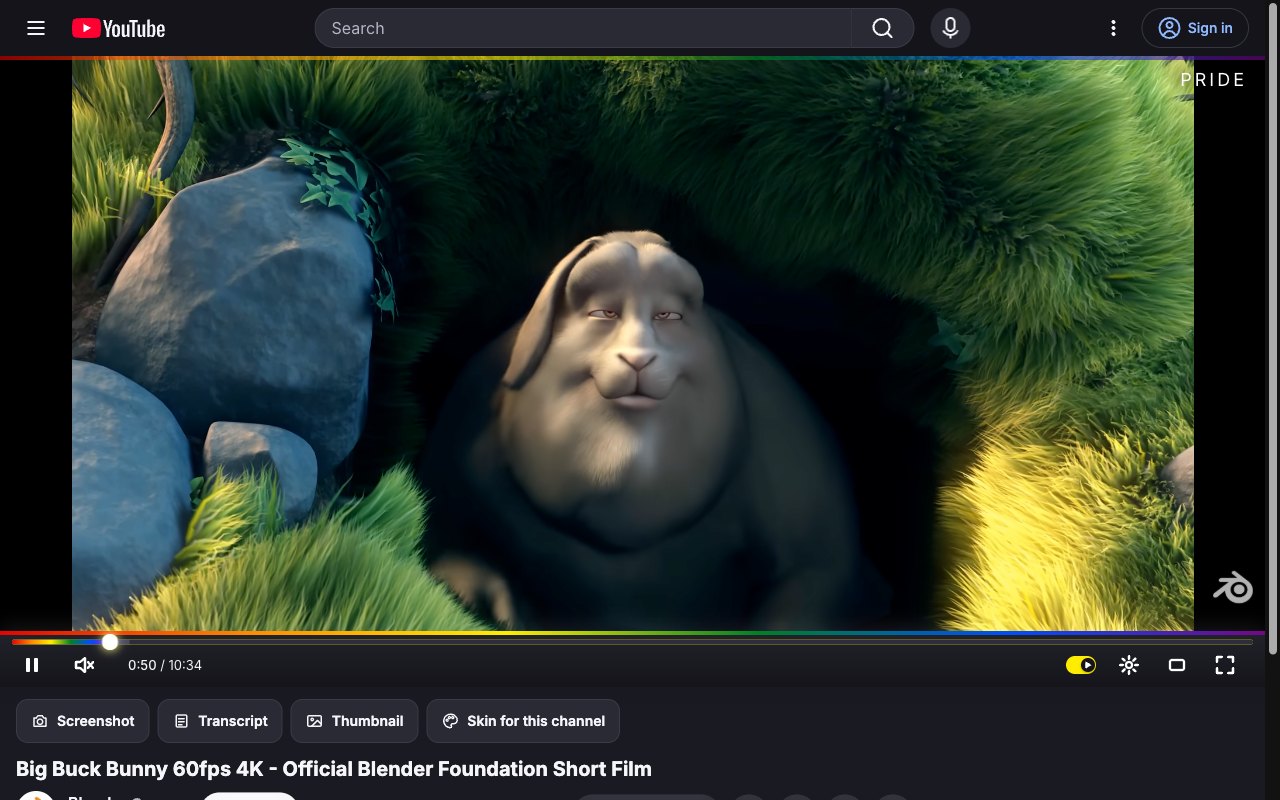
Pride. A rainbow progress bar and top stripe on a dark page. June.
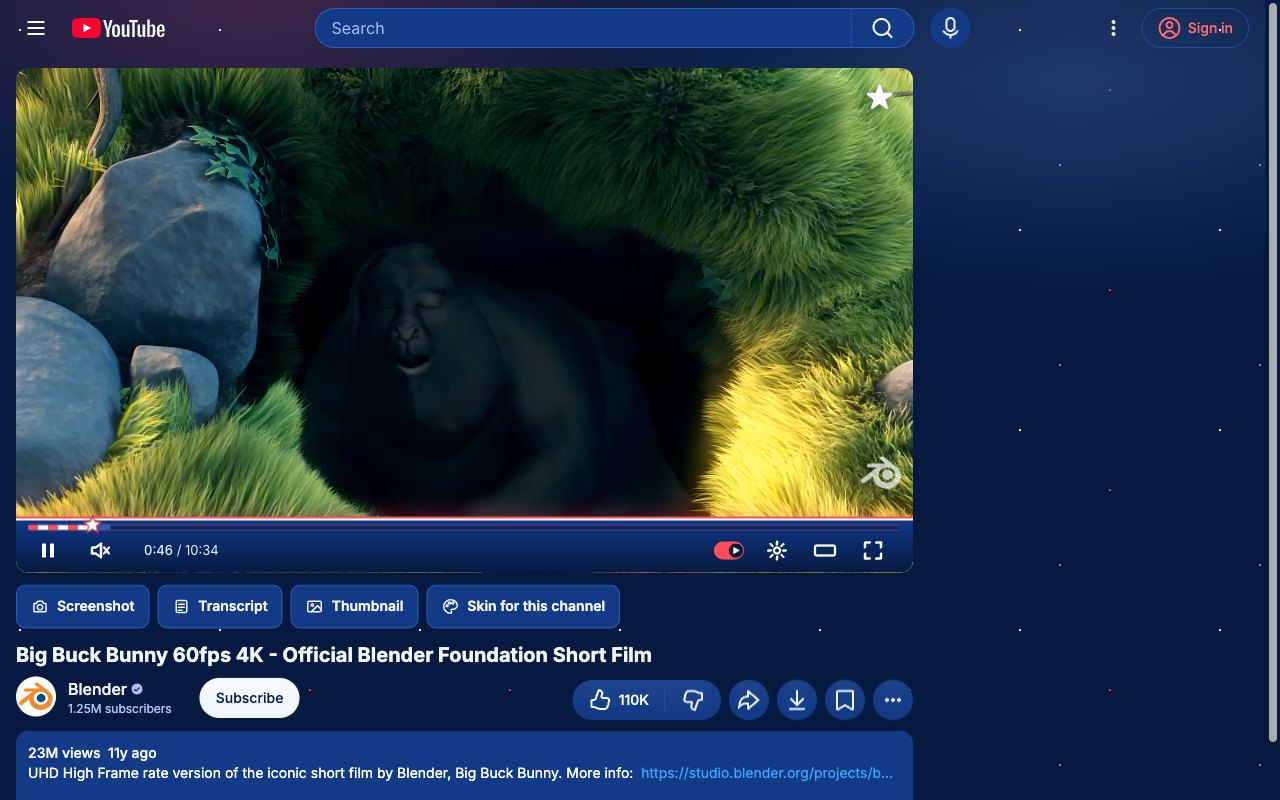
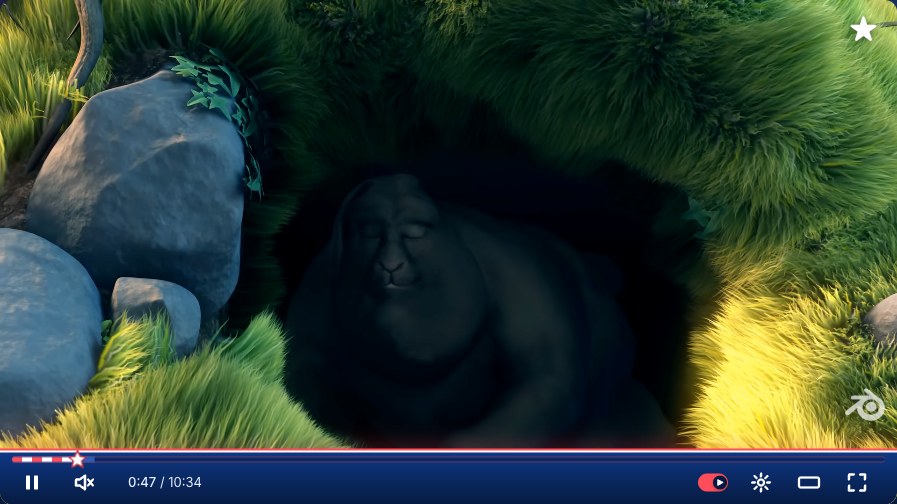
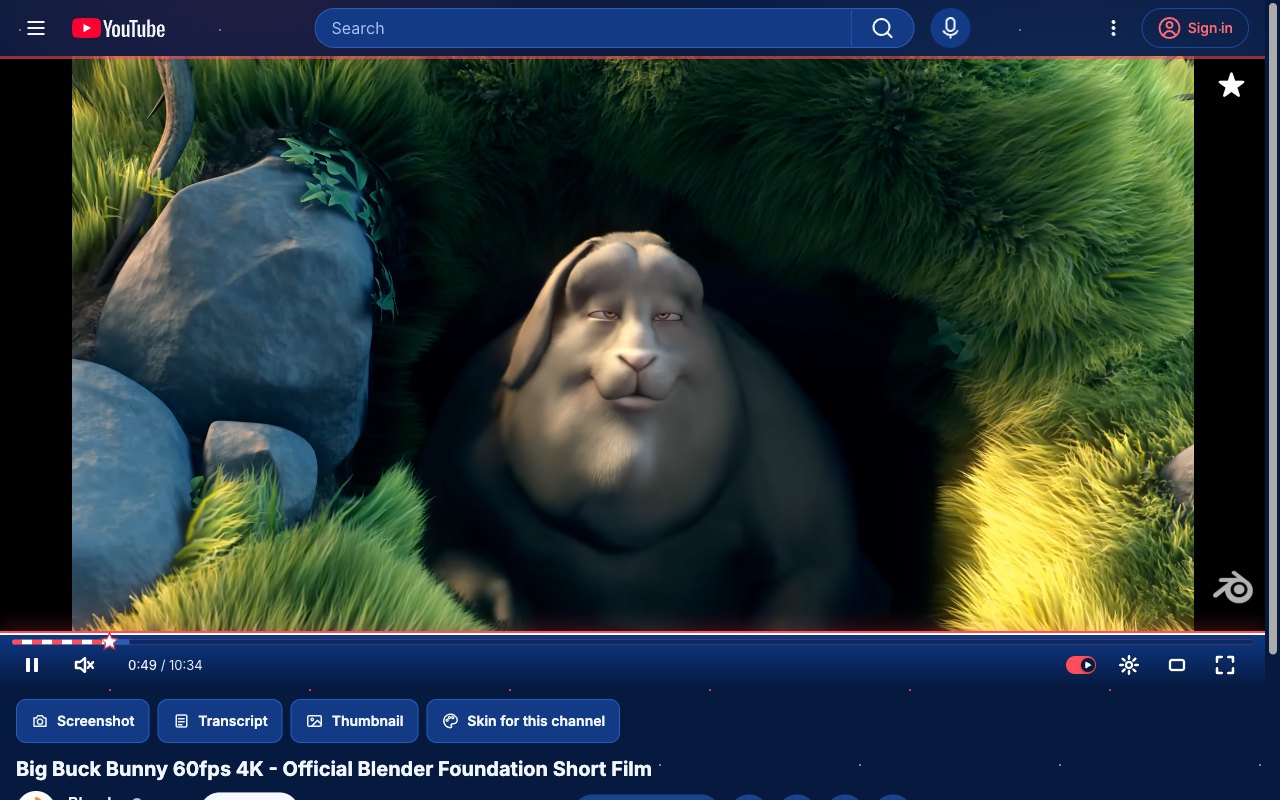
Independence Day. Red, white and blue with a star playhead and a night sky of sparks. Jul 1 to 5.
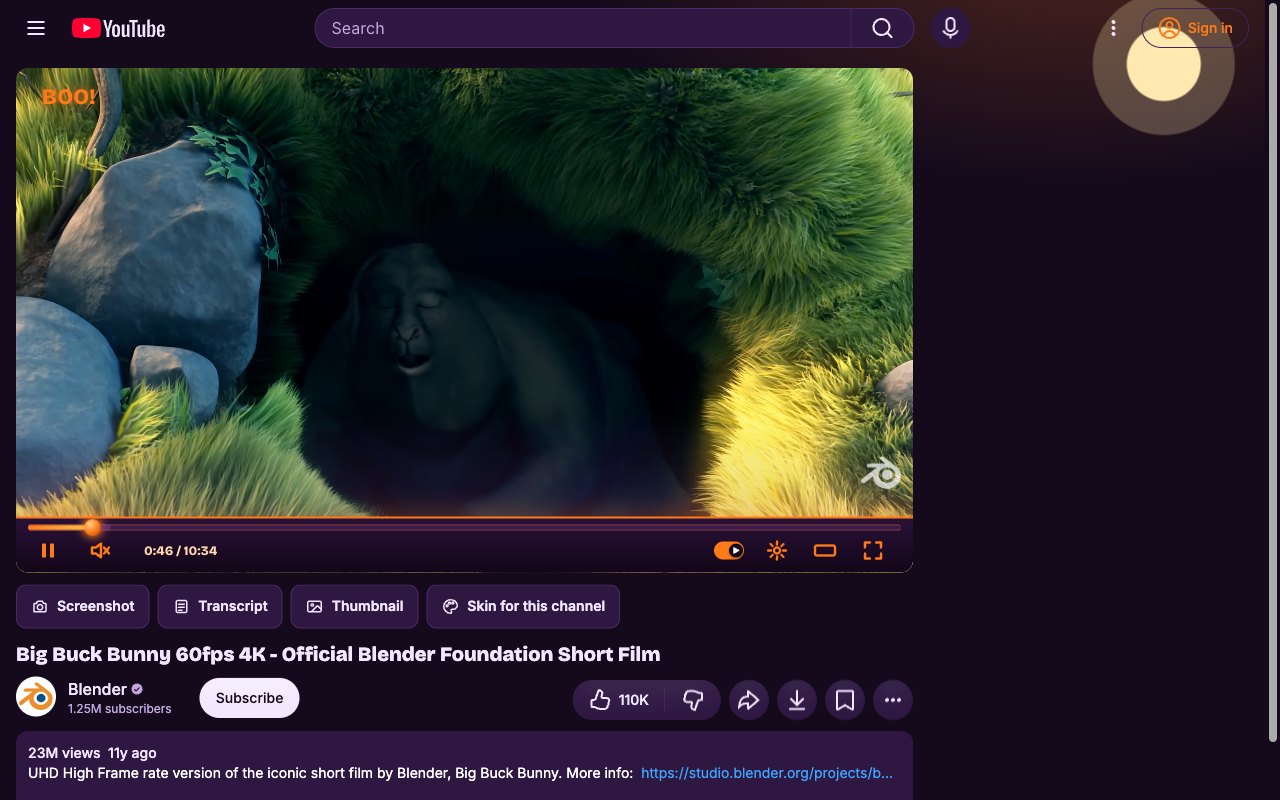
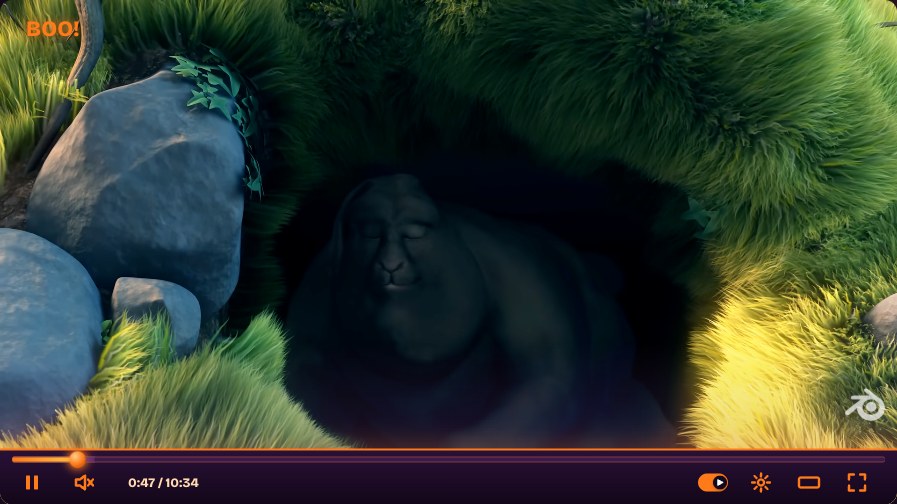
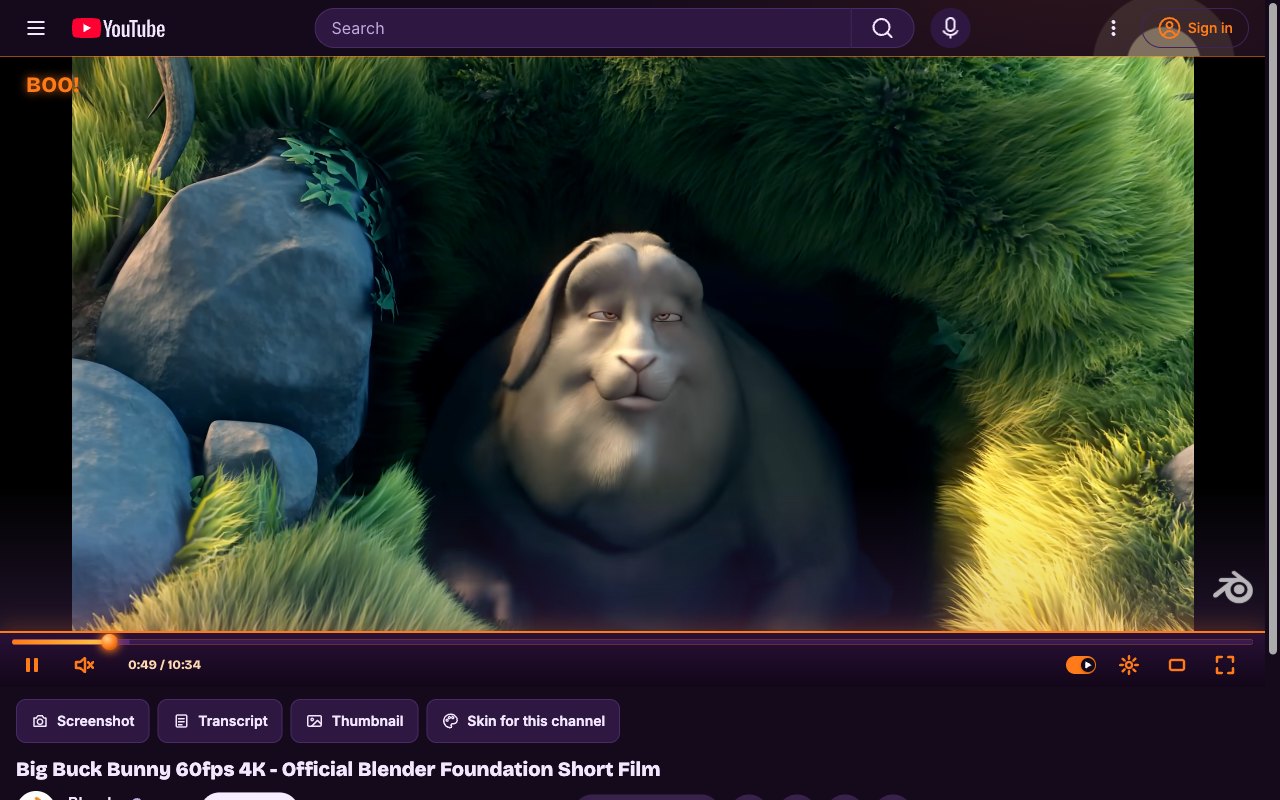
Halloween. Purple night, a pumpkin playhead and a moon over the page. Oct 15 to Nov 1.
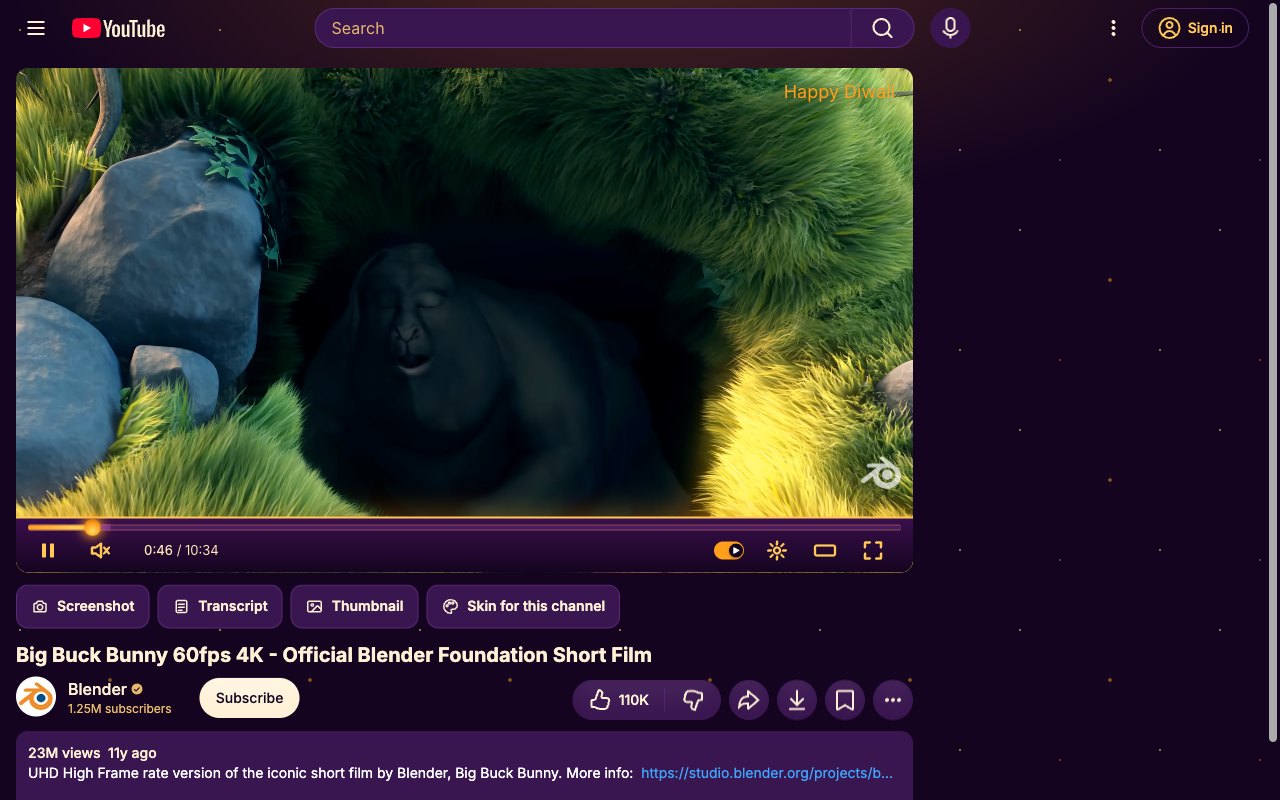
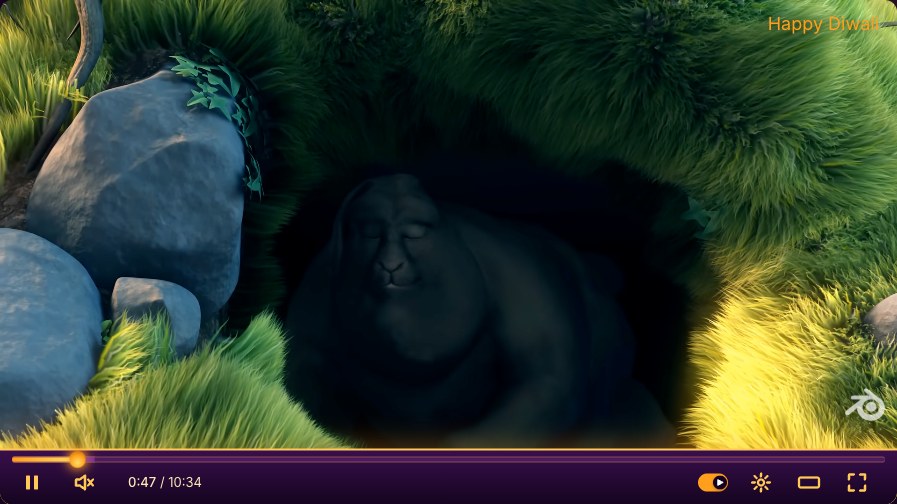
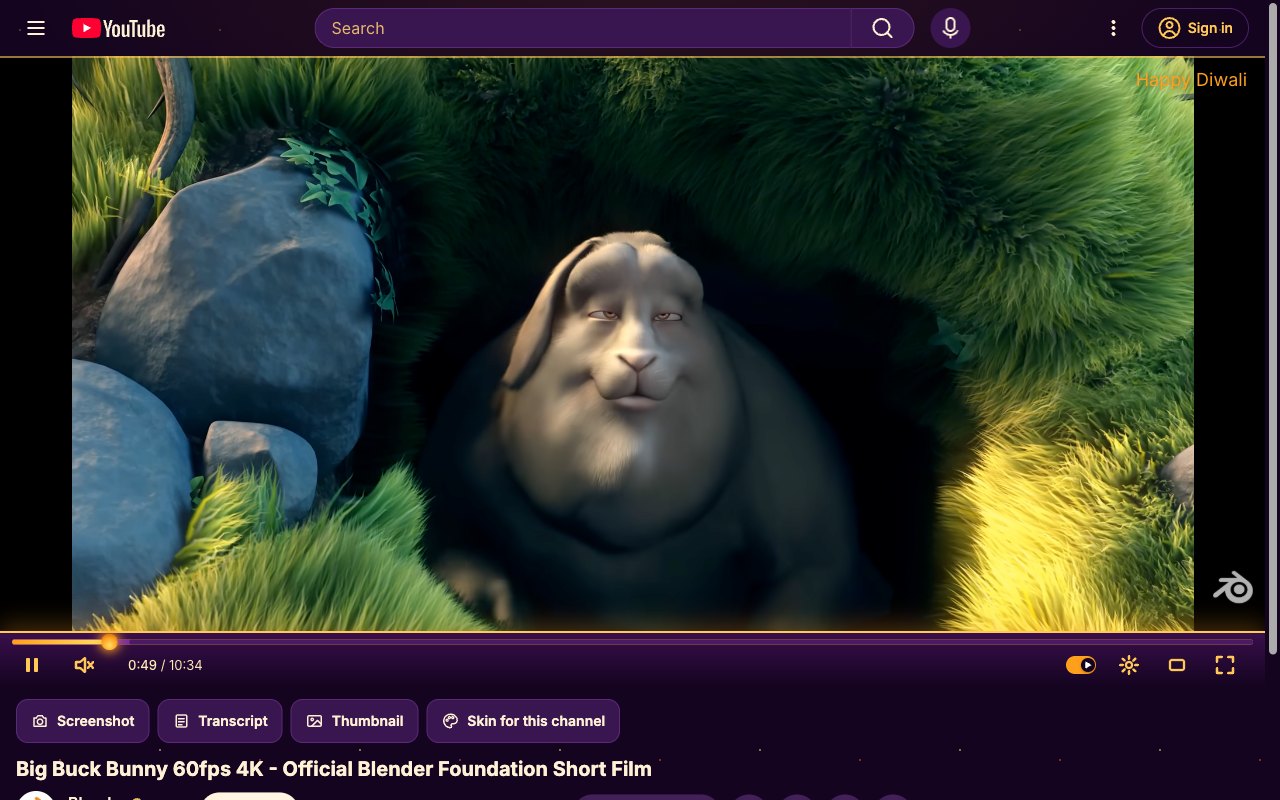
Diwali. Gold and saffron on deep purple, with a flame for a playhead. In season around Diwali.
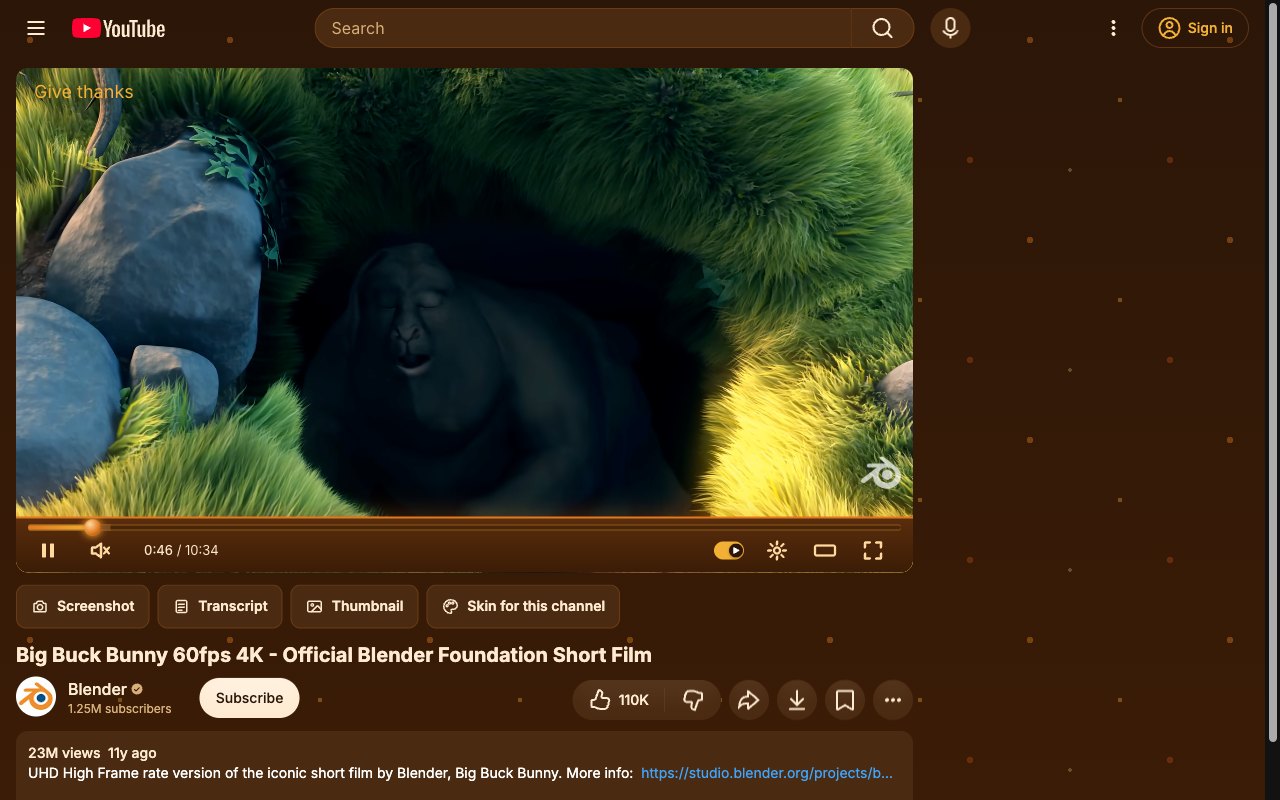
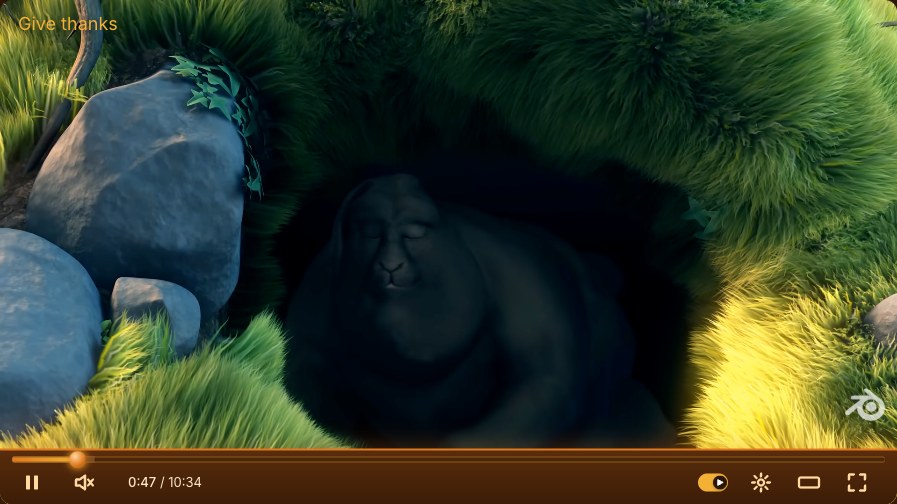
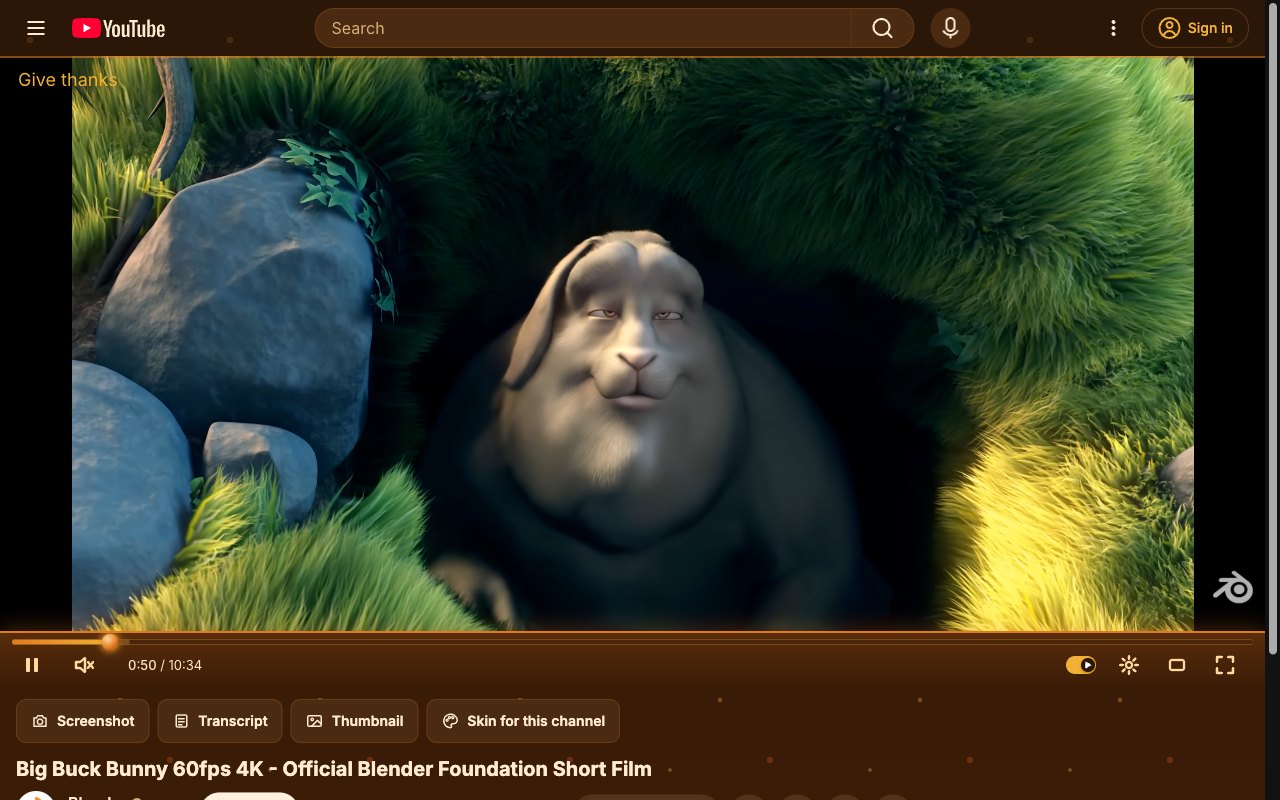
Thanksgiving. Autumn browns and oranges for the Thanksgiving week. Nov 20 to 28.
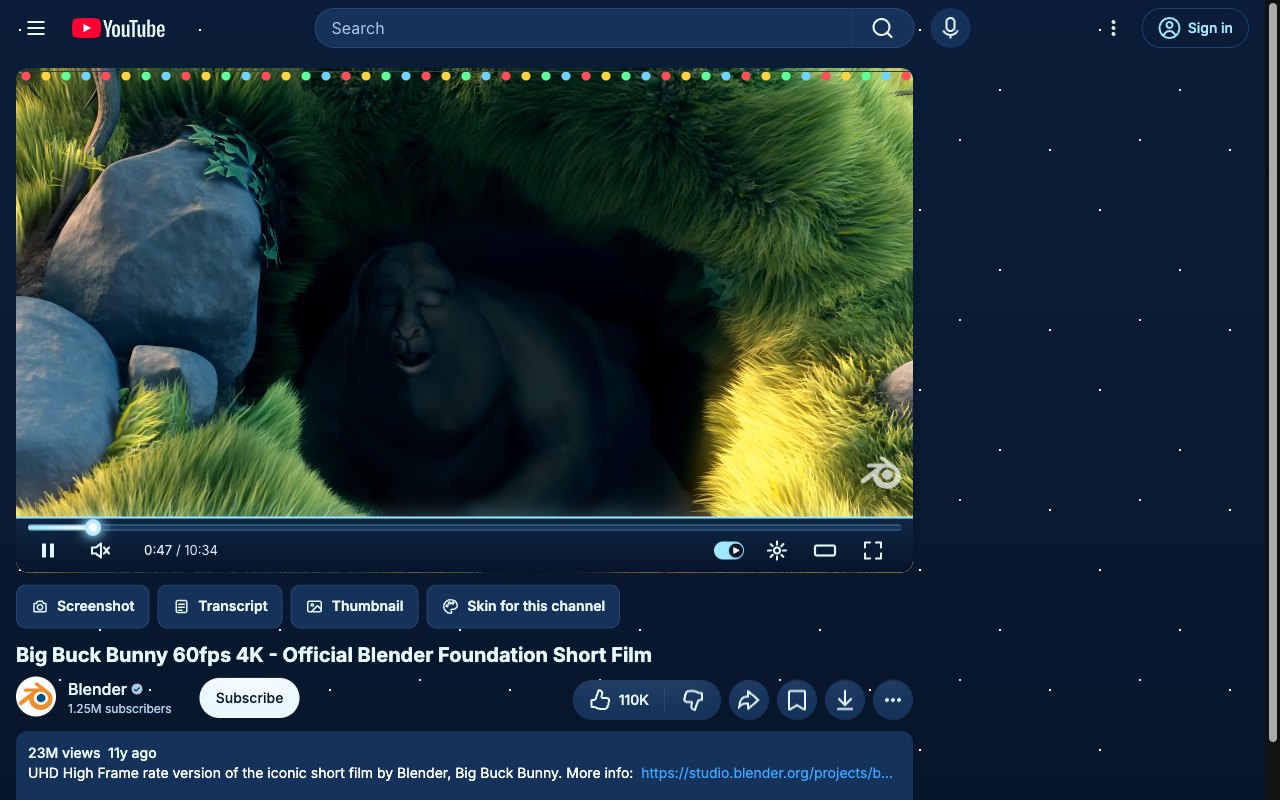
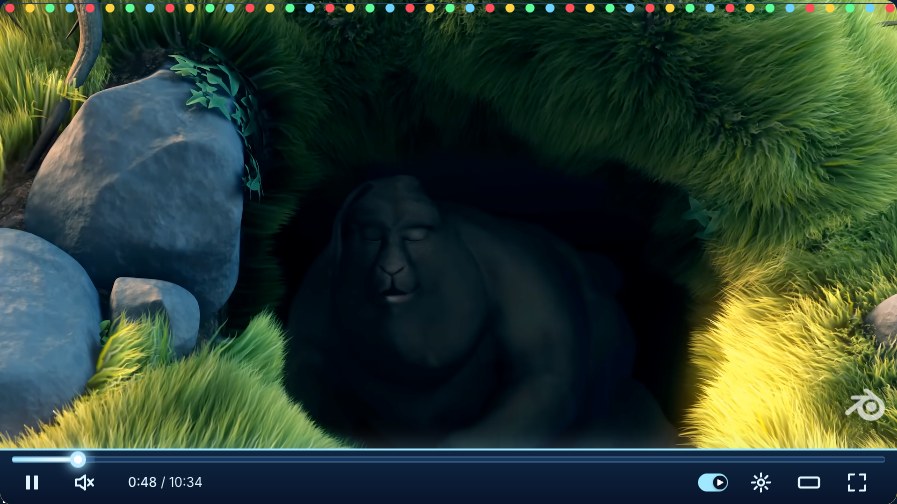
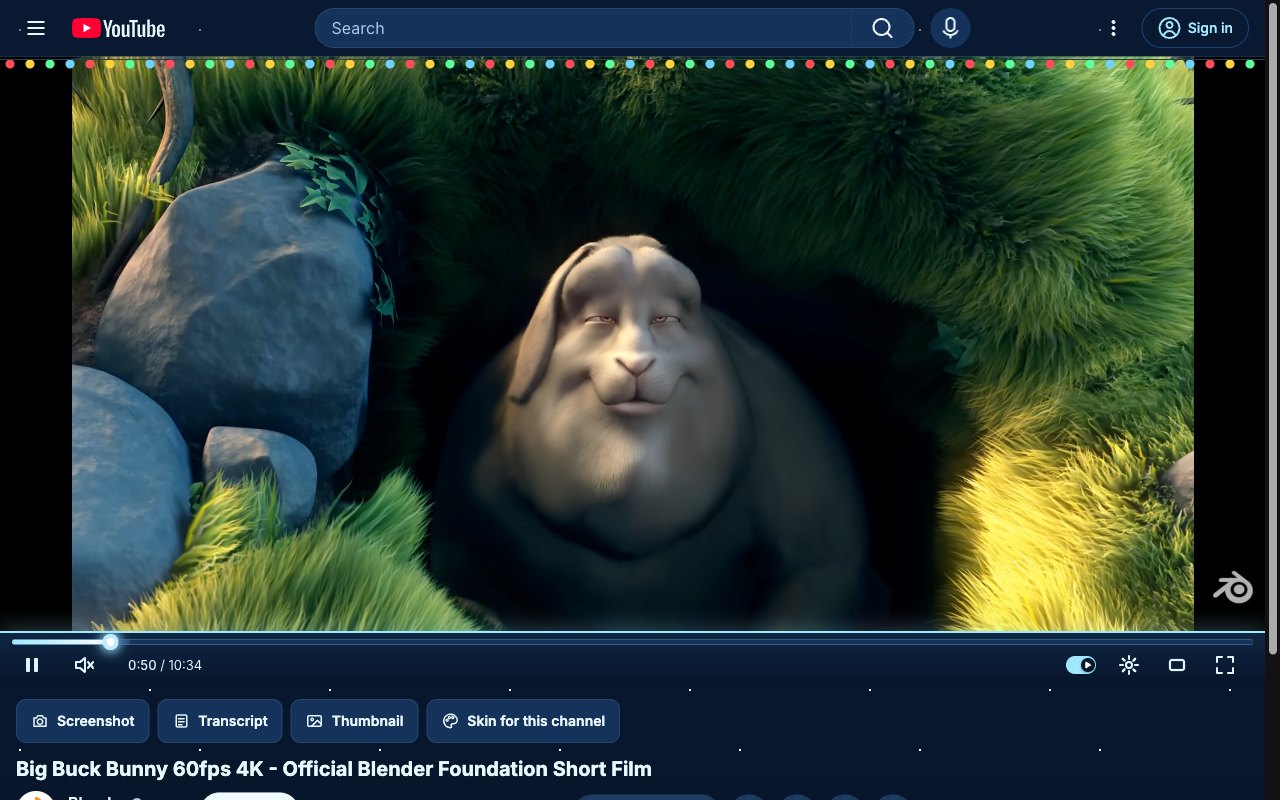
Christmas. A string of colored lights across the player and snow on the page. Dec 1 to 26.
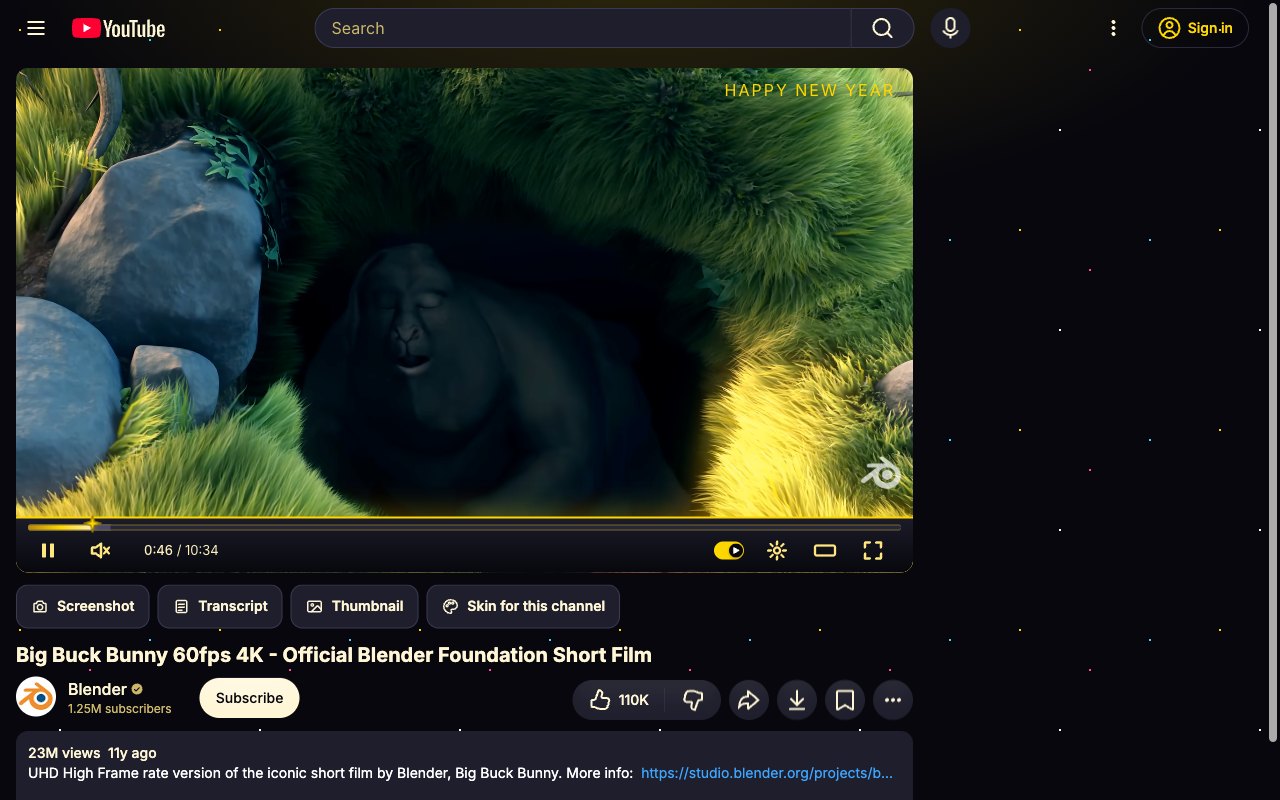
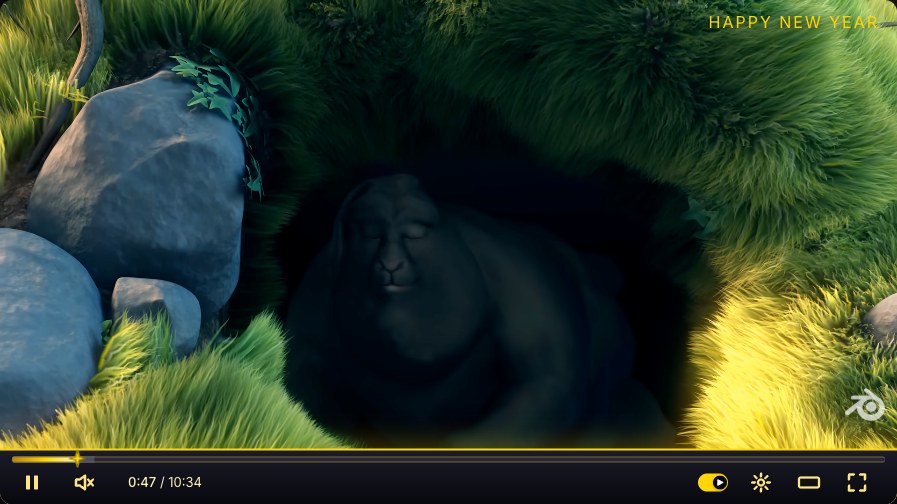
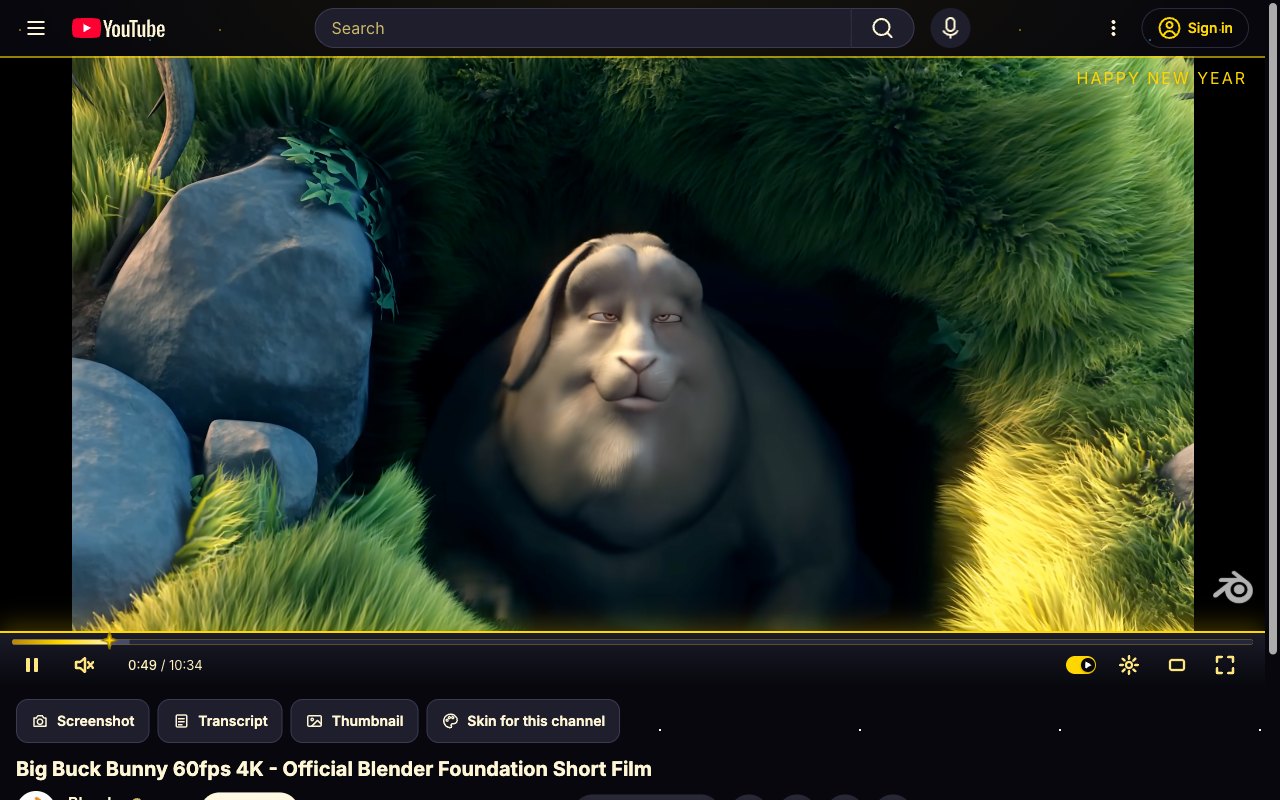
New Year's Eve. Black and gold with confetti and a sparkle playhead. Dec 27 to Jan 2.
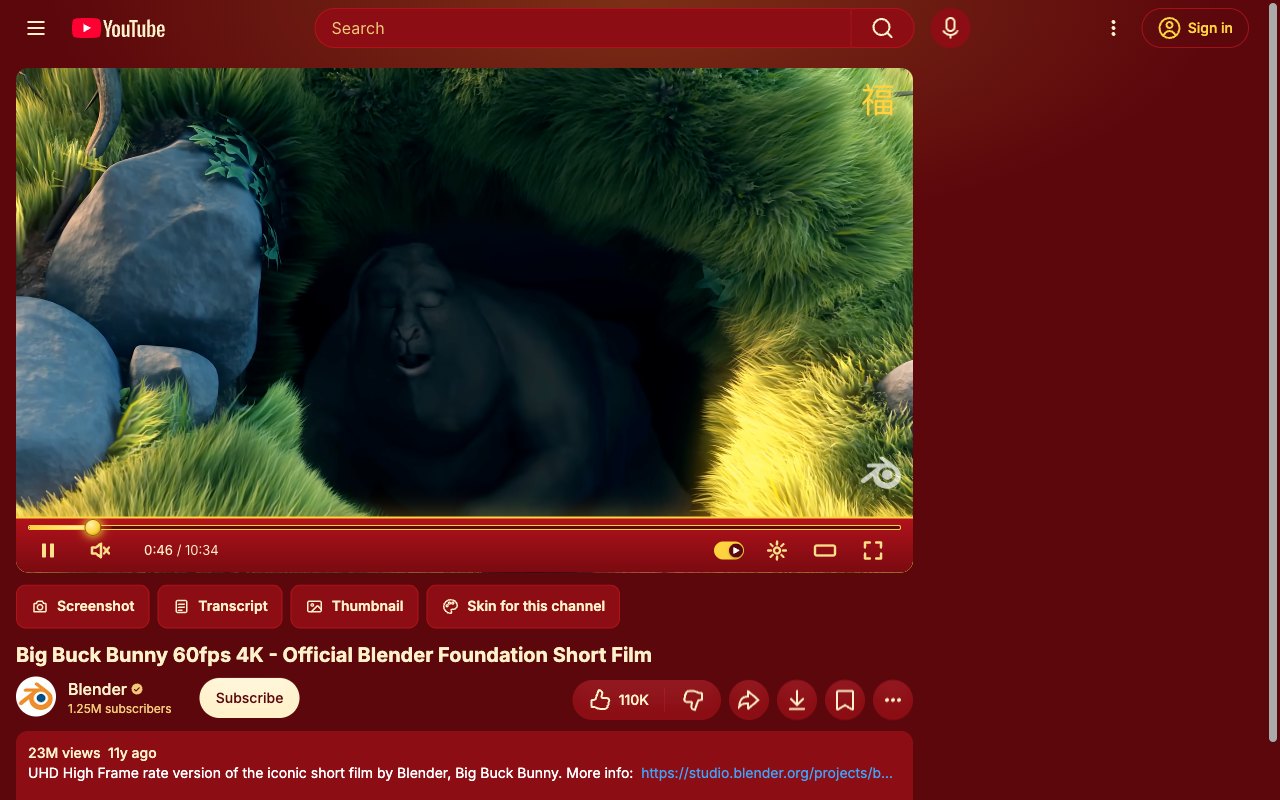
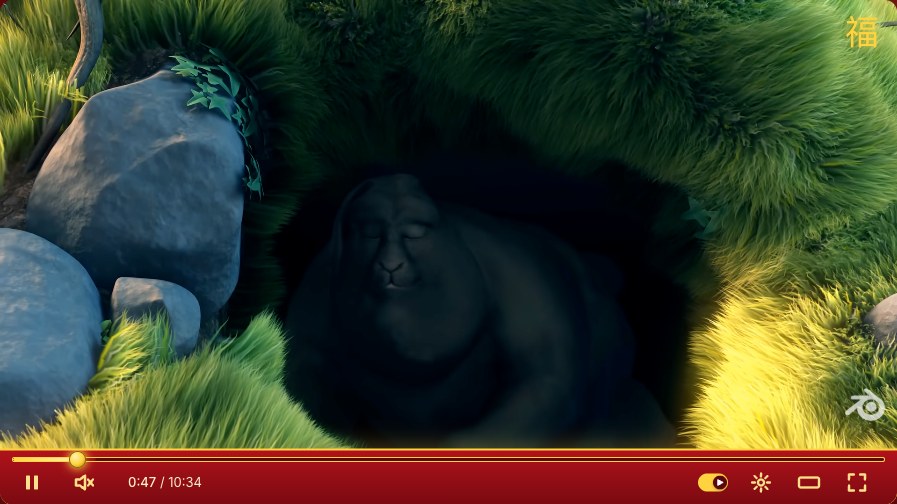
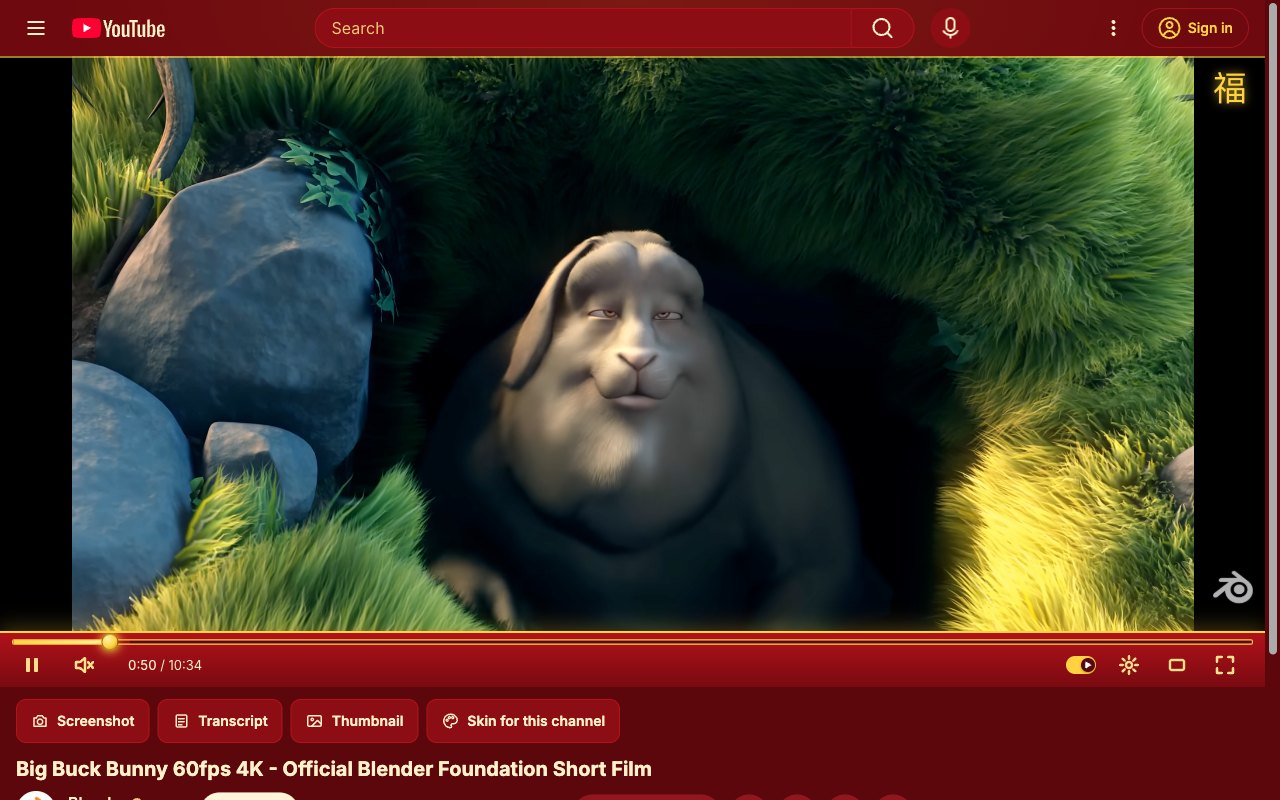
Lunar New Year. Red and gold with a lucky 福 in the corner. Jan 20 to Feb 25.
Screenshots · tools
Most start off. Turn one on and it works on the next video; turn it off and YouTube is exactly as it was. Every clip below is the real extension on YouTube.
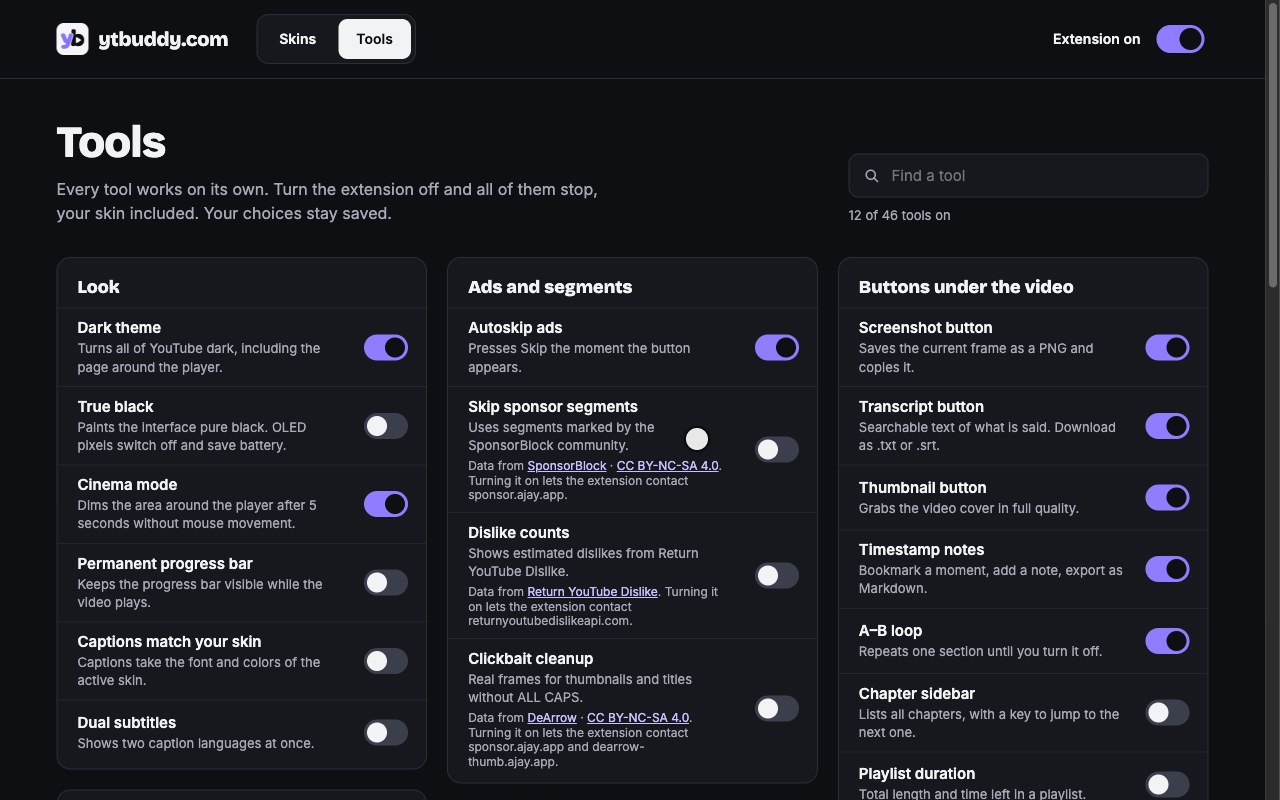
Turns all of YouTube dark, including the page around the player.
Captions take the font and colors of the active skin.
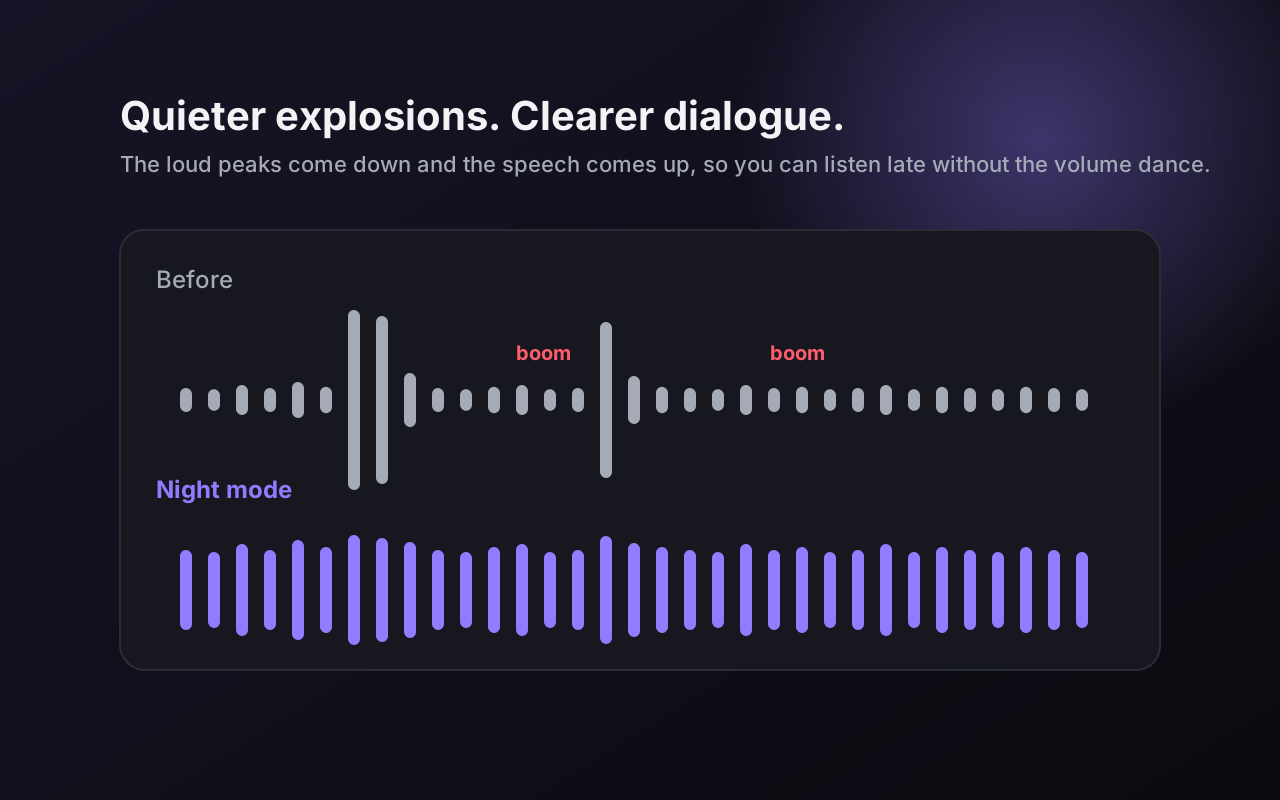
Quieter explosions, clearer dialogue.
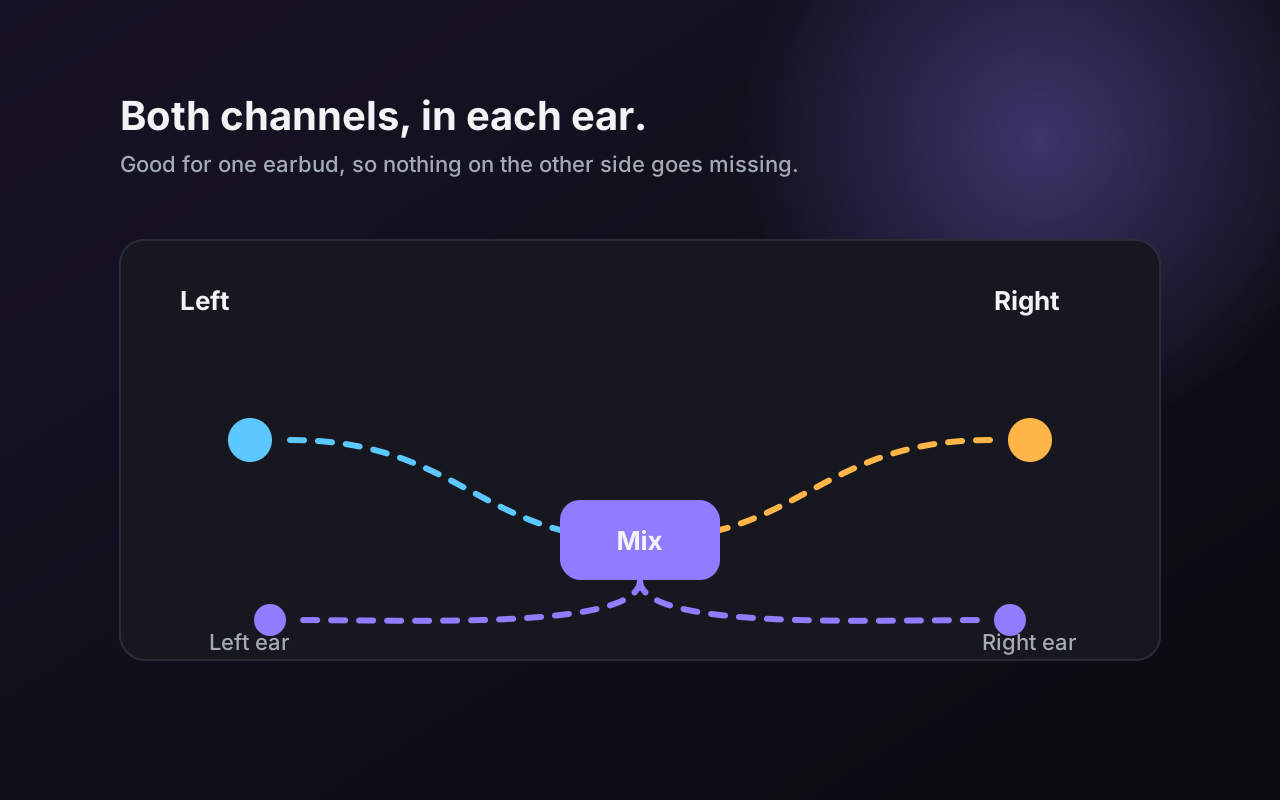
Both channels in each ear. Good for one earbud.
Scroll over the player to change the volume.
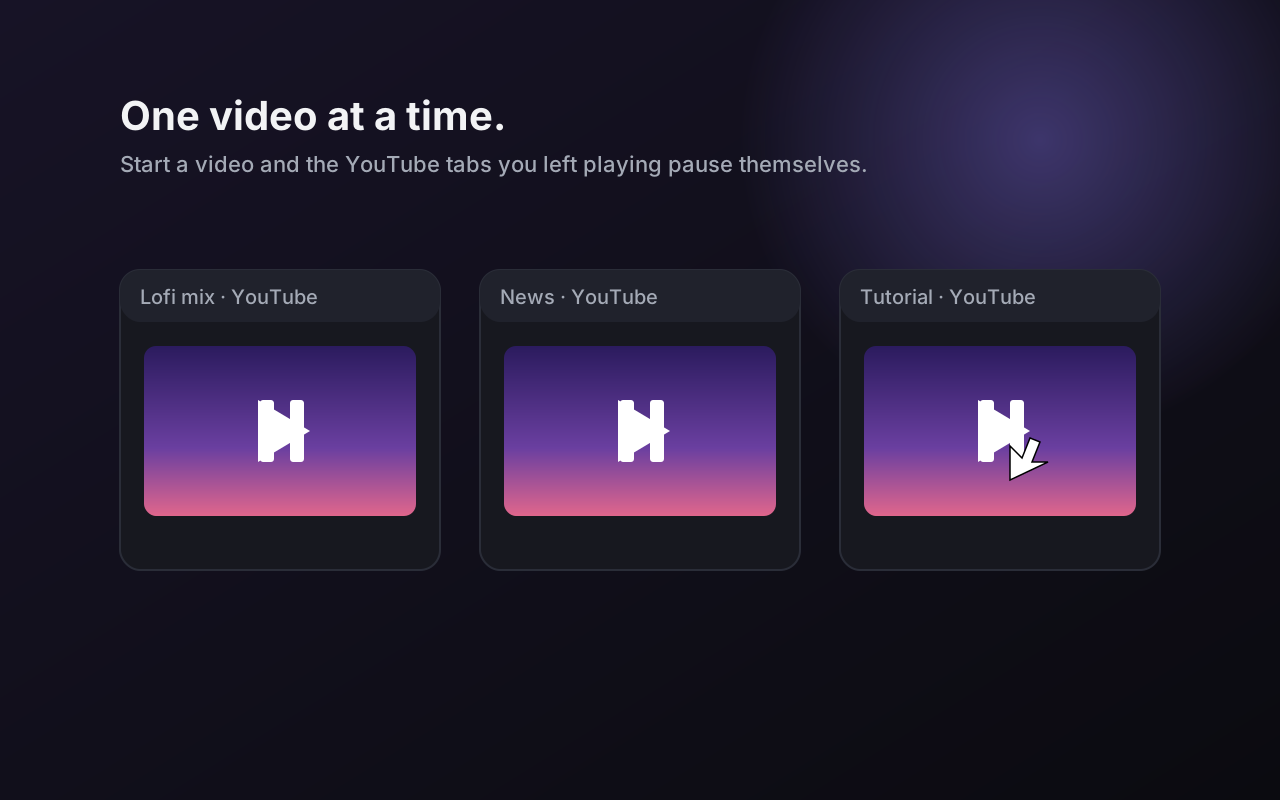
Starting a video pauses YouTube in your other tabs.
Caps quality at 480p.
Keeps volume and speed for each channel.
Shows the time remaining at your current speed.
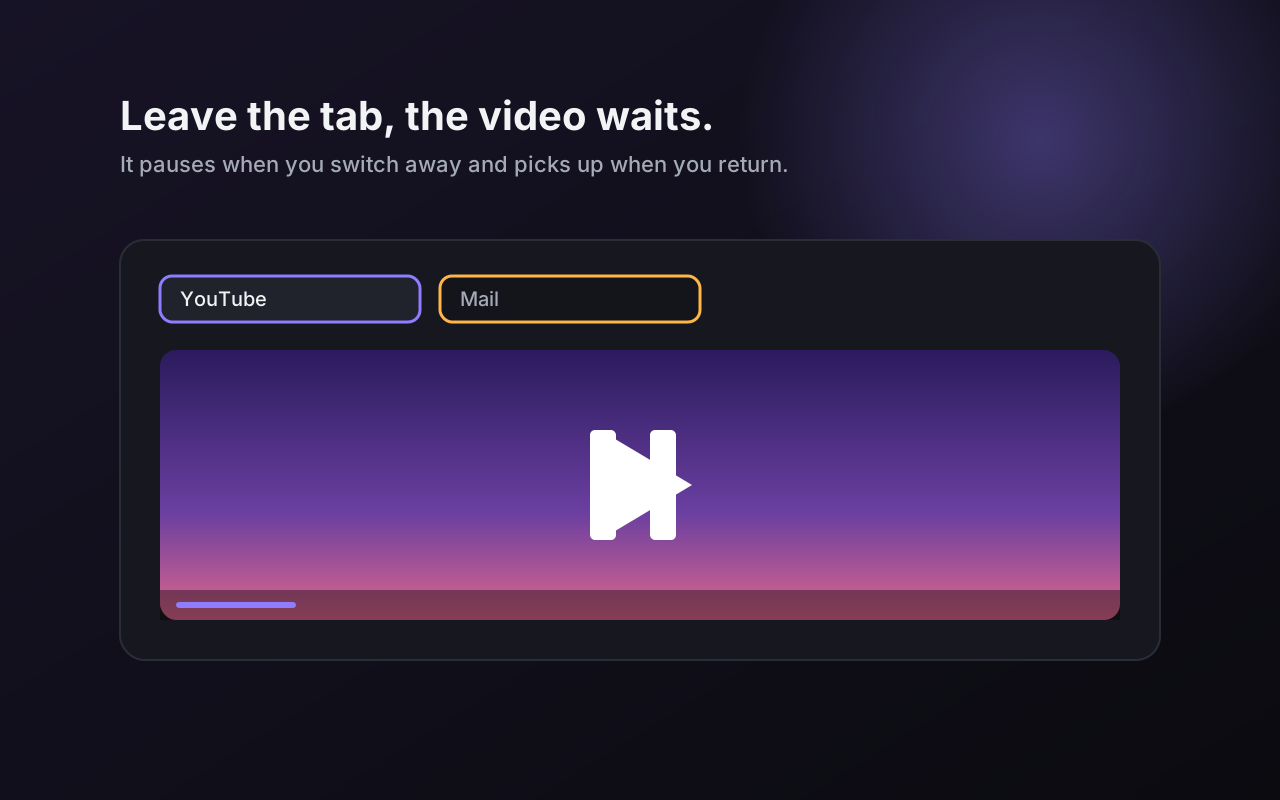
Pauses when you leave the tab, resumes when you come back.
Hides the picture behind your skin. Saves CPU and GPU, not data.
Pops the player out, with your skin on it.
Any Shorts link plays with full controls.
The next video never starts on its own.
Removes the comment section under videos.
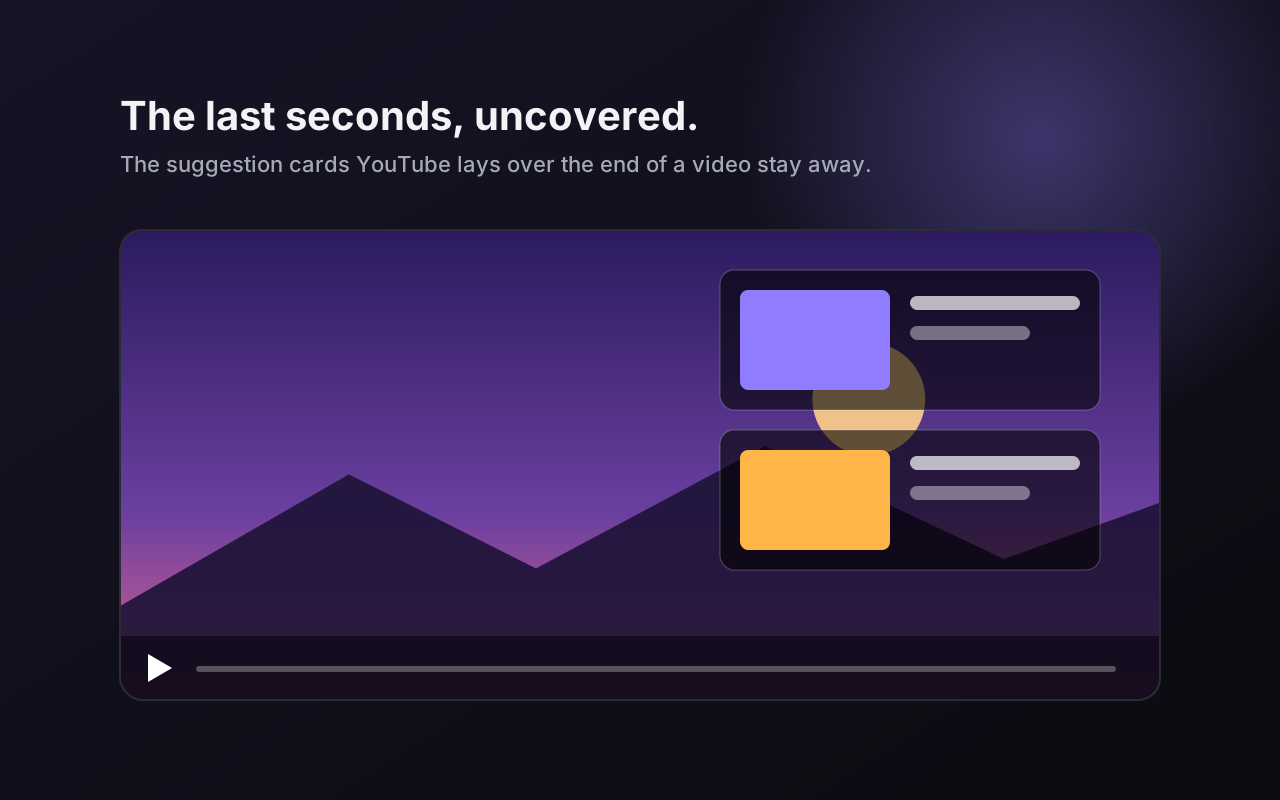
Removes the cards that cover the last seconds.
Removes videos you finished from your feeds.
Searchable text of what is said. Download as .txt, .md or .srt.
GuideBookmark a moment, add a note, export as Markdown.
Lists all chapters, with a key to jump to the next one.
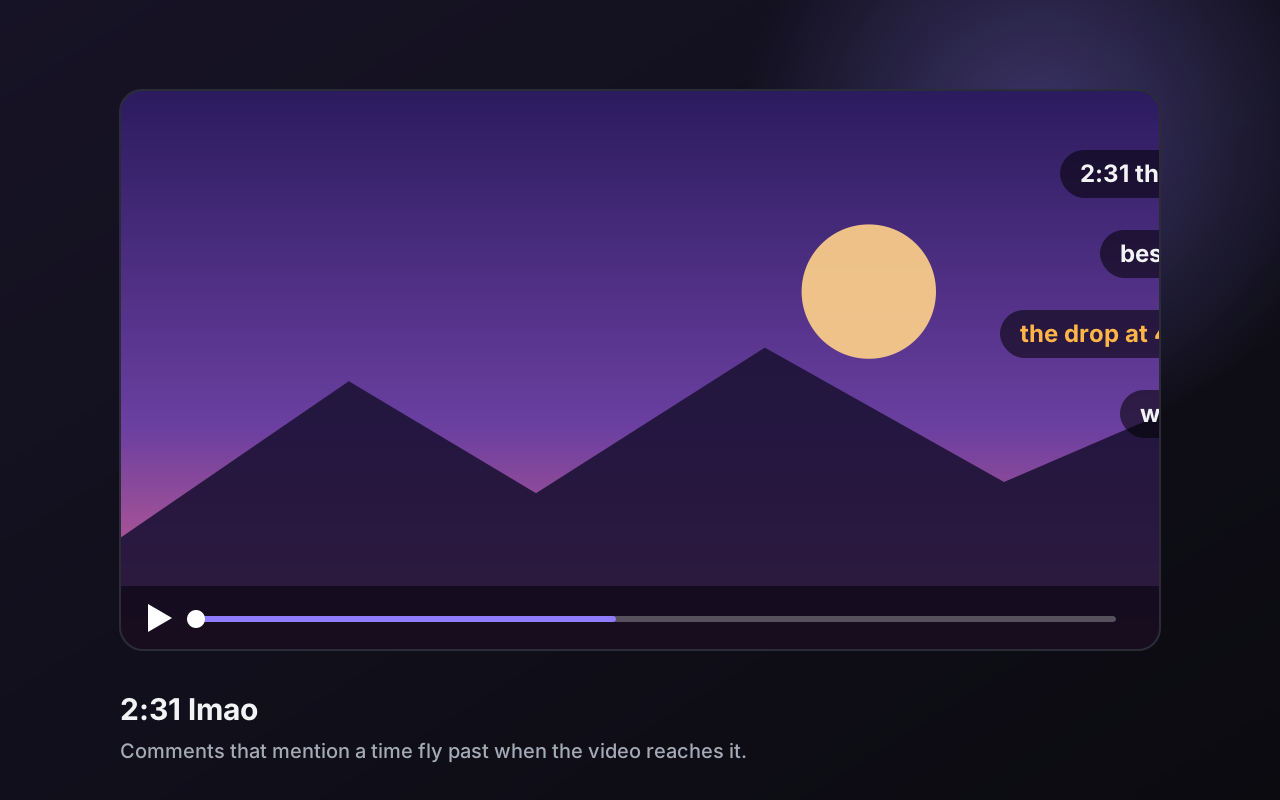
Comments that mention a time fly across the video at that moment.
Plays a playlist in random order, without repeats.
Flips the picture for dance and guitar tutorials.
Brightness, contrast and saturation sliders.
Less blue light for late-night watching.
Steps one frame forward or back.
Set your own keys for any tool.
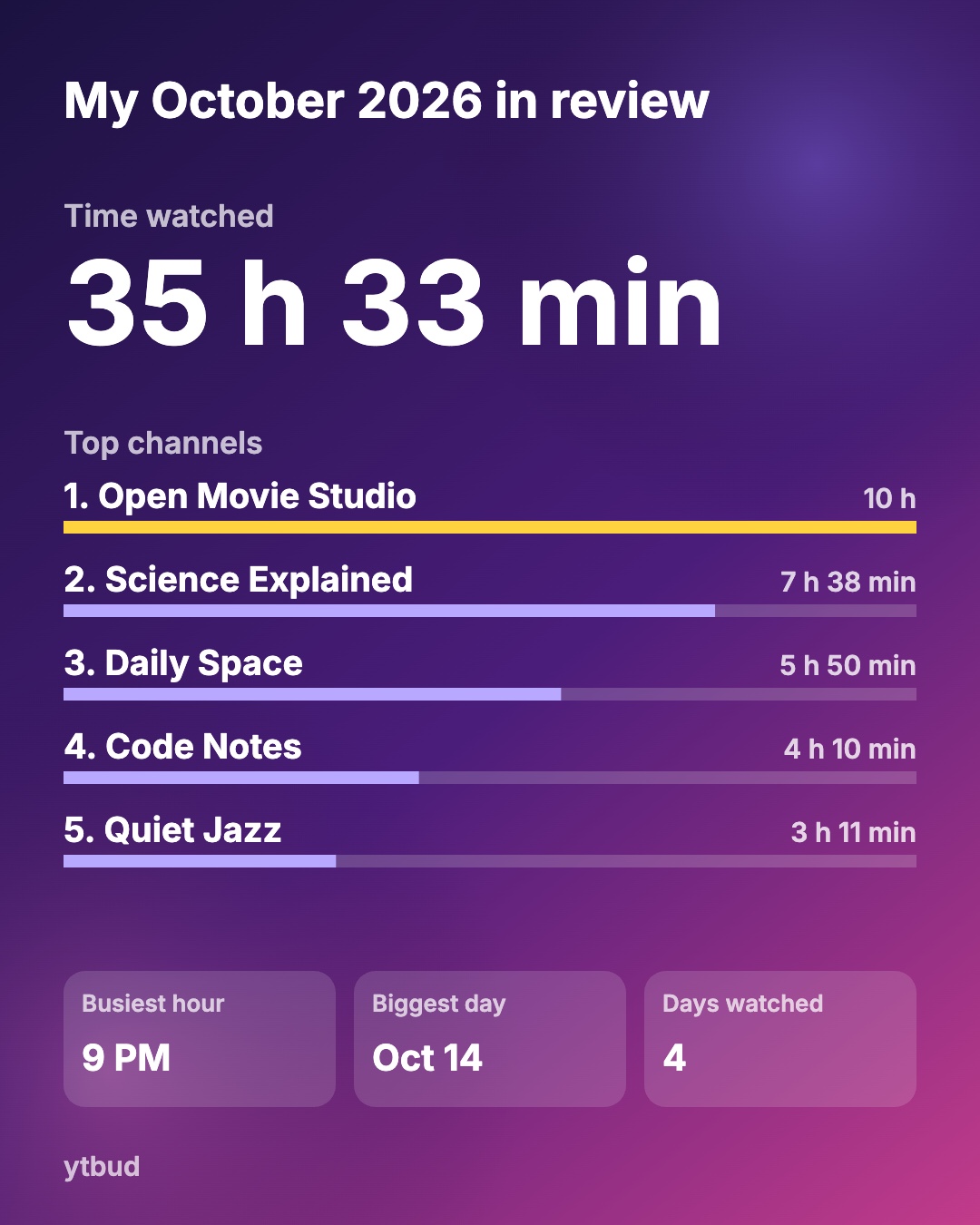
How long you watch each day.
Watch Wrapped
Turn on Watch time stats and ytbud builds a recap from your own watching, right in your browser.
How it works
One click from the Chrome Web Store. Free for 7 days, no account, nothing to configure.
The toolbar icon opens your skins. Click Use and the player changes in every YouTube tab.
All 49 live on one page with search. Most are off until you turn them on, and off means gone.
Guides
How to do it on YouTube as it is, then how ytbud does it in one switch.
FAQ
Free for 7 days with everything on. After that it’s a one-time payment of $5 for one browser or $10 for three, with no subscription. Skip sponsor segments and Clickbait cleanup stay free. No account, no ads. Learn more
Click the ytbud icon, pick a skin, click Use. Every open YouTube tab changes at once. Learn more
Yes. Each skin brings its own bar, and “Permanent progress bar” keeps it visible while the video plays. Learn more
Turn on True black. The page goes to #000, not YouTube’s dark grey. Learn more
Turn on Dislike counts. Estimates from Return YouTube Dislike appear in the dislike button. Learn more
Yes, using SponsorBlock’s community timestamps, with an Undo button on each skip. Learn more
Yes: 0.25× to 4× in 0.05 steps, plus 5×, 8× and 16×, from the player’s gear menu. Learn more
Turn on Hide Shorts. They leave the home page, search, subscriptions, the sidebar and channel tabs. Learn more
Yes, as .txt, .srt or Markdown with timestamp links, from the Transcript button. Learn more
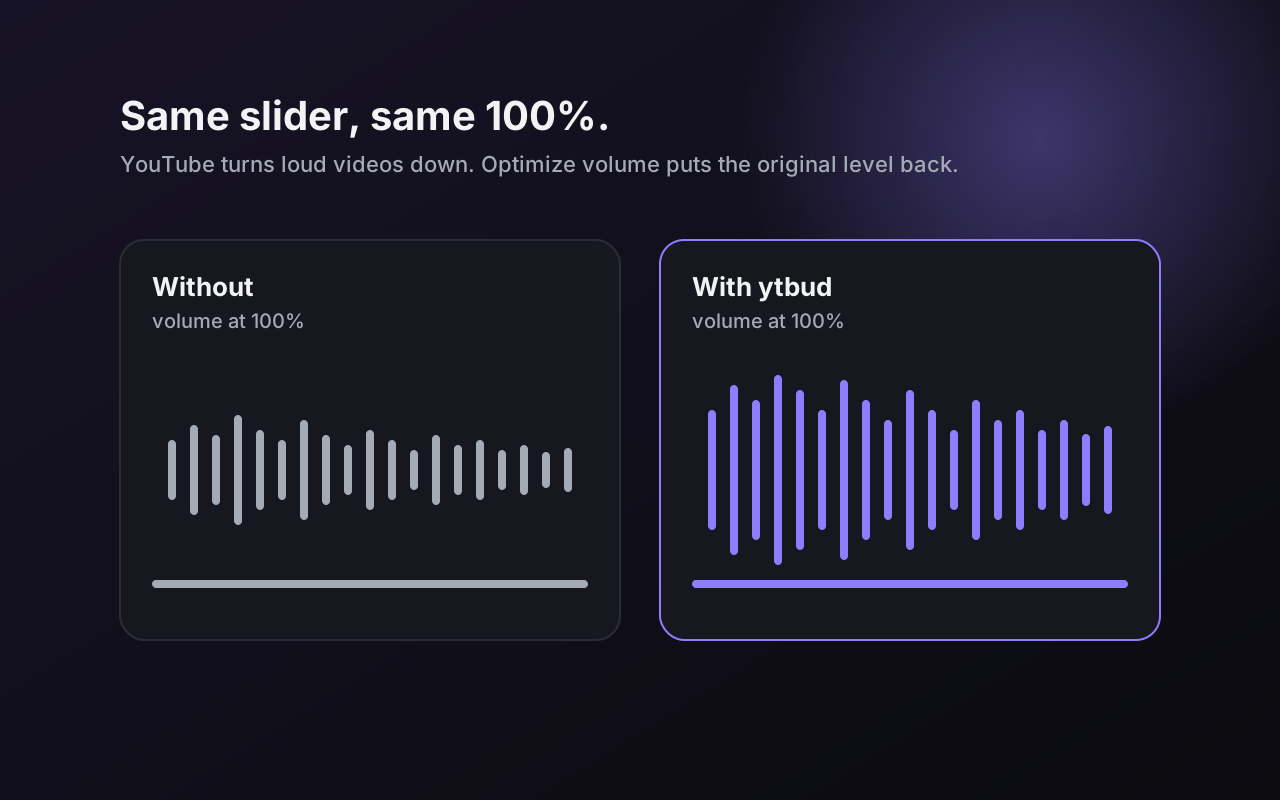
YouTube turns loud videos down. Optimize volume makes 100% mean the original level. Learn more
No analytics, no account. Settings, notes and stats stay in your browser. Community services are contacted only while their switch is on. Learn more
Chrome on Windows, macOS, Linux and ChromeOS, and Chromium browsers that install from the Chrome Web Store: Edge, Brave, Opera, Vivaldi. Learn more
30 skins, 49 tools, no account. Undo any of it with one switch.
Add to Chrome — free for 7 days