
The best YouTube extensions for Chrome in 2026
Updated · tested in Chrome
Short answer
Pick by job. For an all-in-one enhancer: Enhancer for YouTube (1M users). For skipping sponsors: SponsorBlock (2M). For hiding distractions: Unhook (1M). For dislikes: Return YouTube Dislike (5M). For player skins plus all of those tools in one extension: ytbud for YouTube.
Add to Chrome — it’s free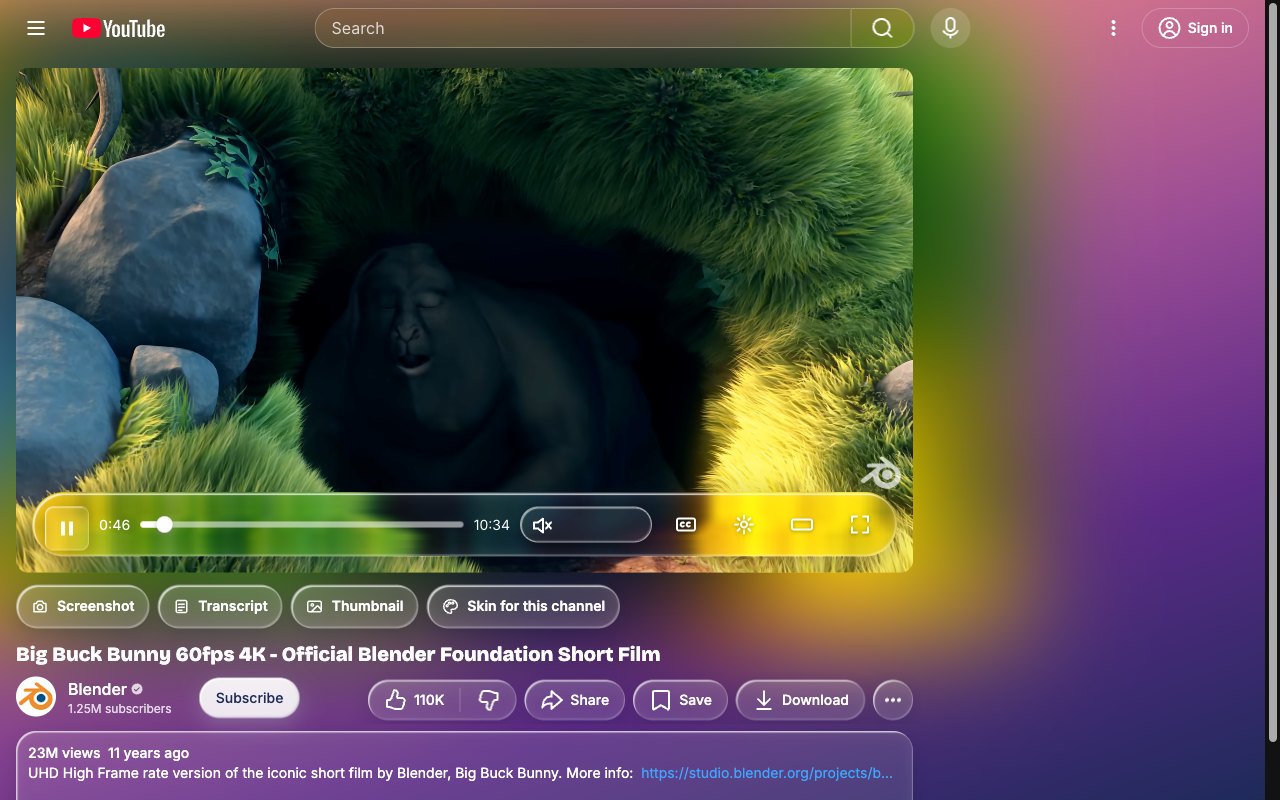
How we compared
User counts and ratings are from each extension’s Chrome Web Store page in October 2026. Fewer extensions on YouTube means fewer conflicts and fewer permissions to grant.
At a glance
| Extension | Users | Best at |
|---|---|---|
| Return YouTube Dislike | 5M | Dislike counts |
| SponsorBlock | 2M | Skipping sponsor reads, community submissions |
| Enhancer for YouTube | 1M | Playback controls, volume boost, themes |
| Unhook | 1M | Hiding recommendations, Shorts, comments |
| Improve YouTube! | 400K | Very many layout and player options, open source |
| Custom Progress Bar for YouTube | 200K | Fun progress bar designs |
| DeArrow | 100K | Replacing clickbait titles and thumbnails |
| ytbud for YouTube | New | Full player skins plus 46 tools, private by design |
With ytbud, step by step
- Decide what bothers you most: the look, interruptions, distractions, or missing tools.
- If it’s more than one, try one extension that covers all of them before stacking five.
- ytbud covers skins, sponsors (SponsorBlock data), dislikes (Return YouTube Dislike data), clickbait (DeArrow data), focus and tools, each behind its own switch.
Good to know
- Credit where due
- SponsorBlock, Return YouTube Dislike and DeArrow are community projects. ytbud uses their public data and credits each under its switch.
- Permissions
- ytbud asks for access to those services only when you turn their switch on.
Questions
Can I use ytbud together with SponsorBlock?
Yes, but turn off ytbud’s “Skip sponsor segments” so two extensions don’t skip the same segment.
Is ytbud an ad blocker?
No. “Autoskip ads” only presses YouTube’s own Skip button when it appears.