
How to put a skin on the YouTube player
Updated · tested in Chrome
Short answer
YouTube itself only lets you pick a light or dark theme. To change the player, install a skin extension. ytbud for YouTube adds 12 free player skins to Chrome. A skin restyles the controls and progress bar and themes the page around them, and you can switch skins with one click.
Add to Chrome — it’s free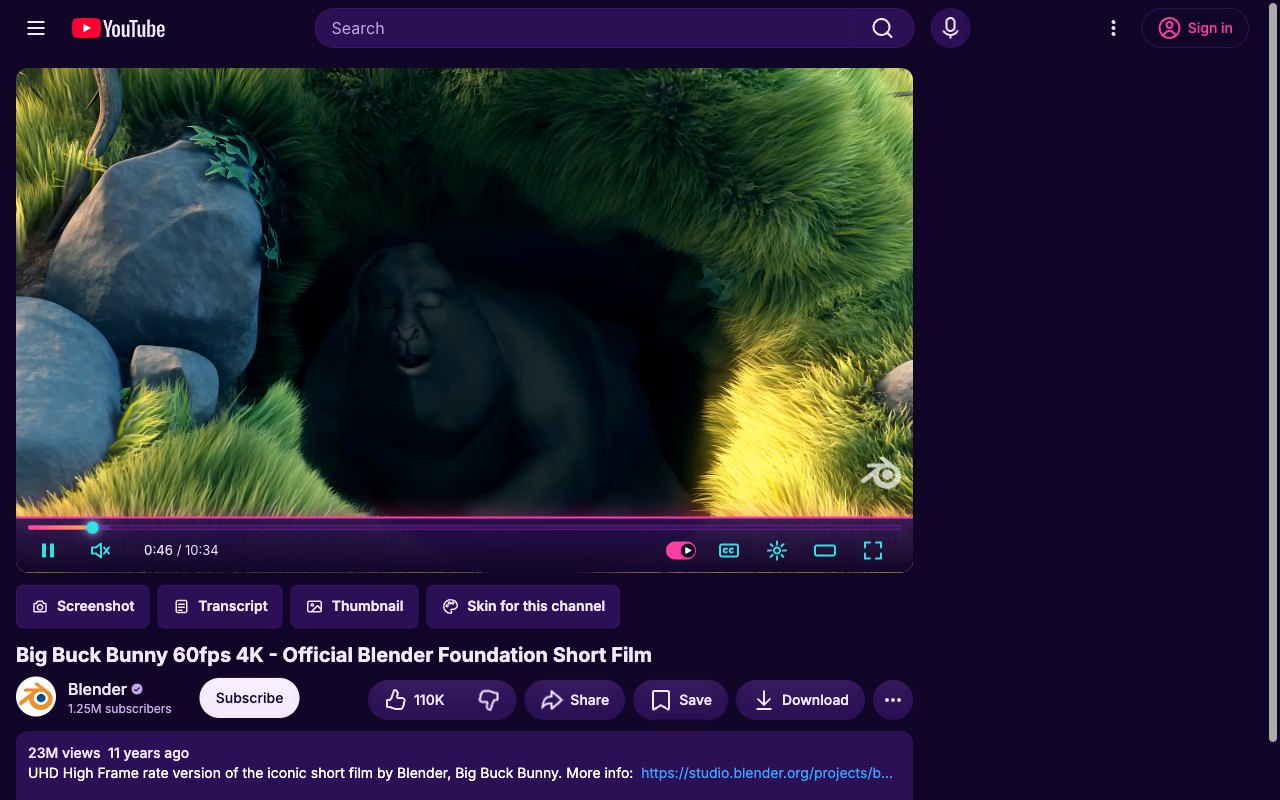
What YouTube lets you change
In YouTube’s settings you can choose Appearance: device theme, dark or light. That changes the page colors, not the player. The controls, the red progress bar and the volume slider look the same for everyone.
With ytbud, step by step
- Add ytbud to Chrome from the Chrome Web Store. It’s free and needs no account.
- Click the ytbud icon in the toolbar. The Skins page opens with 12 skins already added.
- Click Use on a skin. Every open YouTube tab changes at once, with no reload.
- Star the skins you like. Turn on “New skin on every video” to rotate through your favorites.
- Want your own? Open the skin builder, pick three colors, a font and a progress thumb, and save.
Good to know
- Skins per channel
- Under any video, “Skin for this channel” keeps a skin for that creator only: a calm one for podcasts, a loud one for gaming.
- Captions that match
- Turn on “Captions match your skin” and subtitles take the skin’s font and colors.
- Undo is one click
- Choose “No skin”, or turn the extension off with the master switch. YouTube looks exactly as it did.
Questions
Are YouTube player skins safe?
ytbud loads no remote code. Skins are data files (colors, SVG icons and CSS) that pass a sanitizer before they apply. The extension has no analytics and no account.
Do skins work in fullscreen and theater mode?
Yes. Skins apply to the default, theater and fullscreen views, and after you click from one video to the next.
Can I make my own YouTube skin?
Yes. The built-in skin builder starts from any of your skins. You pick a palette, layout, icons, font and progress thumb by sight, with contrast warnings as you go, and export it as a file to share.